



Passwords have long been one of the weakest links in online security. People reuse them, forget them, or fall victim to phishing attacks. Now, Microsoft is pushing further toward a password-free future by bringing Microsoft Entra passkeys to Windows devices.
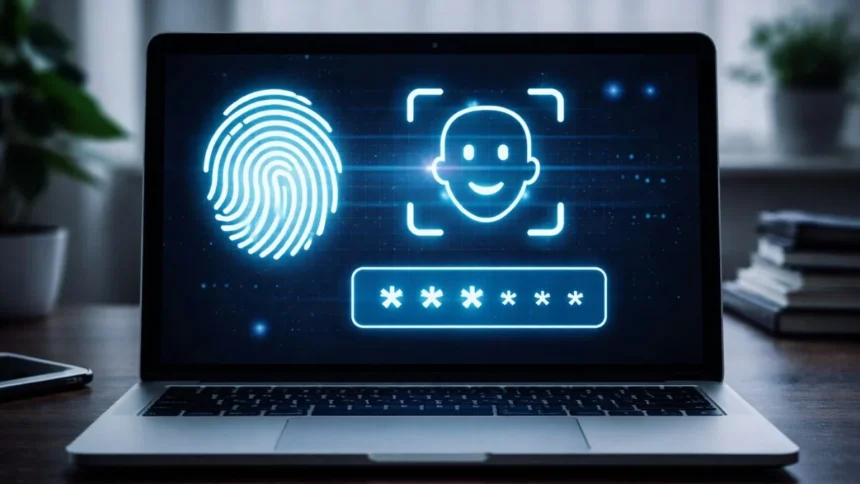
The update introduces native passkey support across supported Windows machines, allowing users to sign in to work accounts without typing a traditional password. Instead, authentication happens through Windows Hello, using methods like facial recognition, fingerprints, or a device PIN.
The goal is to make sign-ins faster while dramatically improving account security.
A Password-Free Login Experience
With Entra passkeys, users can create device-bound passkeys that are stored securely on their computers. These passkeys are protected inside a secure hardware component such as a Trusted Platform Module (TPM) or secure enclave.
When a user attempts to sign in to an Entra-protected service, Windows verifies their identity using Windows Hello instead of a password.
This means you can log in using facial recognition, fingerprint authentication and a local device PIN
Because the passkey never leaves the device, it cannot be intercepted over the internet like a traditional password.
Microsoft says this approach helps block common threats such as phishing attacks and credential-stuffing attempts.
Bring Your Own Device Work Environments
The new system could be particularly useful for companies that allow bring-your-own-device (BYOD) policies.
In many workplaces, employees access corporate accounts on personal laptops or desktops. Managing those devices can become complicated, especially if companies require full device management software.
With Entra passkeys, employees can secure their work accounts without handing over complete control of their personal machines to the organization.
This creates a balance between stronger corporate security and user privacy.
When Will the Feature Roll Out?
Microsoft says the feature will initially launch as an opt-in public preview between mid-March and late April 2026.
Organizations that want to enable the system will need to configure a few settings through Entra authentication policies.
For IT administrators, the setup process includes:
- Enabling FIDO2 passkey authentication within Entra policies
- Creating a passkey profile for Windows Hello
- Assigning the profile to user groups
Once configured, employees can begin using passkeys instead of passwords when signing in to supported resources.
Android and iOS Rollout Timeline
Root detection is already active on Android devices using Microsoft Authenticator. For iOS, similar protections are expected to roll out starting in April 2026.
Microsoft has also clarified that some custom operating systems may not be supported. For example, the company said devices running GrapheneOS could face issues if they are detected as rooted.
To prevent attackers from bypassing these safeguards, Microsoft does not publicly disclose the exact methods it uses to detect compromised devices.
For businesses and everyday users alike, that could mean fewer login headaches and much stronger security.
Also Read: Why Do Transparent Phone Covers Turn Yellow Over Time?