
Passkeys: Why Big Tech Wants You to Ditch Passwords for Good
Let’s be honest, passwords have had a good run. But the era of “Pa$$w0rd123” and “iloveyou” might finally be coming to an end. Enter passkeys, the tech world’s latest attempt to save us from ourselves and our terrible security habits.
If you’ve ever reused the same password across five websites or scribbled your login details on a sticky note, this one’s for you.
So, what exactly is a passkey?
Think of a passkey as a smarter, sleeker version of a password. Except it’s not really a password at all.
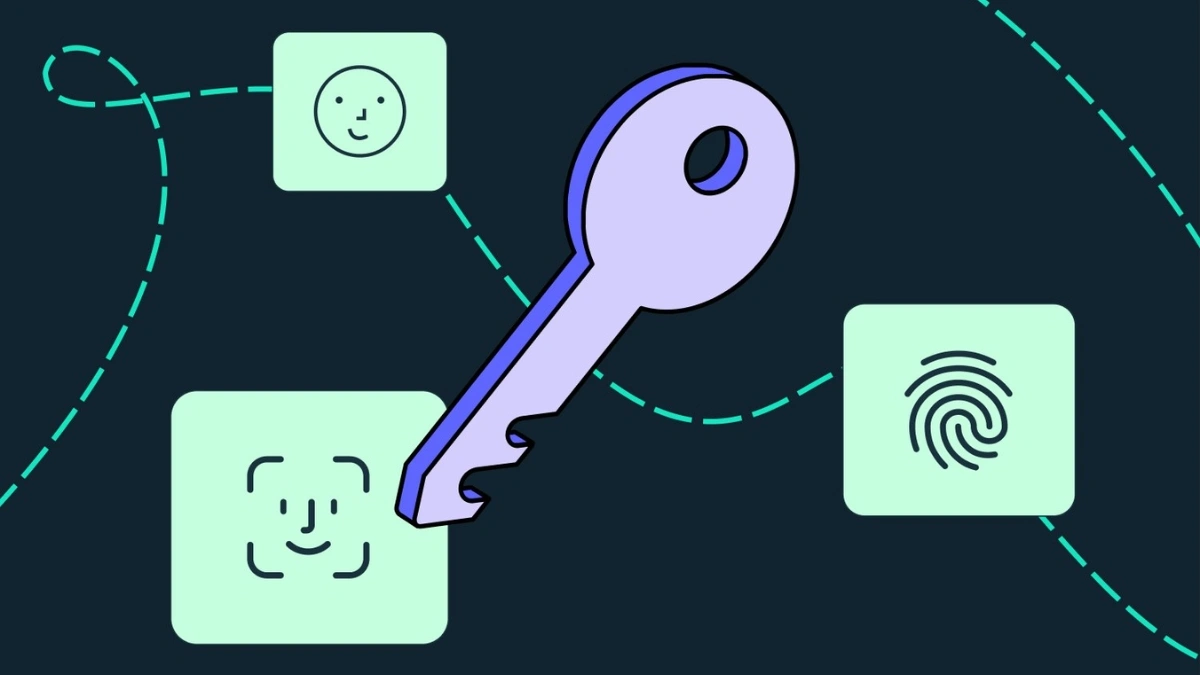
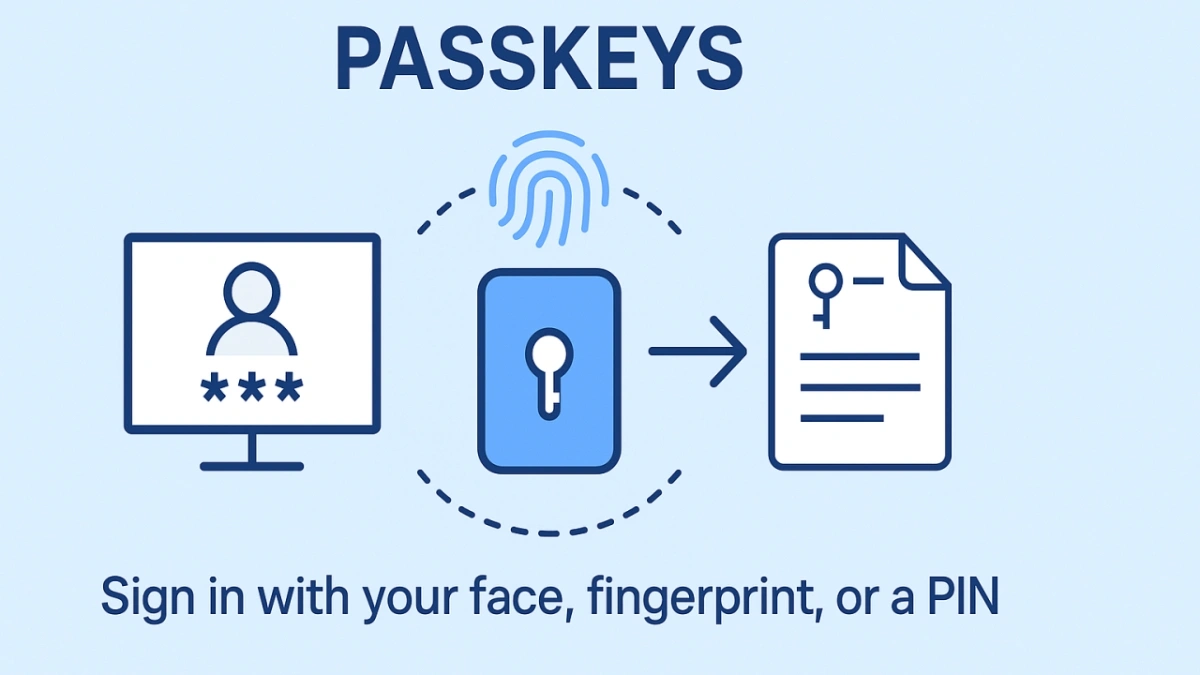
Instead of typing the same predictable phrase every time you log in somewhere, a passkey lets you authenticate using biometrics, fingerprint, face recognition, or even a PIN. No more remembering which “!” or “#” you added to your Netflix login last week. It’s all done through cryptographic keys stored on your device or password manager.
FaceID? Works. TouchID? Perfect. That slightly dusty fingerprint scanner on your laptop? Yep, that too.
In short: you don’t type, you tap.
How do I get one?
Good news, setting up a passkey is way easier than it sounds. If you’ve got a Google, Apple, or Amazon account (and let’s be real, you definitely do), you’re halfway there.

Just head into your account settings, find the passkeys section, enter your current password, and create one. That’s it. You’ll then be able to log in using your face, fingerprint, or a secure PIN.
Even better? If you use password managers like Bitwarden or 1Password, they’re already onboard and can store your passkeys too.
So yeah, it’s not some futuristic dream, it’s already here, and it’s surprisingly painless to set up.
Sounds too good to be true?
Well, there are a few rainclouds on this otherwise sunny forecast.
For starters, syncing your passkeys across devices and platforms can be more complicated than it needs to be. If you’re the kind of person who gets nervous updating their phone, syncing passkeys between Android and iOS might just make you rage quit.
Another issue? Most passkey systems are still tightly linked to the platform you create them on. So, if you generate one on your iPhone and want to use it on a Windows laptop, good luck. Developers are working on a fix, it’s called the Credential Exchange Protocol but it’s not mainstream just yet.
And let’s not forget one key assumption: that your device is yours and yours alone. If your whole family shares a tablet or PC, using passkeys could get messy fast.
So, should you switch?
Not fully, at least not yet. Most experts agree it’s too early to ditch passwords entirely. But there’s no harm in dipping your toes in. Try using passkeys for your Google or Amazon logins and see how it feels. You might find it’s smoother, safer, and just… easier.
And let’s face it, anything that saves you from resetting your password every two weeks is worth a shot.
Also Read- Fastest Internet Speed Ever: Japan 35 Million Times Faster US