



Laptop Battery Myths: Should You Keep It Plugged In? We’ve all been there, working away on our laptop while it’s plugged in, and suddenly that little thought pops up: “Wait, is this bad for my battery?” It’s a good question, and one that sparks a lot of debate. So, let’s dig in and see what really happens when your laptop stays plugged in all the time.
Modern Laptop Battery
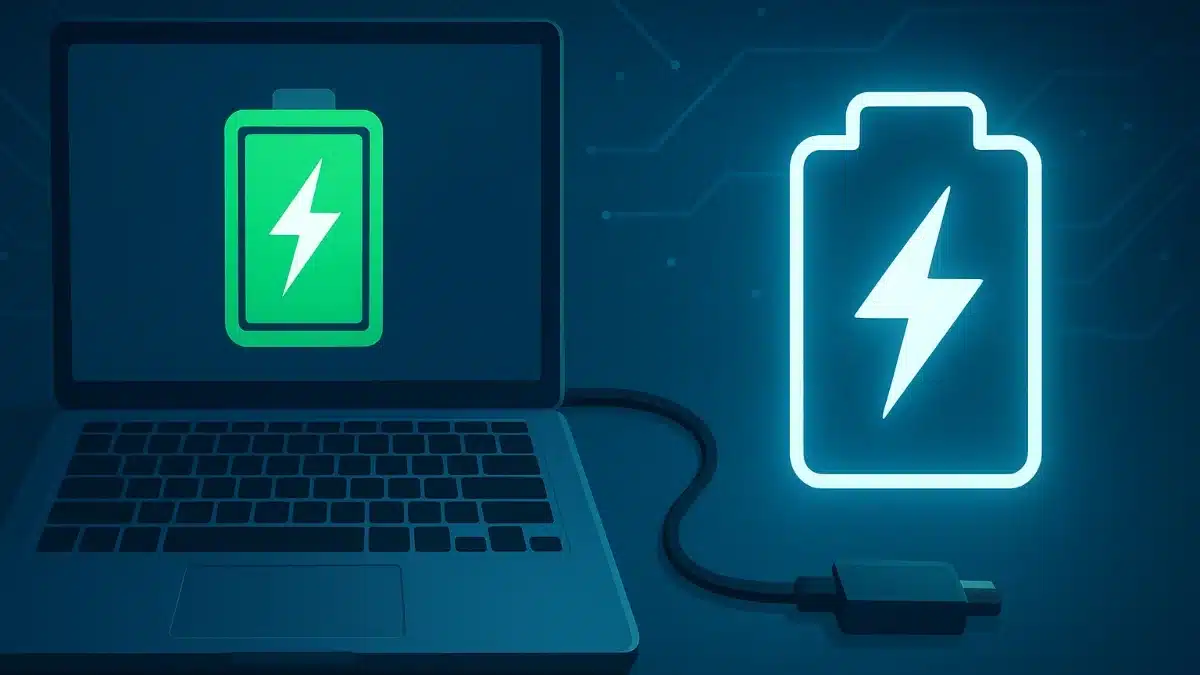
Most laptops today use lithium-ion or lithium-polymer batteries that stop charging once they hit 100%. That means power goes straight to the laptop, not the battery. So, leaving it plugged in won’t “overcharge” it, but it can still cause trickle charging over time, which slowly wears the battery down.
Older laptops (five years or more) aren’t as smart and can develop battery swelling if left plugged in constantly.
The Heat Factor Of Laptop Battery
The biggest problem is heat. Charging generates warmth, and constant heat shortens battery life. If your laptop’s fan runs nonstop while plugged in, it’s trying to stay cool. Gaming laptops are especially prone to overheating.
Pro tip: If your fan sounds loud while charging, your laptop might be working too hard to stay cool.
Battery Wear and Tear
Keeping your battery at 100% all the time isn’t ideal. The healthiest range is between 20% and 80%. Think of it like stretching a rubber band – always pulling it to the limit will wear it out.
Most laptop batteries last about 300–500 charge cycles. A full cycle equals using 100% of its capacity, but not necessarily at once. For example, using 50% one day and 50% the next counts as one cycle.
What the Big Brands Say About The Laptop Battery Myths
- Dell: Offers Desktop and Longevity Modes to reduce time spent at full charge.
- Lenovo: Lets you set a max charge limit through Lenovo Vantage.
- HP: Includes adaptive charging that limits charge levels.
- Apple: “It is safe to leave your MacBook plugged in most of the time. However, it’s recommended to occasionally unplug it and use it on battery power to keep the battery healthy.”
Easy Laptop Battery Care Tips
- Unplug sometimes. Let your battery drain to about 50% before recharging.
- Use smart charging. Many laptops have built-in features to manage charge levels.
- Keep it cool. Avoid soft surfaces that trap heat and consider a cooling pad.
- Calibrate occasionally. Fully charge and drain once in a while for accuracy.
When It’s Fine to Stay Plugged In
If you mostly use your laptop at a desk, keeping it plugged in is fine. Just use software to limit the charge to 60-80% and monitor heat.
Bottom Line
Leaving your laptop plugged in won’t destroy the battery, but for long-term health, unplug it occasionally, manage heat, and use smart charging tools. Small habits like these can help your battery last years longer.
ALSO READ: Casio Launches Back To The Future-Inspired Watch For 2025