


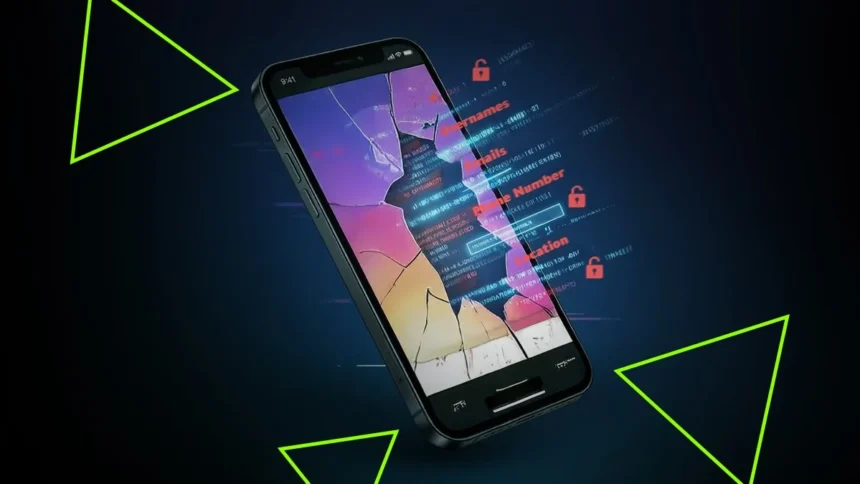
NordVPN Warns Your Phone Shares Data Overnight and How to Limit It: Your smartphone might look completely inactive while it’s resting on your bedside table overnight, but behind the scenes, it’s still busy. Even when you are not touching it, your phone sends and receives small bits of data to stay ready for the next day.
Some of this background activity is important. Your operating system checks for updates, notifications stay prepared, and your messages remain synced. But not everything your phone does in the background is essential, and much of it happens without you ever noticing.
According to NordVPN’s CTO Marijus Briedis, some of these background data transfers may include tracking or advertising-related signals that go beyond basic phone functions.
In certain cases, this quiet activity can expose parts of your personal data without your awareness. That’s where privacy concerns come in, and why what your phone does overnight deserves more attention than most people think.
NordVPN, which is currently the best VPN service in our ranking, has shared a list of tips to help users stay safer.
What your phone shares for normal reasons
Some background communication is unavoidable if your smartphone is going to work properly. Phones need to stay connected to their operating systems and service providers, which means a steady stream of data even when they appear idle.
This usually includes system-related information such as basic identifiers, device health data, update checks, and handling push notifications.
Your phone may also send crash reports or diagnostic information to help developers fix bugs. At the same time, it quietly syncs things like emails, messages, and news updates, and shares basic network status details.
NordVPN’s experts say this type of background activity is generally expected, helps keep systems stable, and ensures everything runs smoothly when you unlock your phone again.
When background data turns into a privacy concern
Not all background data sharing is necessary, and this is where privacy risks start to appear. Many smartphones continue sending identifiers like device IDs or advertising IDs, which can connect activity across different apps and allow companies to build long-term profiles of users.
Location signals can also slip out quietly. Even if GPS is turned off, your phone may still share approximate location details based on nearby Wi-Fi networks, Bluetooth signals, and connection data. On top of that, many apps send analytics and telemetry information in the background, tracking how you use your phone without clearly explaining it.
“From a cybersecurity standpoint, unnecessary background data sharing is not just a privacy issue – it’s a risk multiplier. Each identifier or telemetry signal adds another piece to a much larger puzzle,” said Briedis.
When combined, Briedis explained, these data points can reveal detailed behavior patterns and leave users open to tracking, profiling, or even interception, often without them realizing it. And that is the most worrying part for many users.
Simple ways to reduce what your phone shares
Cutting down on background data sharing does not require major changes or technical skills. NordVPN experts suggest starting by reviewing app permissions, especially for location access, background data usage, microphone access, and tracking.
Turning off background app refresh can also make a big difference. On iOS, this can be done system-wide, while Android allows you to manage it on an app-by-app basis. Reducing unnecessary cloud backups and auto-sync features can help limit constant data transfers as well.
Disabling personalized ads or resetting your advertising ID can reduce cross-app tracking. You can also lower the chance of location data leaking by turning off Wi-Fi and Bluetooth scanning when you do not need them.
Lastly, using a virtual private network with extra security features can help block risky background connections. VPNs with built-in tools like NordVPN’s Threat Protection can stop trackers and malicious domains before they ever reach your phone.
ALSO READ: Apple Watch Series 11, Ultra 3, And SE 3 Compared: Which One Should You Buy?