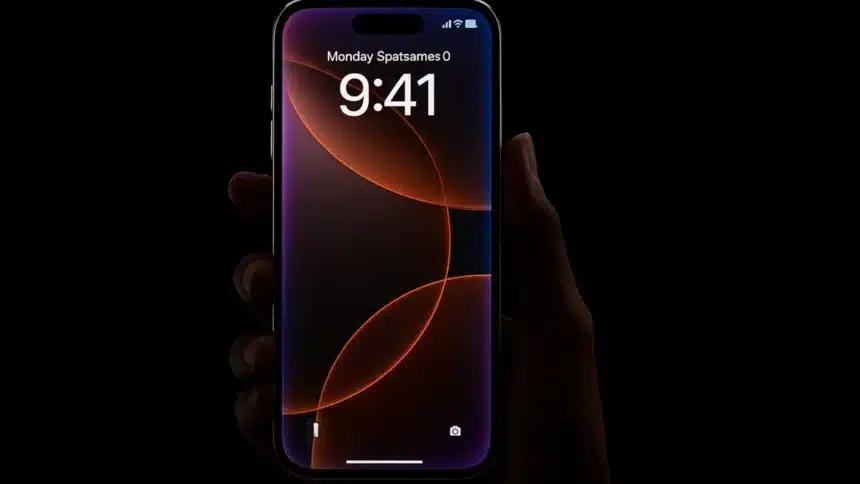
Google Pixel 10 Finally Bridges The Gap With Native AirDrop Compatibility: It’s wild that sending a file between an iPhone and an Android phone has been such a headache for so long. Both platforms already had the tech to talk to each other. They just never agreed to actually use it in sync. Anyone who owns devices from both ecosystems knows the struggle well.
Google Pixel 10 Finally Bridges The Gap With Native AirDrop Compatibility
For a while, the closest workaround was using O+ Connect from BBK Electronics on my Realme phone, which let me pass files between my Android, iPhone, and MacBook. But now things have officially changed. The Pixel 10 has become the first Android phone that can directly talk to AirDrop using Quick Share, all without relying on a third-party app.
A Major Shift for Apple’s Walled Garden
Quick Share can now communicate directly with AirDrop, meaning you can finally send files between a Pixel 10 device and an iPhone. Google says the rollout starts with the Pixel 10 lineup, which includes the Pixel 10, Pixel 10 Pro, Pixel 10 Pro XL, and Pixel 10 Pro Fold.
According to the company, this new connection was built with strong security in mind and reviewed by independent experts. Google frames the move as part of its broader goal to make Android and iOS work better together, the same way they collaborated for RCS on iPhone and unknown tracker alerts.
It’s genuinely exciting because Quick Share and AirDrop have basically been doing the same job in separate worlds. Quick Share, formerly Nearby Share, is Android’s built-in file sharing tool. It uses Bluetooth and Wi-Fi Direct to find nearby devices.
On supported Android phones, and now on Pixel 10 devices, when sending to an iPhone, you just choose Quick Share when you share a file and pick the device you want. After the other person accepts, the file transfers right away. You can also open it from the Quick Panel.
You might be tempted to try it immediately, but if you’re not using a Pixel 10, it won’t work yet. Most Android users will have to wait until Google expands support.
AirDrop works similarly on Apple devices. When you share something via AirDrop, your iPhone, iPad, or Mac finds other Apple devices using Bluetooth, then sends the file using a local Wi-Fi connection.
What You Need Before Sharing with iOS
Even though you no longer need a third-party app to share to AirDrop, there are still a couple of requirements. As Google told Android Authority, you’ll need a new Quick Share extension installed.
This extension will arrive automatically through a Google Play system update. After that, you’ll need to update the same extension app through the Play Store.
If you’re using an older Pixel or any other Android phone, you’ll still have to rely on cloud services, third-party apps, or even a trusty USB cable until Google brings Quick Share to more devices.
ALSO READ: Android Users Warned As Google Deletes Apps Causing Phone Lag