Apple’s latest iOS 26.3 beta is giving early testers a glimpse of what could be coming next. While this update may look quiet on the surface, code explorers have uncovered two notable iPhone features hiding inside the software.
This discovery comes at a time when excitement is already growing around Apple’s next-generation Siri, hinting that some big changes may be on the way.
iOS 26.3 beta lands with hidden surprises:
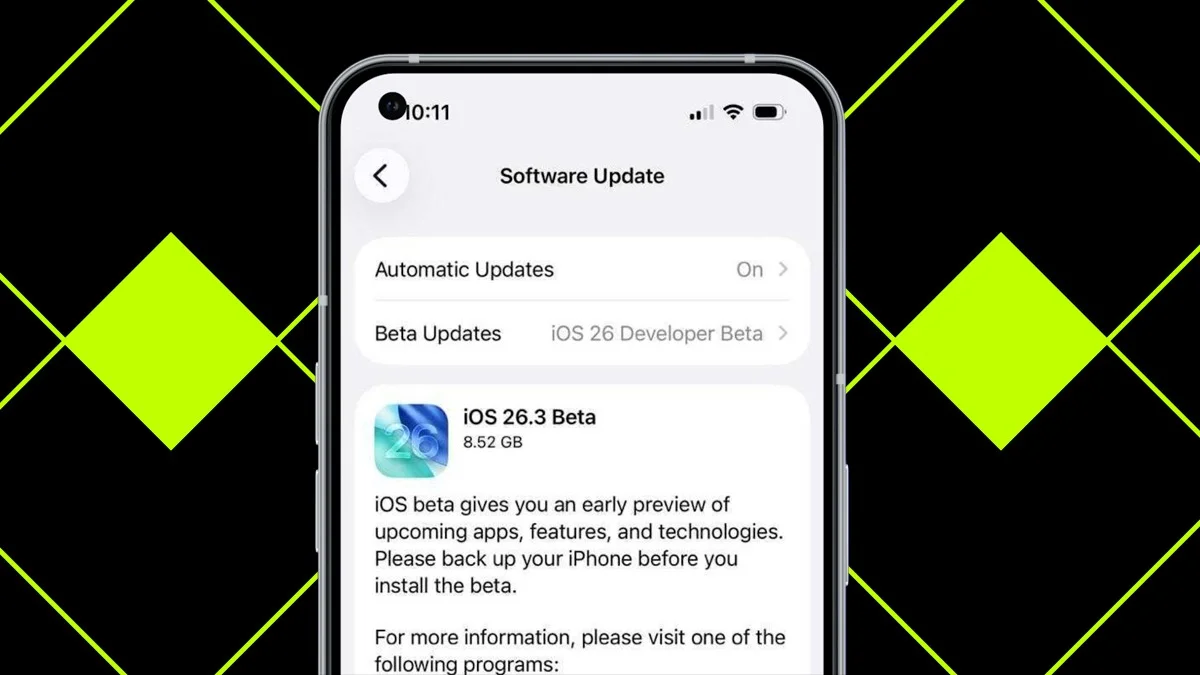
Apple moved quickly with this update, releasing iOS 26.3 just three days after rolling out iOS 26.2 to everyone. Although iOS 26.3 is officially available, access is limited to users enrolled in Apple’s beta programme.
Those who install the beta will not notice many visible changes right away. However, two important features are already present. These additions were widely expected, but their appearance confirms Apple’s direction. There is also a chance that more features are still hidden and could be revealed as testing continues.
Since iOS 26.3 has just arrived, testers may uncover additional changes over time. Apple could also introduce new features in later beta releases. For now, details about two specific additions have already surfaced.
iOS 26.3 Beta 1 adds ‘Notification Forwarding’ option for third-party wearable devices. When this option is enabled, the Apple Watch will no longer receive or show notifications. pic.twitter.com/fswVGa0Hl8
— Beta Profiles (@BetaProfiles) December 15, 2025
Forwarding notifications to other devices:
Back in September, reports began circulating about Apple working on a way to quietly forward notifications. At the time, details were unclear, and much of the discussion was based on speculation.
Many believed Apple was building this feature to allow alerts to be sent to third-party accessories, particularly smartwatches, as a way to open up iPhone notifications beyond the Apple Watch.
This shift did not come entirely from Apple’s own ambitions. Instead, it is largely driven by EU regulations that require Apple to make its platform more compatible with products from other companies.
Now, three months later, the feature has appeared in an official form. In the first iOS 26.3 beta, users can find a new ‘Notification Forwarding’ option under Settings > Notifications. From there, an external device can be selected to receive notifications from the iPhone.
According to an analysis by 9To5Mac, this feature relies on a new public framework called AccessoryNotifications. Since Apple has not yet released the iOS 26.3 SDK, developers will not find details about this framework on the official Developer portal.
Although the option is not active yet, Apple does explain how it will work. Notifications can only be forwarded to one device at a time. There is also an important trade-off: once notifications are sent to another accessory, they will stop appearing on your Apple Watch immediately.
A built-in way to move from iPhone to Android:
The second feature in iOS 26.3 has surfaced more recently, with its existence only becoming known last week. This one involves Apple working directly with Google to create a standard method for transferring data between an iPhone and an Android phone.
Google had already begun testing this feature on Android Canary, but Apple’s beta software showed no sign of it at first. That has now changed. In the Transfer or Reset iPhone section of iOS settings, a new ‘Transfer to Android’ option is now visible.
When selected, the iPhone will prompt users to place their device near an Android phone. From there, it becomes possible to move items such as photos, messages, notes, and applications. Not everything will transfer, though. Health data, Bluetooth-connected devices, and protected items like locked notes will be excluded.
Important warning before installing the beta:
Although iOS 26.3 is not packed with flashy features, it is available to install right now. Both developer and public beta versions have been released, meaning anyone can sign up for Apple’s beta programme and try it.
That said, caution is strongly advised. This software is unfinished and may contain bugs or stability issues that affect everyday use. In some cases, reverting back to iOS 26.2 could even lead to data loss.
Anyone choosing to install the beta should first create a full backup of their iPhone on a computer. This ensures important data remains safe if anything goes wrong during testing.
ALSO READ: Google Photos Introduces A Simple Way To Reclaim Storage Space