6 Tips To Fix Your Slow Smartphone: There are times when we suddenly notice that our smartphone has started to lag, and it is slowing down the entire performance. Usually, it is the result of a full phone storage and accumulation of cache and obsolete files, and outdated phone software. Other times, it might just be the case of too many background apps running all at once.
How To Speed Up Your Slow Smartphone: 6 Simple Steps
Poorly configured settings, a laggy network connection, defective hardware, or malware infection can also sometimes cause your smartphone to slow down and behave in an unpredictable manner.
There is no need to worry; you need not immediately think of purchasing a new smartphone. You can use these 6 tips and restore some of the speed and performance.
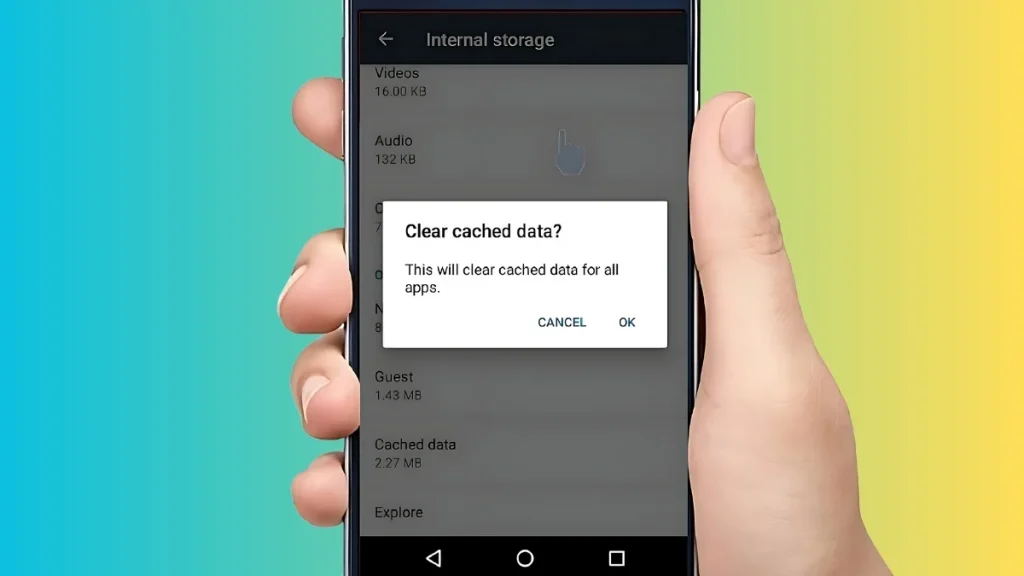
Clearing Cache and Unnecessary Files
Apps in our smartphones tend to collect data to perform efficiently over time. However, if this cache is not cleared over a prolonged period of time, it leads to a buildup, slowing down the smartphone’s performance.
You can go to ‘Apps Info’ and clear the cache for each individual app. Alternatively, you can also use a trusted cleaner app to collectively delete junk files.
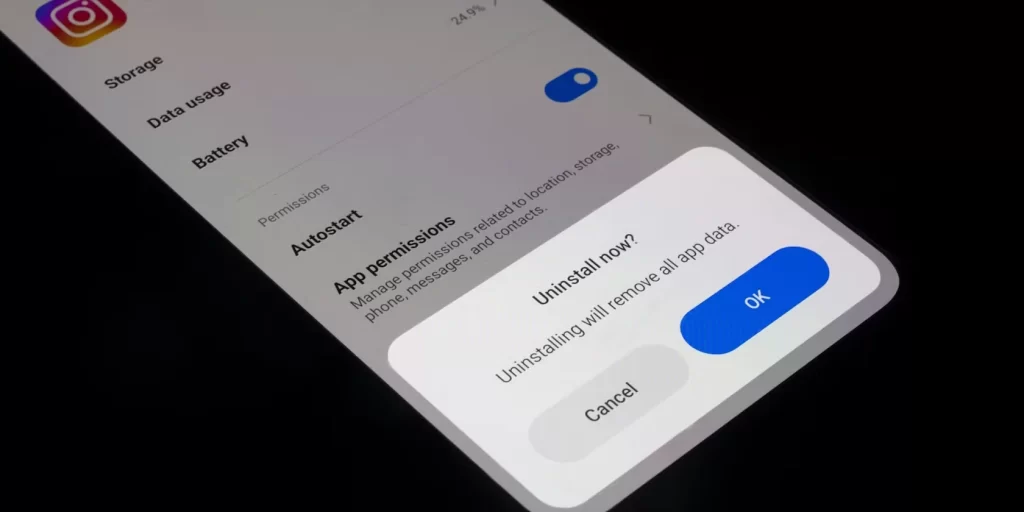
Uninstalling Unused Apps
Plenty of times, our smartphones are cluttered with apps that haven’t been used in months. They tend to take up a lot of space, and identifying them and uninstalling them is one easy way to get some storage space and to prevent them from running in the background and eating up RAM and battery, which leads to the slowing down of our smartphones.
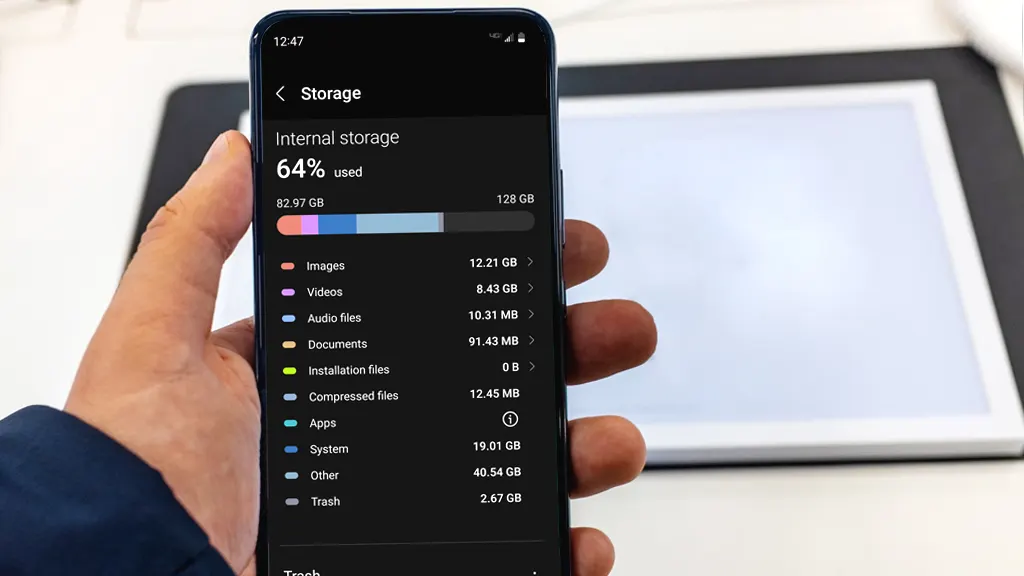
Free Up Internal Storage
A sluggish smartphone might just be the result of a completely filled internal storage. If you delete some files, you will notice that the speed of your smartphone will improve significantly.
Once there is space in your smartphone, proper installation of system updates and apps will take place, which will improve the overall speed of your smartphone.
Restart Phone Regularly
Restarting your phone at least once a week is essential so that the reboot clears the temporary files and shuts down any apps that might be running in the background.
Keeping Phone Updated
Running outdated versions of Android or certain apps can lead to performance-related issues when it comes to your smartphone. This can be handled by updating the apps on your phone by going to the App Store or the Play Store.
Many times, all it takes is a system to improve a slow smartphone and increase its speed.
Reducing Usage of Animations and Visual Effects
Usage of animation and visual effects like fancy transitions surely appeals to the eyes; however, they can slow down your smartphone. It is recommended that you use a simple wallpaper and turn off any transitions that you may have enabled on your smartphone.
These are some of the tips that might help in significantly improving the performance of your smartphone if it’s slow.
However, if, despite trying out these suggestions, you see no improvement in the speed, you can opt for a factory reset of your device, which will erase all the data on your smartphone and restore your phone to its original state and therefore, it is recommended that you make a backup of your phone’s data before deciding to do a factory reset to avoid losing any important data from your smartphone.
READ MORE: OpenAI’s ChatGPT Update Transforms It Into A Smart App Hub