




How to Keep Devices Safe in Cold Weather: 5 Key Tips for iPhone and Android Users
When winter sets in and temperatures plummet, keeping your iPhone or Android safe becomes essential. Cold weather can cause significant damage to smartphones, leading to sudden battery drain, impaired performance, and even permanent damage. But with a few smart precautions, you can protect your device from the harsh winter chill. Here are five practical tips to keep devices safe in cold weather and ensure your phone stays functional even in freezing temperatures.
Effects of Cold Weather on Phones
Smartphones, especially their lithium-ion batteries, struggle to perform well in cold weather. Lithium batteries rely on chemical reactions to operate, but as temperatures drop, these reactions slow down or stop entirely. This can lead to a quick battery drain or even sudden shutdowns. Apple recommends that iPhones work best in environments between 0ºC and 35ºC. Prolonged exposure to temperatures below freezing can cause lasting damage to the phone’s battery and screen, making proper protection vital.
How to Keep Devices Safe in Cold Weather
1. Avoid Leaving Your Phone in Cold Cars

Leaving your phone in the car during cold weather can lead to serious problems. The shift from extreme cold to warm indoor temperatures can cause condensation, which could damage your phone’s internal components. If you accidentally leave your phone in the cold, allow it to return to room temperature before charging or using it.
2. Charge Your Phone Before Heading Out

Cold weather can rapidly drain your phone’s battery, sometimes even within minutes. To prevent your phone from dying unexpectedly, charge it fully before leaving the house. This precaution will ensure your phone lasts longer in the cold and prevent battery loss.
3. Keep Your Phone Warm

Using a protective case can help keep your phone safe from the cold. You don’t need to give it a full jacket, but placing it in a warm pocket or case will protect it. This keeps your phone warmer, helps save battery, and stops it from shutting down.
4. Reduce Battery Usage
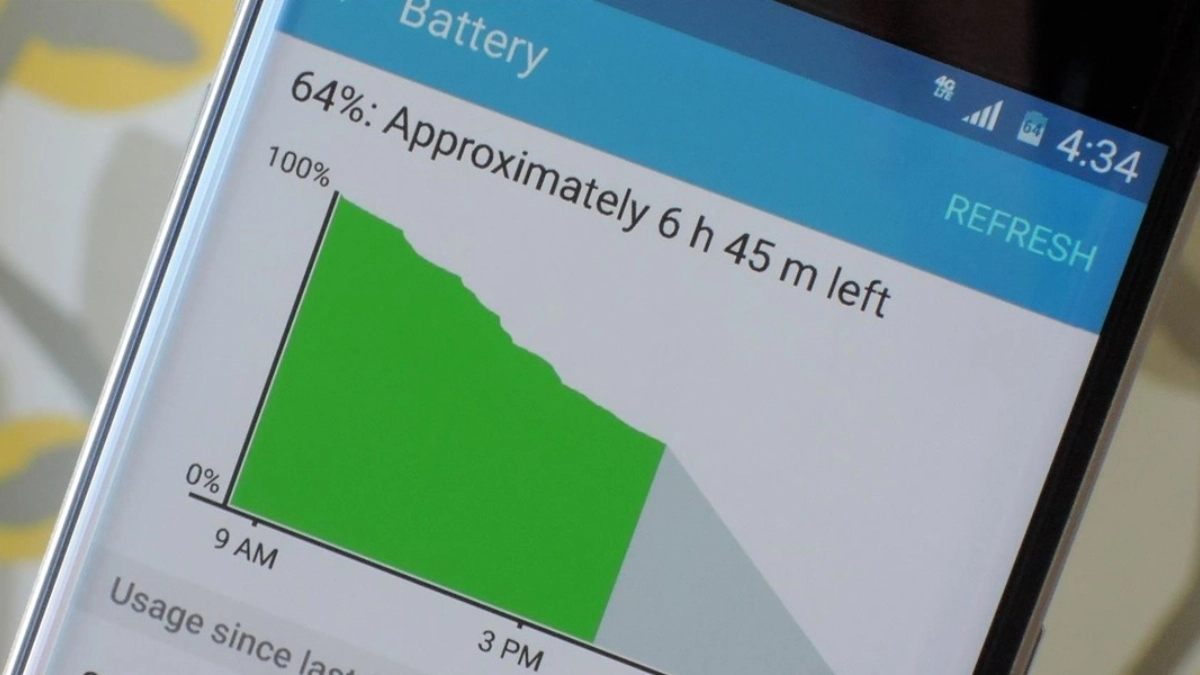
Lowering your phone’s power usage in extreme cold conditions can help preserve battery life. Activating low-power mode, disabling location services, and turning off background apps can save energy. You can also switch to Airplane Mode if you don’t need internet access, which conserves battery while still allowing you to use offline apps.
5. Backup Your Data

Before venturing out into freezing temperatures, it’s a good idea to back up your phone’s data. In case of cold weather causes a malfunction, having a backup ensures your important information remains safe. Regularly backing up data is a simple yet effective way to prevent potential data loss.
Conclusion
Cold weather can be brutal on smartphones, but with these simple steps, you can keep devices safe in cold weather and prolong their lifespan. Whether it’s charging ahead of time, insulating your phone, or reducing power usage, protecting your device from freezing temperatures is key to ensuring it works properly even in the harshest winter conditions.
ALSO READ: How to Recover Deleted or Lost Files From an SD Card for Free