




How to reset Google Advertising ID on your Android phone:
Advertising providers can trace your app activity thanks to the unique “Google Advertising ID” on the phone in your pocket. For advertising purposes on Android devices, Google Play services provide a unique, user-resettable, and user-deletable identifier called the Google Advertising ID (GAID), also called the Android Advertising ID (AAID). This gives users more control over their advertising experience. This ID cannot be removed, but it can be reset to remove all of your activity.
Like “cookies” in web browsers, they function similarly. Advertisements that are more likely to be clicked on are displayed based on your activity, which is collected, shared, and occasionally sold.
It is not possible to completely disable or eliminate the advertising ID. Attempting to “reset” the ID is your best option. This clears the slate, and if you do it frequently, you won’t accumulate a large amount of data. Personalized advertising are also optional.
Resetting your Google Advertising ID on an Android phone is a simple process. Here’s how you can do it:
How to Reset Google Advertising ID:
- Open Settings on your Android device.
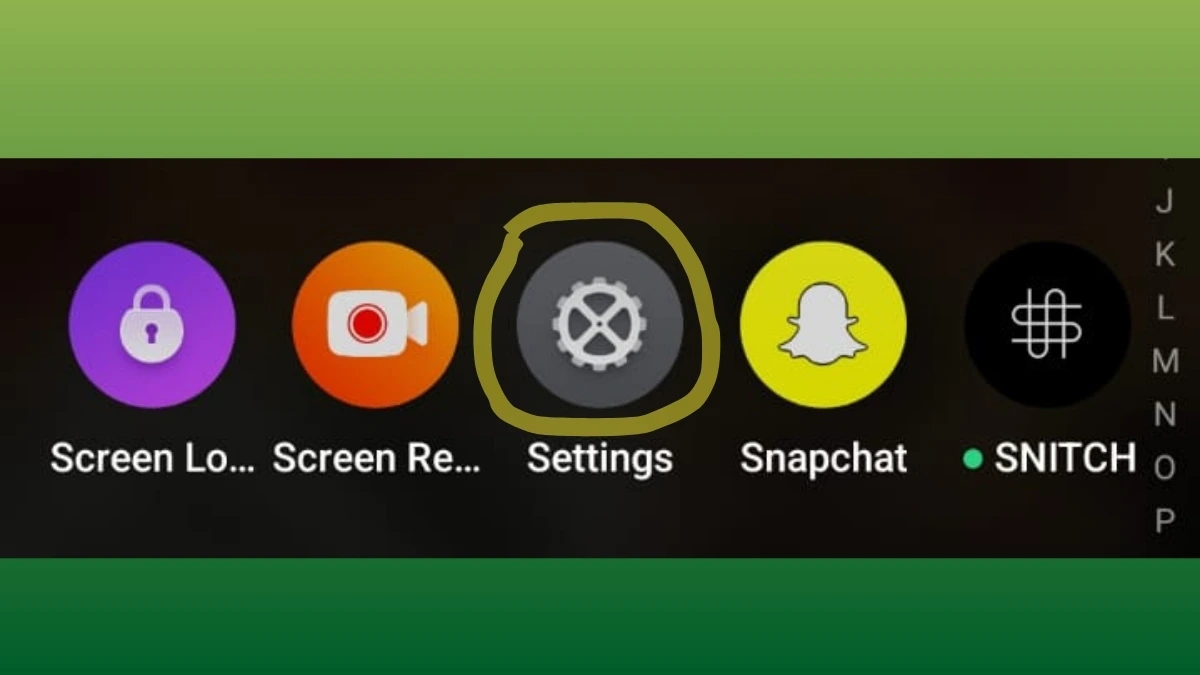
How To Reset Google Advertising ID, Open Settings on your Android device - Scroll down and tap on “Privacy”.
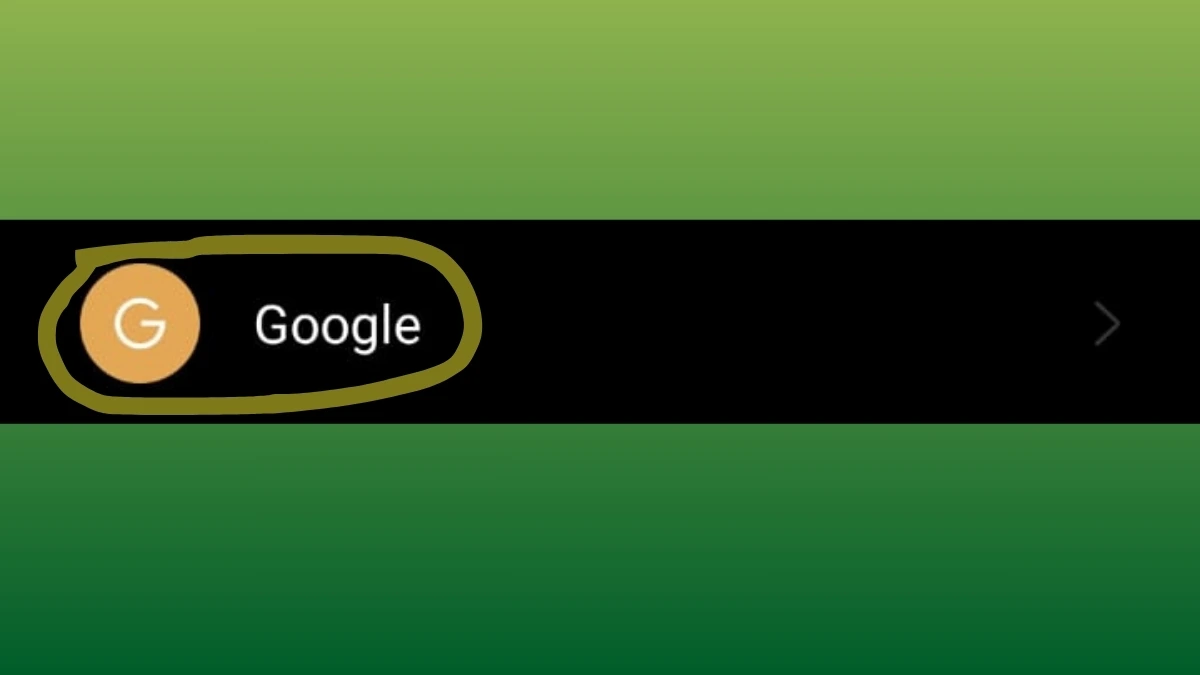
How To Reset Google Advertising ID, Scroll down and tap on Privacy - Go on the Services section and Tap on “Ads” within the Privacy settings.

How To Reset Google Advertising ID, Go on the Services section and Tap on Ads within the Privacy settings - Look for the option “Reset advertising ID” and tap on it.
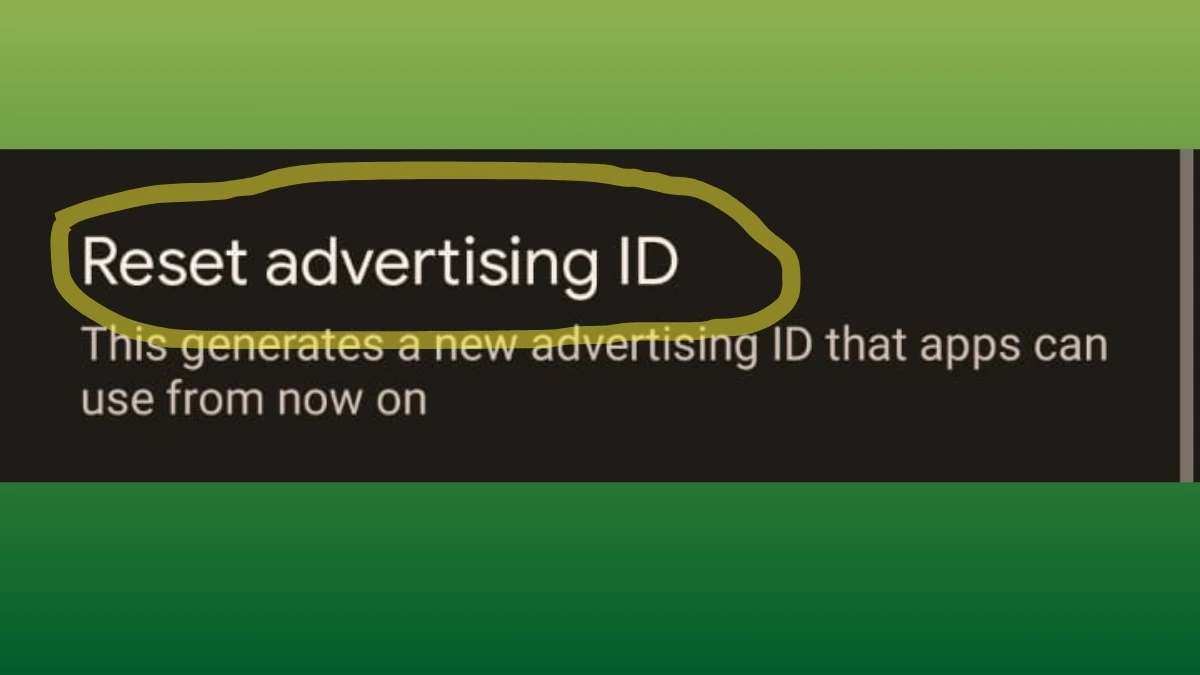
How To Reset Google Advertising ID, Look for the option Reset advertising ID and tap on it - Confirm the reset when prompted.
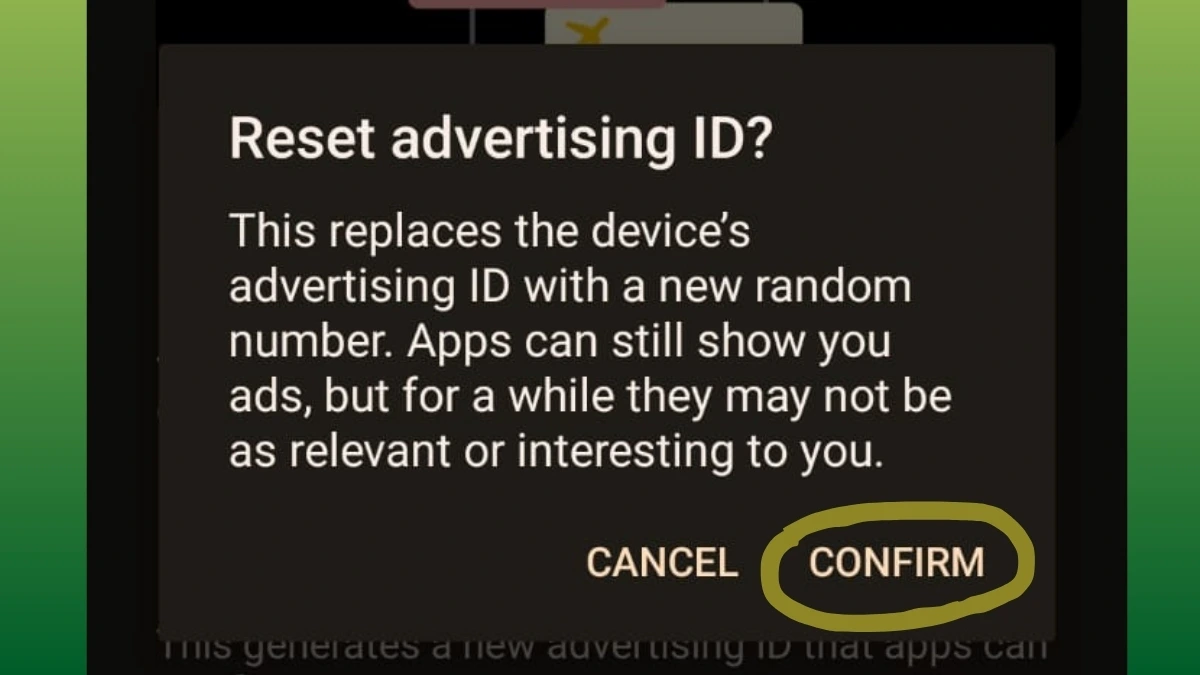
How To Reset Google Advertising ID, Confirm the reset when prompted
Additional Steps for Privacy:
- Toggle on “Opt out of Ads Personalization” if you don’t want Google to track your ad activity.
- You can also clear cache and data for Google Play Services to remove any stored ad-related data.
After resetting, your device will receive a new Advertising ID, making it harder for advertisers to track you based on past data.