Google Removes Apps That Slow Down Android Phones: What Users Should Do Now
Android users have been advised to check their phones after a group of harmful applications were discovered slowing down devices across the world. These apps were part of a widespread adware operation that looked innocent from the outside, but caused serious problems once installed.
- Google Removes Apps That Slow Down Android Phones: What Users Should Do Now
- What the security experts discovered
- How GhostAd worked behind the scenes
- The scale of the problem surprised many users
- What Google has done about it
- Why this issue is so concerning
- What Android users should do now
- How to stay safe when downloading apps in the future
- GhostAd shows a new type of threat
- Why this matters for every Android user
- Frequently Asked Questions
Security specialists revealed that millions of users were affected, often without realising it. When phones became slow, unresponsive, or flooded with pop-up ads, many people did not know the real reason. The apps responsible have now been removed by Google, but anyone who already has them installed must take action themselves.
What the security experts discovered
Check Point specialists investigated a growing number of complaints and found that a new operation was targeting Android users everywhere. It was not a simple case of a bad app. Instead, they found that several applications were working together to slow down devices and create frustration for users.
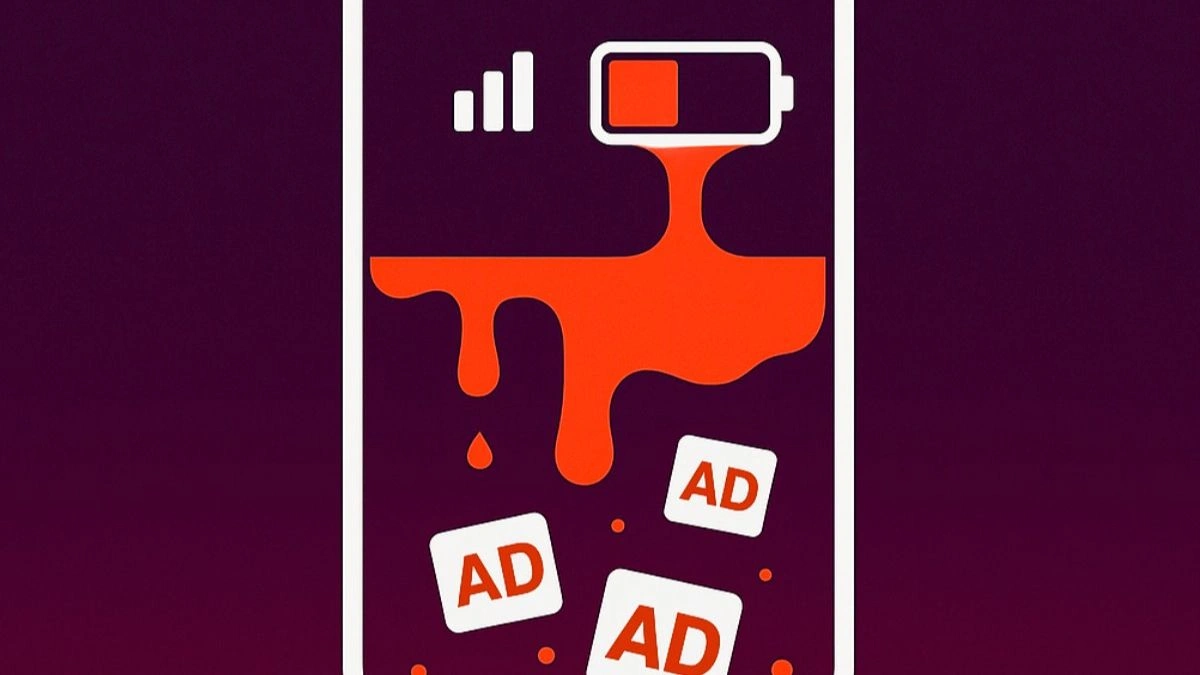
The operation was named GhostAd, and it was designed to generate advertising revenue. Even though it did not steal banking information or personal data, it still caused a major problem. The apps constantly ran in the background, draining battery life and consuming mobile data, even when users thought they had closed them.
How GhostAd worked behind the scenes
All the apps involved were pretending to be normal tools, utilities or emoji editors. Their icons looked cheerful and harmless, which made them easy to trust. However, behind the icons, the apps created a continuous advertising engine. This engine ran secretly, even after the phone was rebooted.
This background activity led to many side effects. Phones started to slow down, battery life became worse, and mobile data was used without permission. Users also noticed annoying pop-up ads that appeared repeatedly. For some people, trying to uninstall the app was difficult because icons disappeared during removal attempts, making the process confusing and stressful.
The scale of the problem surprised many users
At its peak, the GhostAd operation used no fewer than fifteen different applications. These were not only downloaded from unknown sources. The most worrying part is that several were available on the official Google Play Store.

Because of this, countless people trusted and installed them thinking they were safe. One app even reached second place in the “Top Free Tools” section of the Play Store. Once installed, users began to experience slow performance and persistent pop-up ads. For some, the phone became almost unusable.
What Google has done about it
After receiving alerts from Check Point, Google investigated and removed all the compromised applications from the Play Store. This action stopped more people from downloading them and reduced the spread of the operation.
However, removing the apps from the Play Store does not remove them from a user’s phone. Anyone who downloaded the apps before they were removed needs to check manually. If the app is still installed, it can continue to slow down the device and create problems. This is why users have been advised to review their installed applications and delete anything suspicious.
Why this issue is so concerning
Check Point explained that GhostAd was not a normal case of malware hiding in dark corners of the internet. Instead, it used advertising tools in a way that blurred the line between marketing and harmful activity. Millions of phones were quietly turned into part of a hidden advertising network.
Users did not know this was happening. Their phones were being used to generate revenue for others while battery, data and performance were being consumed. It shows how creative abuses of legitimate technology can cause trouble without warning. The threat did not hide in secret places. It sat openly in the app store disguised as something fun and harmless.
What Android users should do now
Anyone using an Android phone should take a moment to check their installed apps. If a recently downloaded app is causing slow performance, frequent ads, or strange behaviour, it should be removed. Even if the app seems harmless, deleting it is a safe step if the phone has become sluggish.
Users should also check apps that suddenly disappear from the home screen, because some GhostAd apps removed their icons during uninstallation attempts. Reviewing the full list of applications in the settings menu can help find them. Deleting suspicious apps and restarting the device is a simple way to improve performance and stop background activity.
How to stay safe when downloading apps in the future
Experts recommend that users take a more careful approach before installing any new application. Reading reviews, checking the developer’s name and looking at recent ratings are important steps. If an app requests unusual permissions, it is wise to stop and think before agreeing.
Not every app with colourful icons and fun features is safe. Some may look attractive but are designed to run constant background processes. The best protection is to be alert. If an app behaves strangely or causes too many ads, users should remove it quickly. A cautious approach helps keep phones fast, responsive and secure.
GhostAd shows a new type of threat
Security specialists described GhostAd as a reminder that not every threat tries to steal personal information. Some operations aim to generate profit by using the phone’s resources without permission. This type of threat can reduce trust in mobile app stores, because even popular apps can be misused.
It also highlights how legitimate software tools can be used in harmful ways. As technology evolves, attackers will continue to find creative methods to hide their operations. GhostAd proved that harmful activity does not always hide underground. Sometimes it sits in front of users, covered by bright icons and cheerful promises.
Why this matters for every Android user
Many people install apps quickly without thinking about consequences. When the phone starts to slow down, it is easy to blame age, storage, or the battery. But sometimes the real reason is a hidden advertising engine running in the background. The GhostAd situation shows how important it is to know what is installed on your device.
Regular checks can prevent small problems from becoming big ones. Removing an unnecessary app takes only a few seconds, and it can improve performance immediately. Staying alert today prevents frustration tomorrow, especially when malware is using tricks to look like innocent software.
Frequently Asked Questions
1. Were these apps stealing personal information?
No. Specialists confirmed that the GhostAd apps were not stealing banking details or personal data. The main problem was constant background activity that slowed phones and consumed battery and data.
2. Are the apps removed from all devices automatically?
No. Google removed them from the Play Store, but this does not remove them from phones. Users must check manually and delete them if they were previously installed.
3. How can I tell if an app is causing problems?
If your phone becomes slow, battery drains faster, or ads appear repeatedly, a recently installed app may be the cause. Checking reviews and developer information before downloading helps prevent this.
4. Can harmful apps hide their icons?
Yes. In this case, some GhostAd apps made icons disappear during uninstallation attempts. Users should check the full list of installed apps in settings if something feels wrong.
5. What is the safest way to install apps?
Read reviews, check the developer name, and be careful about permissions. If an app seems suspicious or unnecessary, do not install it. A cautious approach keeps the phone running smoothly.
Also Read- Full One UI 8.5 Update Details Have Leaked And There Is A Lot To Unpack