


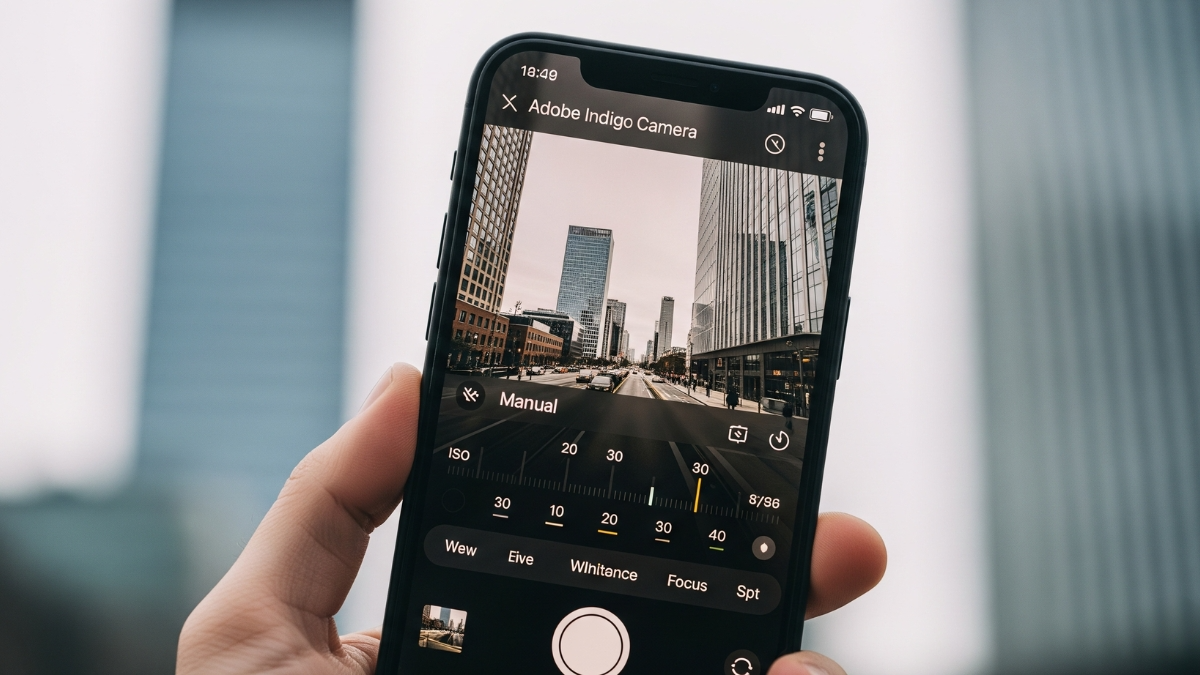
Adobe’s Indigo camera app for iPhone launched with DSLR-like manual controls and real photo quality
Adobe has launched a new camera app for iPhone users called Indigo. This app is made for people who want more real and less-processed photos from their iPhone. Project Indigo is available as a free download on the App Store.
The special thing is that this app is made by the same team from Adobe Labs who earlier worked on Google Pixel’s famous camera tech. But this time the goal is to give iPhone users more manual control and DSLR-like photo quality.
Adobe Indigo camera app for iPhone promises natural and real photos
Most smartphone cameras today process photos a lot. They brighten shadows, smooth the skin, and boost colours to make photos look better on screen. But many times, because of this, photos look too edited and unrealistic, especially on bigger screens.
Indigo app aims to give users a true-to-life and natural image. Adobe said this app avoids extra smoothing and sharpening. Colour changes are subtle and it avoids fake HDR-like effects.
Indigo app gives full manual camera controls
Unlike the default iPhone camera app, Adobe Indigo App gives full manual controls. In this app, you can set:
-
Focus
-
Shutter speed
-
ISO
-
White balance
You can take photos in JPEG and raw (DNG) formats. You can also control how many frames are captured for each photo. This is important because Indigo uses computational photography to combine 32 photos to reduce noise and keep details clear.
Night mode and Long Exposure features are also included
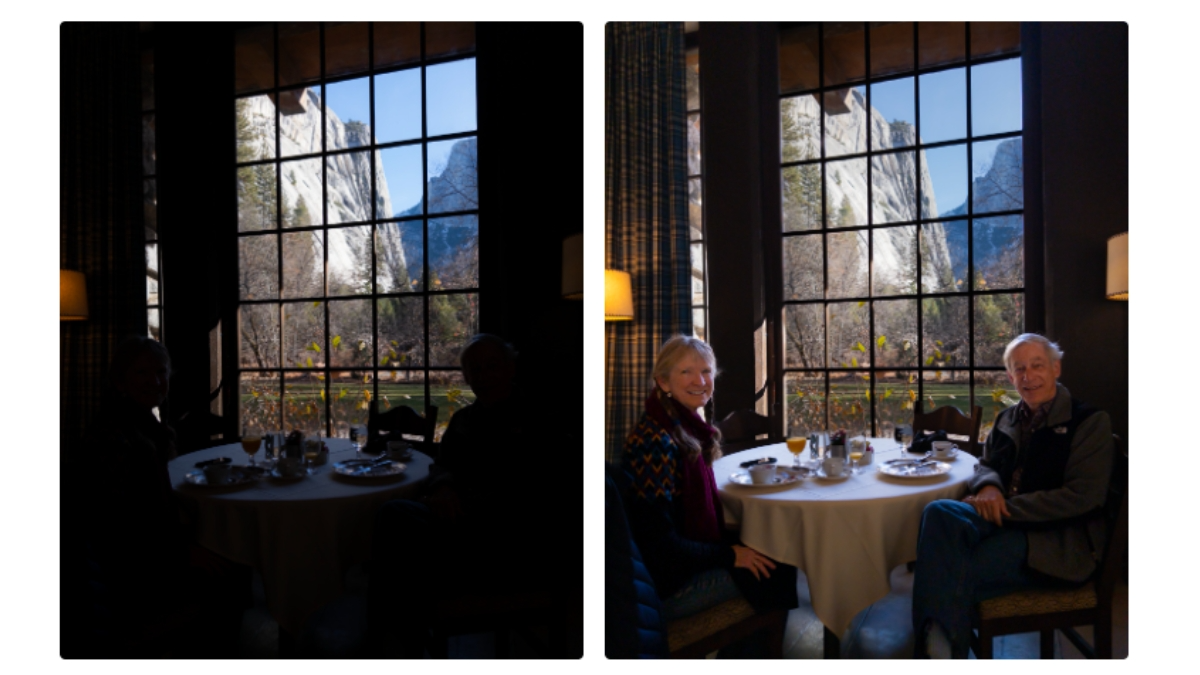
For low light scenes, Indigo has an automatic Night mode that suggests when to use longer exposure. There is also a Long Exposure option that lets you create motion blur – whether it’s a waterfall or city lights.
Indigo app keeps image quality even while zooming
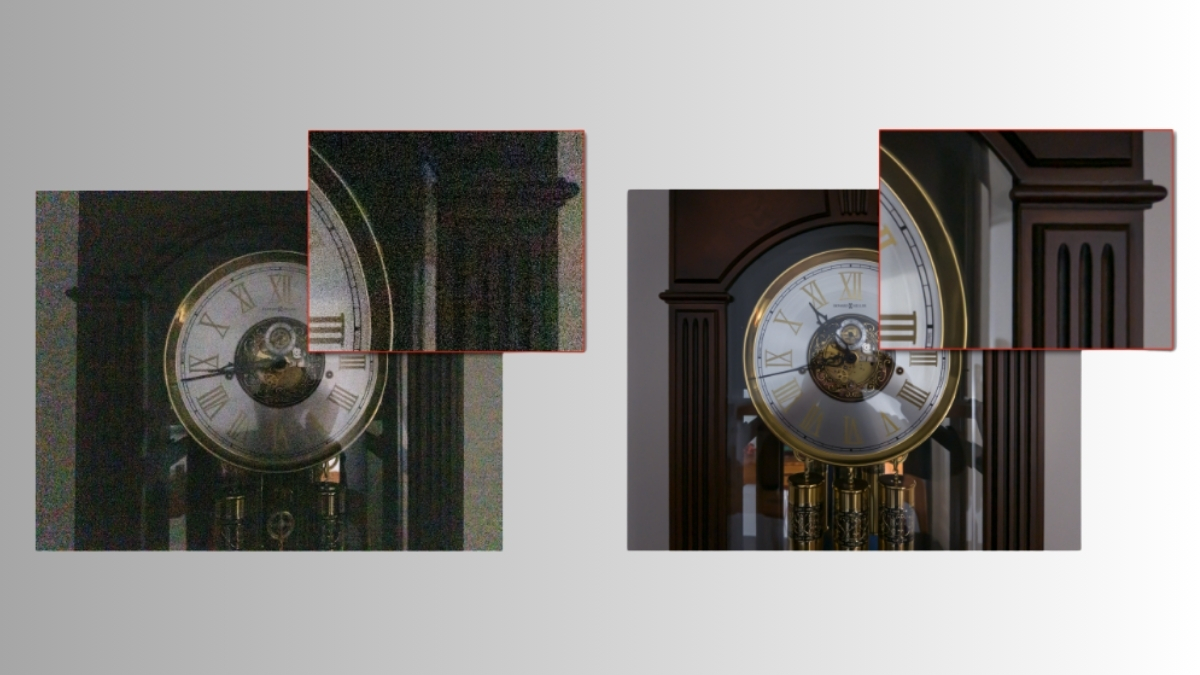
When you zoom by pinching on Indigo app, you don’t get blurry or noisy photos like normal zoom. Adobe said the app uses a multi-frame super-resolution feature. This feature quietly captures multiple shots and blends them together to make the zoomed image sharp without using AI guessing.
Direct integration with Lightroom
Since this app is from Adobe, it supports Lightroom Mobile. From Indigo’s gallery, you can open Lightroom with one tap whether the photo is JPEG or raw DNG. This makes editing easier if you already use Adobe tools.
Live preview system is also coming in future
Adobe also announced that they are working on a live preview system. In this, you will see the final edited look of the photo in the viewfinder before clicking. This feature could change the way people take photos on their phones.
Adobe Indigo camera app for iPhone is perfect for users who want more control in their camera and prefer a natural, DSLR-like image quality. Manual controls, smart features, Lightroom support and light processing make this app a serious photography tool. If you want a next-level photo experience on iPhone, then Adobe Indigo is worth trying.
ALSO READ: Telegram CEO Pavel Durov $17 Billion Plan for 106 Kids Shocks the Internet