


Netflix Is Getting a Major Upgrade: If you’re someone who loves binging shows on Netflix, there’s plenty to get excited about. The streaming giant is rolling out a bunch of new features that promise to make your viewing experience even more interactive and fun.
Netflix’s Chief Technology Officer, Elizabeth Stone, announced the updates at Tech Disrupt 2025, revealing everything from real-time voting in live shows to an all-new look for the main menu. Netflix has been steadily expanding into live events, a move that even prompted the BBC to remind viewers that watching live content requires a TV license.
While some of these new features have already been tested among small groups, others are still being developed. Here are the top five updates you can expect to see soon.
1. Real-Time Voting During Live Shows
Netflix is introducing a feature that lets you vote for your favorite contestant while watching live shows like Star Search. No more sending texts or calling numbers like the old X Factor days, you can now vote directly from your TV remote or mobile phone.
“If you’re sitting at home watching ‘Star Search’ on your TV, you’ll be able to either on the TV or your mobile phone actually put in a vote that advances or doesn’t advance some of the contestants on the show,” Ms Stone said.
The catch? You’ll only be able to vote while the show is live. So, if you’re watching it later, you might miss your chance to have a say.
2. Play “Living Room Party Games” with Family and Friends
Netflix is stepping into game night territory. Soon, you’ll be able to play games right on your TV with the people around you. During her talk, Ms Stone used Boggle as an example, a fun word game where players race to find words in a grid before time runs out.
Before the end of this year, Netflix plans to roll out five interactive games for your living room:
- LEGO® Party!
- Party Crashers: Fool Your Friends
- Tetris Time Warp
- Pictionary: Game Night
- Boggle Party
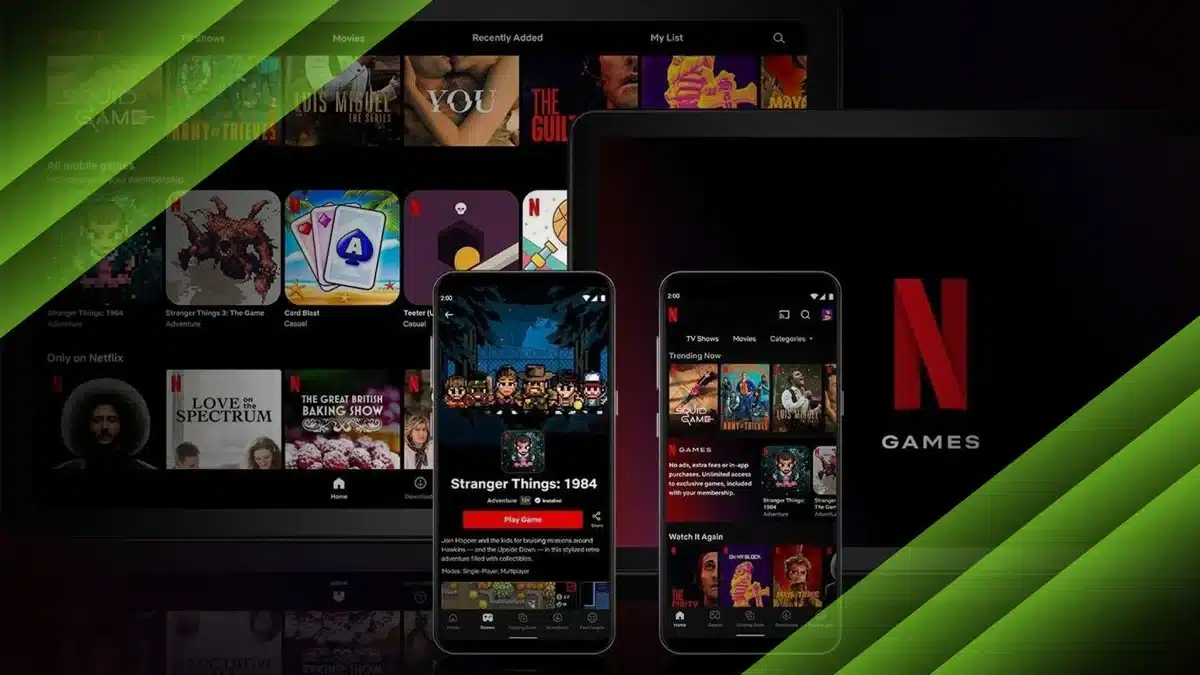
If you didn’t know, Netflix already offers a range of mobile games through its app. You can play them with friends, either in person or online.
Here’s how to access those games on your phone:
- Open the Netflix app and tap on the Games tab at the bottom.
- Choose a game and tap Get Game, which will take you to your device’s app store.
- Download it, launch it, and sign in with your Netflix account.
- Invite your friends and jump into multiplayer matches.
Some of the multiplayer titles currently available include Asphalt Xtreme, Exploding Kittens, and Heads Up.
3. More Vertical Videos on Mobile
Netflix is also looking into adding more vertical videos, especially for mobile users. These would let you quickly scroll through short clips from your favorite Netflix shows, movies, and documentaries, kind of like a highlight reel.
Ms Stone clarified that this won’t turn Netflix into a TikTok or Instagram-style platform. She said, “We really want to be focused there, versus trying to be all things at every moment.”
There were even hints that Spotify could play a part in this feature, following a recent deal between the two companies to bring video feeds to popular podcasts, though no details have been confirmed yet.
4. A Fresh Look for Kids’ Profiles
Netflix is giving its Kids’ profile a much-needed makeover to make it easier and more fun to use. The new design will feature a My Netflix navigation bar, which will recommend content based on what’s been watched before.
There will also be themed experiences. For example, during Halloween, kids might see a special section filled with spooky holiday-themed shows and movies.
5. A More Immersive Netflix Homepage
Finally, the Netflix homepage itself is getting a visual upgrade. Expect to see more animations, dynamic effects, and an overall sleeker design as soon as you open the app.
There’s no confirmed release date yet, but Netflix usually rolls out updates gradually. So, if you don’t see the changes right away, don’t worry, they’re on the way.
With all these new features, Netflix isn’t just adding more shows to watch; it’s making the whole experience feel more interactive, social, and immersive.
ALSO READ: Elon Musk’s XAI Launches Grokipedia As A Rival To Wikipedia