



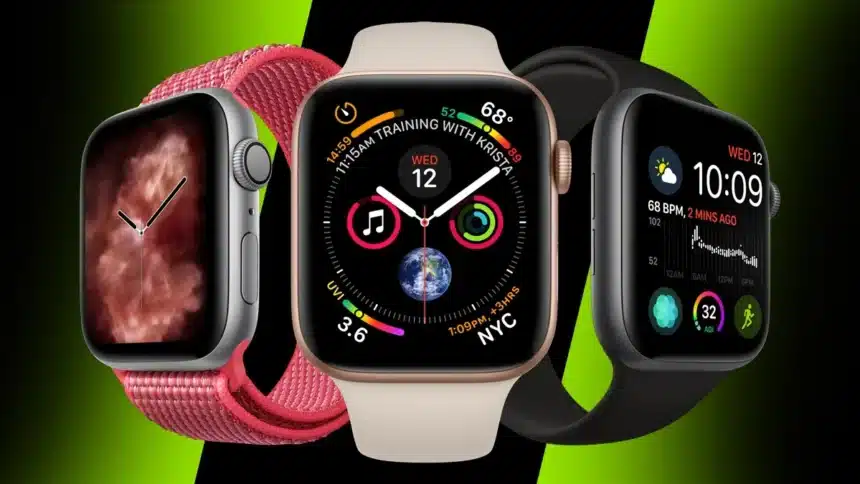
Apple updates the Apple Watch every year, but even people who have worn one for ages often miss some genuinely useful features. A few of the best tools are tucked away in settings menus or hidden behind extra taps, so they quietly go unnoticed.
Whether you’re using the Apple Watch Series 10, the newer Apple Watch Series 11, the Apple Watch Ultra 3, or the SE 3, watchOS includes several small features that can make everyday use smoother. From bedtime to workouts to getting around, these tools are designed to save time and reduce friction.
Below are three underrated Apple Watch features that are easy to miss but surprisingly helpful once you start using them. They’ve been around for a while, yet many users never discover them unless someone points them out.
1. Nightstand Mode Makes Your Watch a Bedside Clock
Nightstand Mode, sometimes also called Bedside Mode, is one of the simplest Apple Watch features, and also one of the most overlooked.
When you place your Apple Watch on its side while it’s charging, the screen turns into a soft, low-light clock that’s perfect for a nightstand. The time shows up in large numbers, and the display stays dark unless you tap the table or lightly move the watch.
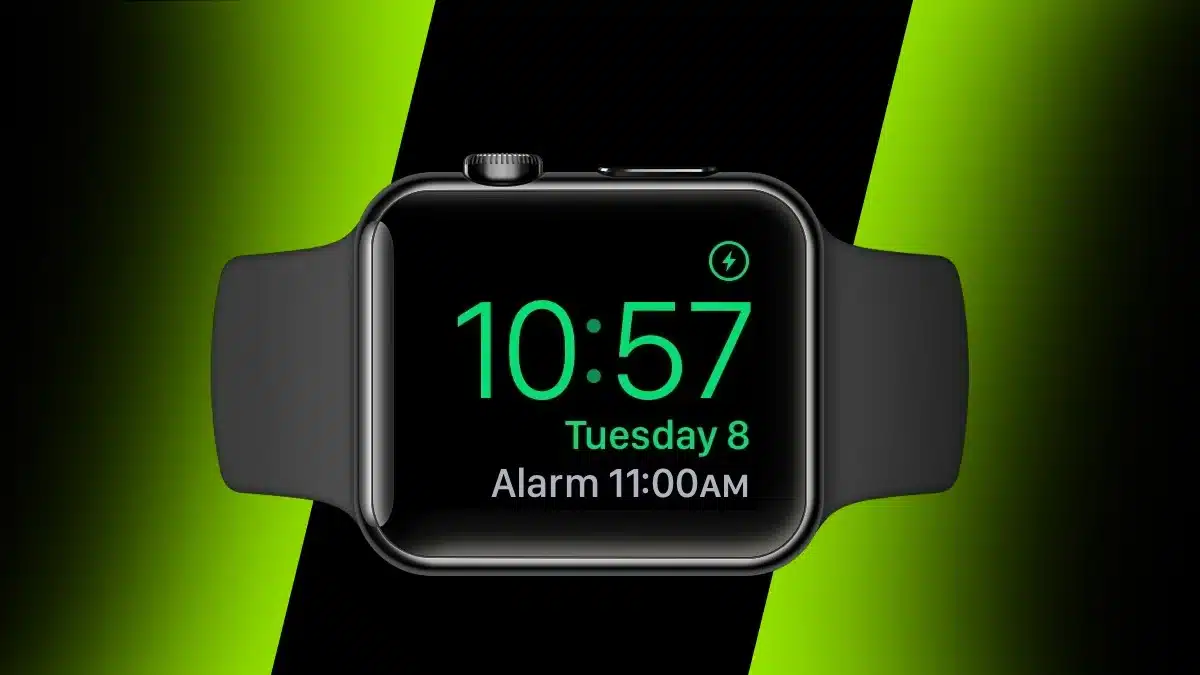
Apple improved this feature in watchOS 10 and watchOS 11. The screen now dims more naturally in dark rooms, and it works better with alarms set on your iPhone, so everything stays in sync when you wake up.
This is a great option if you want a clean, uncluttered bedside setup but still like having the time visible at a glance. If your iPhone uses StandBy Mode, the two displays work nicely together.
To enable it, open Settings on your Apple Watch, tap General, and switch on Nightstand Mode. After that, it turns on automatically whenever the watch is charging on its side.
2. Combine Multiple Workouts Into One Session
Workout tracking on the Apple Watch has become much more flexible over time, and one feature that doesn’t get enough attention is the ability to chain workouts together.
This option first appeared in watchOS 9 for people doing triathlons or multi-sport training. Since then, Apple has expanded it to support many more workout combinations. You can now link activities like strength training followed by running or cycling without stopping and starting separate sessions.
Instead of ending one workout and launching another, you can build a single routine that includes warm-ups, main exercises, and cooldowns all in one timeline.

To set this up, open the Workout app, scroll to the activity you want, and choose Create Workout or Custom. From there, you can add multiple segments, set time goals or targets, and decide how the transitions work.
Once saved, your custom workout appears in the list for quick access. It may take a bit of trial and error at first, but once you’ve set it up, mixed workouts feel far more seamless.
3. Use Offline Maps for Navigation Without Data
Offline Maps became available on the Apple Watch with watchOS 10, following the offline map feature introduced on the iPhone in iOS 17.
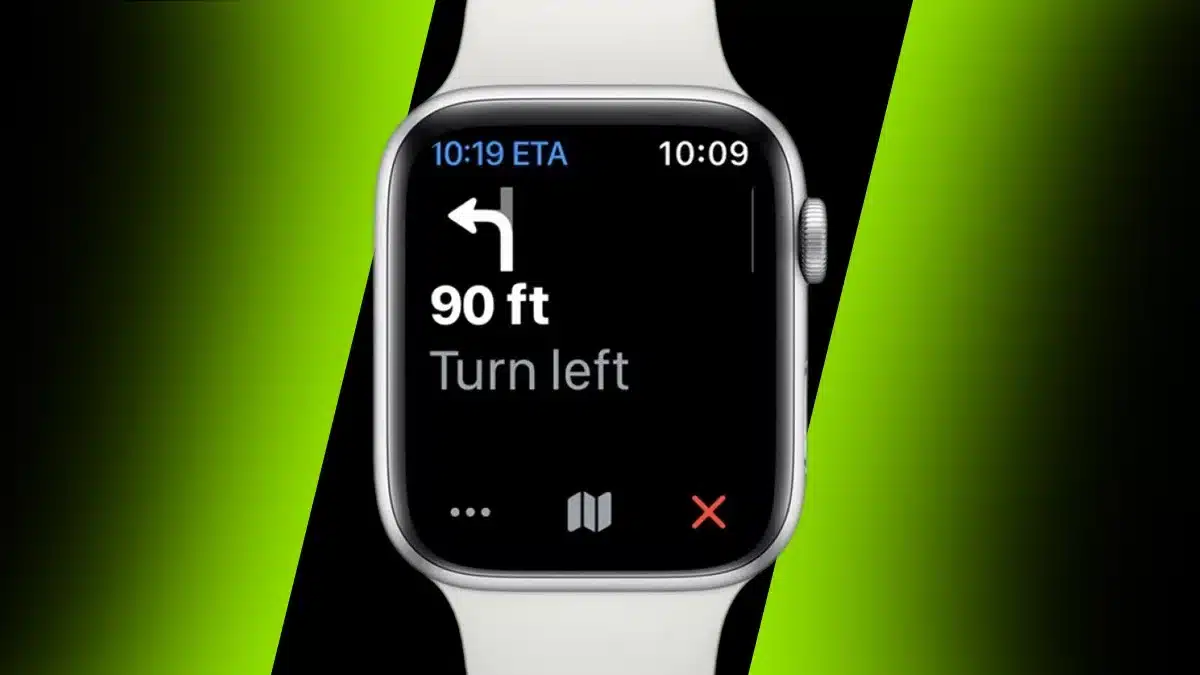
After downloading maps ahead of time, you can navigate without mobile data or even without your iPhone nearby. This is especially useful when traveling, running or hiking without your phone, or exploring areas with a weak signal.
Even offline, you still get turn-by-turn directions, route previews, and the familiar gentle haptic taps that guide you along the way.
To get started, open Apple Maps on your iPhone, tap your profile icon, and select Offline Maps. Download the areas you want, and they will sync to your Apple Watch as long as there’s enough storage space.
Once the maps are saved, you can plan routes on either your phone or your watch and navigate normally without using data. With watchOS 26 improving battery efficiency for GPS and compass use, offline maps make the Apple Watch an even more reliable companion when you’re out exploring.
These small features might not grab headlines, but they can quietly make a big difference in how enjoyable and practical your Apple Watch feels from morning to night.
ALSO READ: Honor Launches Magic 8 Pro Air With Massive 5,500mAh Battery