

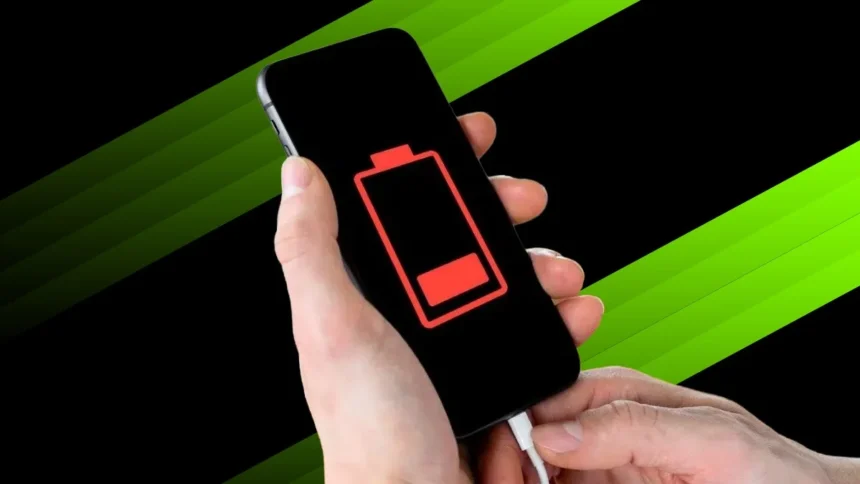
If your Android battery seems to disappear faster than your morning coffee, you’re not alone. Many people assume their phone is getting old or that the battery itself is faulty, but the real culprit might be a simple setting left on.
Before rushing to a repair shop or blaming “planned obsolescence,” try checking a few things first. The fix could be as quick as a swipe or a tap.
The Usual Suspects: Power-Hungry Settings
We’ve all done it – complaining that our phone barely lasts a day while leaving Bluetooth, Wi-Fi, and GPS running 24/7. These features are convenient, yes, but they’re also energy-hungry little monsters.
Even when you’re not actively using them, they keep searching in the background for signals, connections, and updates. That constant scanning drains more power than most people realise. As one mobile repair technician put it, “Leaving your wireless settings permanently on is like leaving all the lights on in your house when you go to work – small on their own, but a big waste over time.”
If you’re not connected to a wireless network or Bluetooth device, toggle them off. You’ll likely notice an immediate boost in battery life, sometimes by several hours.
The Hidden Drain: Apps You Forgot to Close
Another silent battery killer is background apps. Many users keep their apps open, assuming it’ll save time reopening them later. But apps like social media, messaging platforms, and navigation tools don’t just sit idle. They keep updating data, checking locations, and syncing notifications – all while your screen is off.
According to Android Authority, even seemingly harmless apps like weather widgets or shopping tools can continue using power behind the scenes. In some cases, leaving a handful of apps running overnight can drain up to 50% of your battery by morning.
To avoid this, get into the habit of closing apps after use. It takes seconds but could give your phone a few more hours of energy – and save your patience.
The “Optimiser” Trap
You might have downloaded one of those “battery optimiser” apps that promise to boost performance and extend battery life. Unfortunately, many of them do more harm than good.
While the idea sounds smart, these apps often run continuously in the background to “monitor” your phone, using up the very power they claim to save. In some cases, they even collect unnecessary data or push ads, further slowing things down.
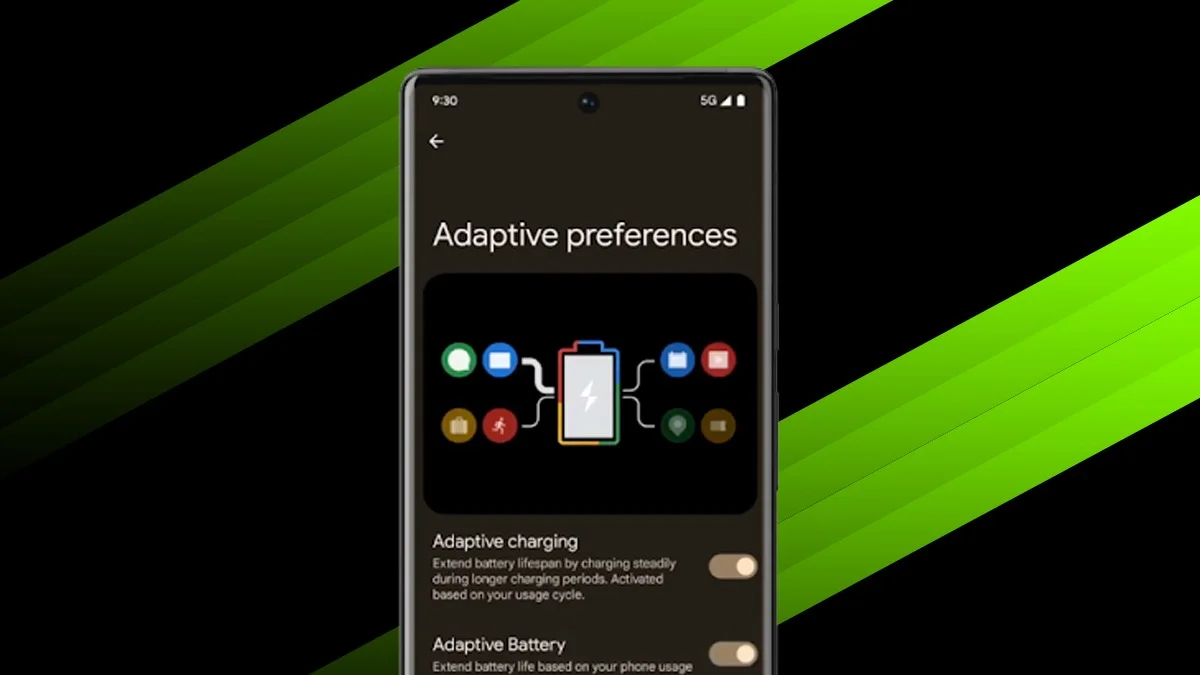
Experts, including those at Consumer Reports, recommend avoiding third-party optimisers altogether. Instead, rely on your phone’s built-in battery management tools, which are far more efficient and safer.
When It’s Really Time for a New Battery
Even with perfect habits, no battery lasts forever. Most smartphone batteries are rated for about 500 complete charge cycles, after which their capacity naturally declines. If your phone dies within hours despite all your efforts, it might simply be time for a replacement.
Signs your battery is nearing the end of its life include:
-
Rapid percentage drops, for example 80% to 30% in minutes
-
Overheating during everyday use
-
Swelling or physical distortion, a definite red flag
A certified technician can replace most Android batteries at an affordable price, often restoring your device to near-new performance.
Simple Habits, Big Results
You don’t need to be a tech expert to make your phone last longer. Just adopt a few easy habits:
-
Turn off Bluetooth, Wi-Fi, and GPS when not in use
-
Close apps that you’re not actively using
-
Avoid “battery optimiser” apps – they often cause more harm than good
-
Check your phone’s battery settings regularly to see which apps use the most power
Small changes like these can extend your battery life by hours each day. And before you accuse your phone of early retirement, remember: sometimes it’s not the device that’s the problem – it’s that one little switch you forgot to turn off.
ALSO READ: Netflix Quietly Ends Mobile Casting, Making Hotel Streaming Harder