

A little upgrade to Google Chrome for tablets and foldables will change the way you use your browser (at least, for some people).
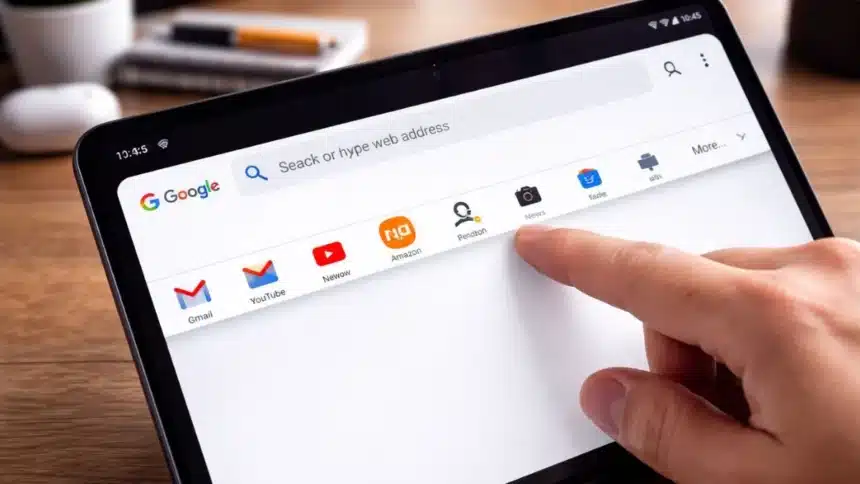
The desktop-style bookmarks bar that you’re used to on your laptop has just started being gradually introduced on Android devices, and you do not need any crazy hacks to turn it on.
Here is what it is and how to turn it on.
What Is This Feature and Why Does It Matter
On desktop Chrome, the bookmarks bar sits right below the address bar, giving you instant access to your favourite sites.
Now, Android is getting the same thing, especially on larger screens like foldable phones and tablets
Once the feature is enabled, you will see
- Bookmarks displayed with icons and names
- Folders are just like the desktop
- A cleaner, faster way to jump between sites
It might sound small, but if you browse a lot, it saves time every single day.
Since this is a gradual rollout, not everyone may see it immediately. So before you start using it, make sure your Chrome app is updated (version 146 or newer is where most users are seeing it) and you are using a foldable or tablet because the feature is optimized for bigger screens.
How to Enable the Bookmarks Bar in Chrome on Android
Follow these steps:
- Open Google Chrome on your Android device
- Tap the three-dot menu in the top-right corner
- Go to Settings
- Tap on Appearance
- Look for “Show bookmarks bar”
- Toggle it ON
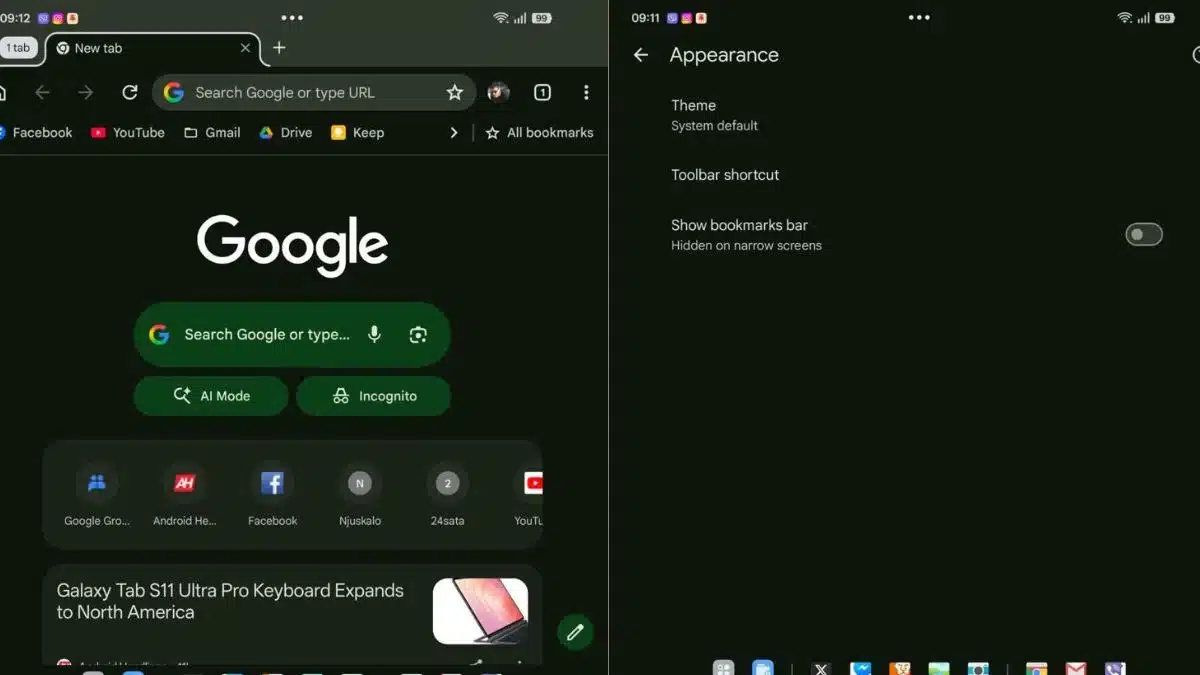
Once it is turned on, the bookmarks bar appears below the address bar. It stretches across the screen, and you can also tap bookmarks instantly without opening menus.
It basically makes your Android browser feel way closer to desktop Chrome.
Regular smartphones might not get it soon because smaller screens don’t have enough space, and the layout could feel cramped.
Also Read: How To Restrict Google Search From Revealing User Personal Information?