


As Google keeps tightening the screws on ad blockers like browser extensions and VPNs, the back-and-forth battle between users and YouTube has only gotten trickier.
So, how can you block ads on YouTube these days? First, let’s break it down by platform: desktop and mobile.
How to Block YouTube Ads on Desktop
If you’re watching YouTube on your computer, you’ve got a few solid ways to skip the ads.
The easiest and most common option is using a browser extension. Two of the most popular ones are AdBlock Plus (ABP) and uBlock Origin.
That said, there’s a catch with uBlock Origin. It’s super effective, so much so that Google has blocked it from being installed on Chrome. If you’re using Chrome, you’ll need to go with AdBlock Plus instead, which still works pretty well.
If you want to keep using uBlock, you can switch to other browsers like Firefox, Microsoft Edge, or Opera, where it’s still available and works great.
Another option is using a VPN with ad-blocking features. VPNs vary a lot in price, from free versions to premium plans around $15 a month. Top-rated VPNs like NordVPN, Surfshark, and Windscribe often come with built-in ad blockers. Just be aware that not all VPNs include this feature, so check before you sign up.
Things are a bit tougher on mobile. If you’re watching through the YouTube app, your only real shot at blocking ads is by using a VPN with ad-blocking tools. Even then, results can be hit or miss, and it doesn’t always block every ad.
So, while it’s still possible to block YouTube ads, especially on desktop, it’s getting harder. If you’re determined to skip those ads, your best bet is using the right browser extension or switching to a VPN with solid ad-blocking features.
That’s why it’s a good idea to carefully check the features of any VPN before you sign up. Not all VPNs include ad blockers, and even those that do might not work on YouTube. Some VPNs block YouTube ads better than others, but the only real way to know is by trying them out yourself.
If you’re unsure, look for VPNs that offer a free trial or a money-back guarantee (usually between 30 and 90 days). That way, you can test the service and get a refund if it doesn’t work the way you hoped.
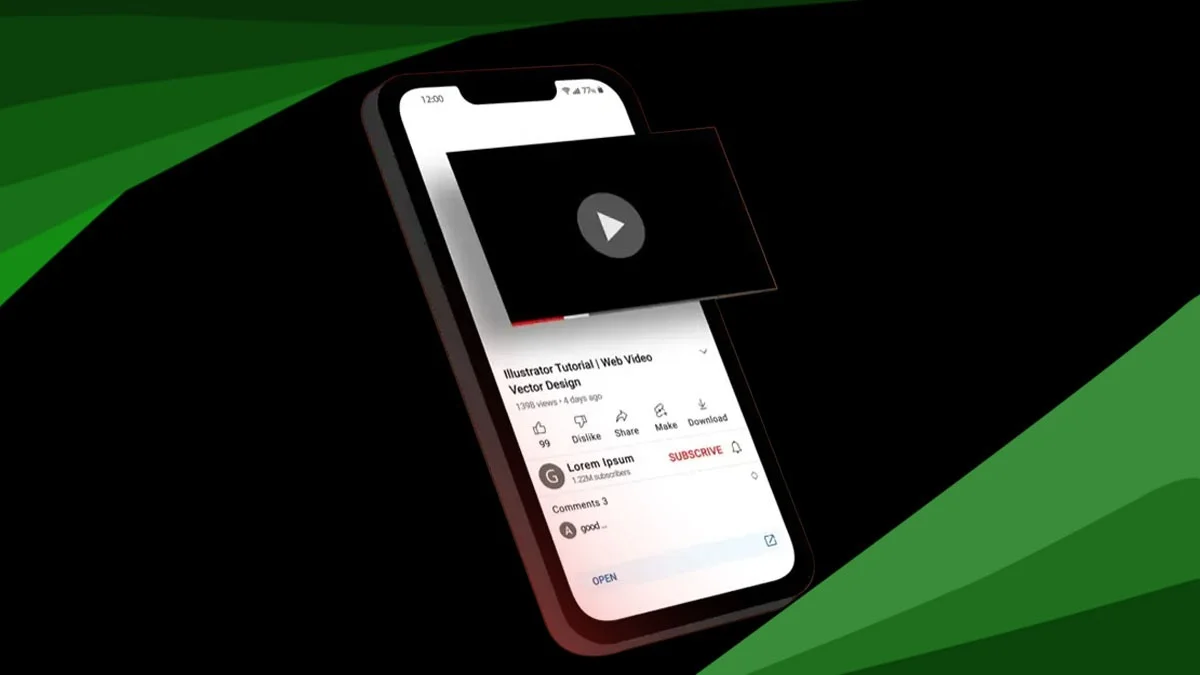
Blocking Ads on the YouTube Mobile App
Since the YouTube app is owned and run by Google, there’s no way to install a browser-style extension to block ads. In the past, there were some third-party apps for iOS and Android that could block ads, but most of them stopped working after Google’s recent crackdown.
The only real option left on mobile is using a VPN with ad-blocking features. A VPN can filter internet traffic across your entire device, including apps like YouTube, and block some types of ads before they load.
That said, ad blocking on mobile through VPNs isn’t always reliable. In fact, it usually works less consistently than on desktops. iPhones, especially, have tighter security, so VPNs have limited access to block ads effectively. Again, the best way to see if a VPN will block YouTube ads for you is to try it and see how it performs on your device and in your region.
Top VPNs for Blocking Ads on YouTube
There’s no perfect option, but as a general rule, bigger VPN providers tend to be better. Larger companies have more resources to keep their ad blockers working and usually offer more features that improve your overall privacy and streaming experience.
At LaptopMag, we recommend top choices like NordVPN and Surfshark. They both come packed with useful tools, strong ad blockers, and a vast number of servers worldwide.
More servers usually mean better speed, especially when one is close to your location. This helps keep your internet fast and smooth, whether you’re watching YouTube, streaming Netflix, or gaming online.
NordVPN is currently offering a special deal for new users, and you can check it out here to see how much you might save.
ALSO READ: Tensor G5 Will Power Google Pixel 10 Series: TSMC-Made Chip Will Fuel AI Leap