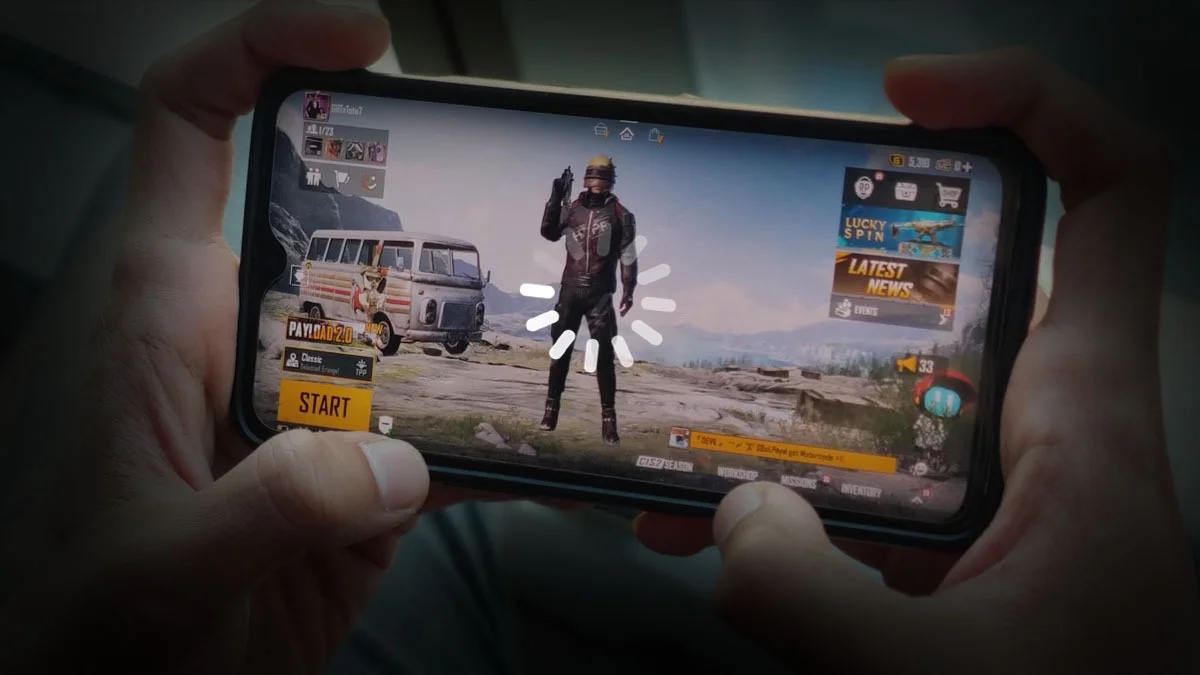
PUBG is fun, but older or budget phones can lag, drop frames, or overheat. With a few quick tweaks, you can make it run smoother. Here’s a short guide to improve performance in the game and on your phone.
1. Optimize PUBG’s In-Game Settings
1. Graphics Quality and Frame Rate
-
Graphics: Use “Smooth” or “Balanced.” Avoid HD or HDR.
-
Frame Rate: Pick “Low” or “Medium” unless “High” runs without lag.
-
Turn Off: Anti-aliasing and shadows.
-
Auto-Adjust: Keep it on so PUBG can adjust automatically.
-
Style: Choose “Classic” or “Colorful.” Avoid heavy skins.
3. Use System and Developer Options:
1. Unlock Developer Options:
- Go to settings and tap “Build Number” 7 times to unlock it.
- Reduce Window Animation, Transition Animation, and Animator Duration scales to 0.5x or turn them off.
- Enable “Force GPU Rendering” and set “Background Process Limit” to 4 or fewer.
2. Enable 4X MSAA (if your phone supports it)
This can make graphics smoother but might use more battery.

3. Get Your Phone Ready
-
Free up 5–6GB of storage and close background apps.
-
Use Game Mode (like Game Turbo or Game Launcher).
-
Restart your phone before playing.
4. Keep Your Internet Stable
-
Use stable Wi-Fi (prefer 5GHz).
-
Avoid downloads or streaming while gaming.
6. Maintain Your Phone and Game:
-
Update PUBG and your phone’s OS.
-
Clear the PUBG cache – Go to Settings > Apps > PUBG> Storage > Clear Cache every now and then.
- Reinstall only if needed.
5. Manage Your Phone’s Temperature
- Do not play while charging, as it causes heat build-up and slows your phone down.
- Play in a cool place and, if you can, remove your phone case for better heat dissipation.
- External cooling fans or pads can help keep things cool during long sessions.
7. Try a Game Booster App:
Use built-in boosters or trusted third-party apps to close background tasks, optimize memory, and keep your device focused on gaming.
8. Hardware Upgrade Tips (If Possible):
If you want really smooth gameplay, try to get a phone with at least 4GB of RAM and a newer processor. In India, good budget-friendly options under ₹20,000 include the Poco X6, iQOO Z10, and Redmi Note 13 Pro.
ALSO READ: X’s New Age Checks: How to Verify Without Exposing Yourself