

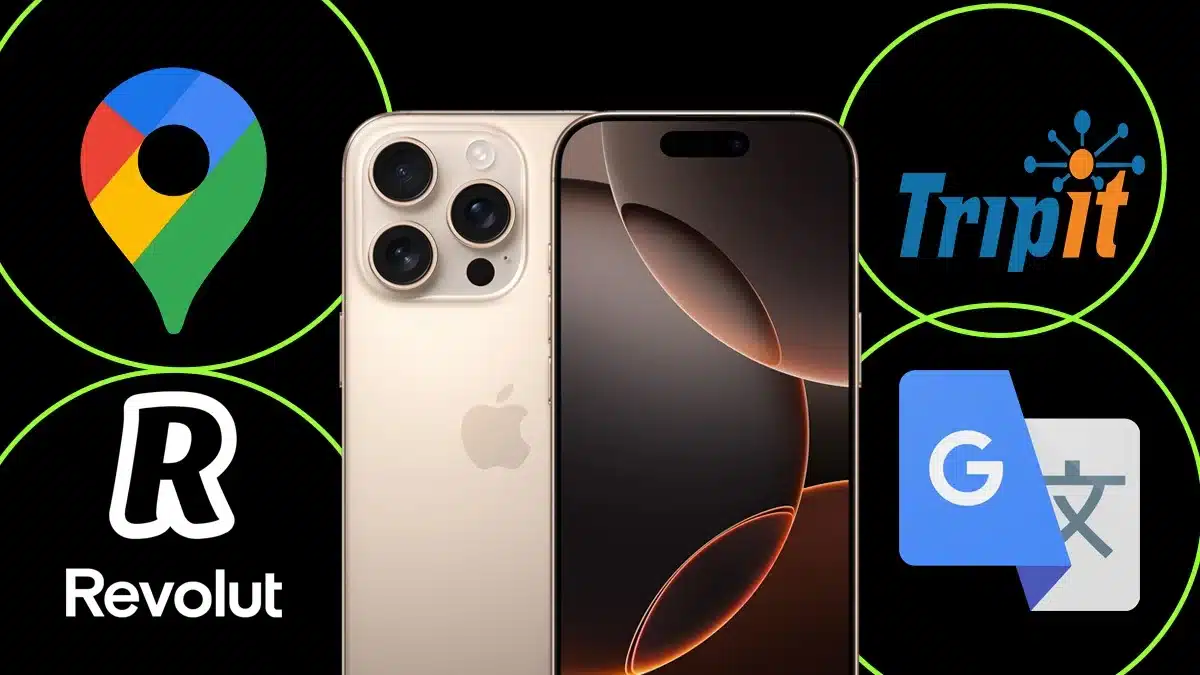
The iPhone 16 Pro Max has become more than just a phone, it’s a complete lifestyle companion. With its advanced features, powerful AI tools, and sleek design, this device perfectly fits both travel and daily routines. Whether you’re exploring a new country or managing tasks at home, the right set of apps can transform how you use your iPhone.
- 1. Google Maps – Your Ultimate Navigation Partner
- 2. TripIt – Organize All Your Travel Plans in One Place
- 3. Google Translate – Breaking Language Barriers Instantly
- 4. Notion – Everyday Organization Made Simple
- 5. Revolut – Smart Travel Banking and Currency Exchange
- Why These Apps Stand Out on the iPhone 16 Pro Max
- FAQs
In this article, we’ll look at what’s on my iPhone 16 Pro Max and highlight the five most essential apps that make travel smoother and everyday life easier. From navigation to finance and productivity, these apps ensure that you stay connected, organized, and stress-free no matter where you are.
1. Google Maps – Your Ultimate Navigation Partner
When traveling or even moving around your own city, Google Maps is the most reliable companion. With real-time traffic updates, offline map downloads, and AI-driven route suggestions, it’s an app that no traveler should skip.

The iPhone 16 Pro Max’s bright display enhances the navigation experience, making maps easy to read even under sunlight. Features like live view AR navigation and location sharing ensure you never lose your way again. Whether it’s finding hidden cafes or navigating busy streets abroad, Google Maps remains an essential app for every journey.
2. TripIt – Organize All Your Travel Plans in One Place
TripIt is the ultimate travel organizer for your iPhone 16 Pro Max. It automatically collects all your travel details, from flight bookings to hotel reservations and builds a single, easy-to-follow itinerary.

You can forward confirmation emails, and TripIt does the rest. The app also syncs with your calendar, sends reminders, and even helps track flight changes in real time. For frequent travelers, this app removes the stress of juggling multiple documents and schedules, turning your iPhone into a personal travel assistant.
3. Google Translate – Breaking Language Barriers Instantly
When exploring new countries, language can often be a challenge. Google Translate bridges that gap seamlessly. The iPhone 16 Pro Max’s upgraded Neural Engine allows faster and more accurate translations in text, speech, and even images.
Simply point your camera at a signboard or menu, and it will instantly translate the text in your preferred language. With offline mode available, it’s a reliable companion when you don’t have access to the internet. Whether you’re ordering food in Tokyo or finding directions in Paris, Google Translate ensures smooth communication anywhere in the world.
4. Notion – Everyday Organization Made Simple
Notion is one of the best productivity tools for both travel and everyday use. It combines note-taking, task management, and document organization into one simple app. On the iPhone 16 Pro Max, Notion’s interface looks cleaner and faster, allowing you to manage projects or trip plans effortlessly.
For travelers, Notion can be used to create packing lists, track expenses, or docume nt travel experiences. In everyday life, it becomes your go-to space for managing work, study, or personal goals. It’s like having a smart digital notebook in your pocket.
5. Revolut – Smart Travel Banking and Currency Exchange
Managing money while traveling has never been easier than with Revolut. This app offers multi-currency accounts, low-cost international transfers, and automatic currency conversion, all accessible directly from your iPhone 16 Pro Max.
Revolut allows you to set daily budgets, freeze your card instantly if lost, and even access travel insurance options. It’s ideal for international travelers who want control over their finances with real-time notifications and easy app management. Combined with Apple Pay, Revolut ensures every payment is fast, secure, and convenient.
Why These Apps Stand Out on the iPhone 16 Pro Max
The iPhone 16 Pro Max enhances every aspect of these apps with its improved A18 Pro chip, AI-powered personalization, and advanced camera system. Travel apps load faster, maps render more accurately, and offline capabilities run smoother. Everyday apps also benefit from the larger display and adaptive battery life, making multitasking more efficient.
Together, these apps help create a perfect balance between productivity and leisure, keeping your travel experience stress-free and your daily life better organized.
Your iPhone 16 Pro Max can do more than just take stunning photos or handle calls, it’s your ultimate travel companion and everyday assistant. With apps like Google Maps, TripIt, Google Translate, Notion, and Revolut, you can simplify your journeys, stay productive, and manage everything from your fingertips.
As technology advances, optimizing your iPhone setup with these essential tools ensures you make the most of both your adventures and your daily routine.
FAQs
Q1. What are the best travel apps for iPhone 16 Pro Max?
A. The best travel apps include Google Maps, TripIt, and Google Translate for navigation, organization, and language assistance.
Q2. Is TripIt free to use?
A. Yes, TripIt has a free version, while TripIt Pro offers advanced features like real-time flight alerts and seat tracking.
Q3. Can I use Google Translate offline on my iPhone?
A. Yes, you can download language packs to use Google Translate without an internet connection.
Q4. Is Notion available on iOS for free?
A. Yes, Notion is free to use on iPhone 16 Pro Max, with optional premium plans for extra features.
Q5. Does Revolut work internationally?
A. Absolutely. Revolut is designed for global travelers, allowing easy currency exchange and secure payments worldwide.
Also Read- How To Use The AI Features On iPhone 16: A Step-by-Step Guide