


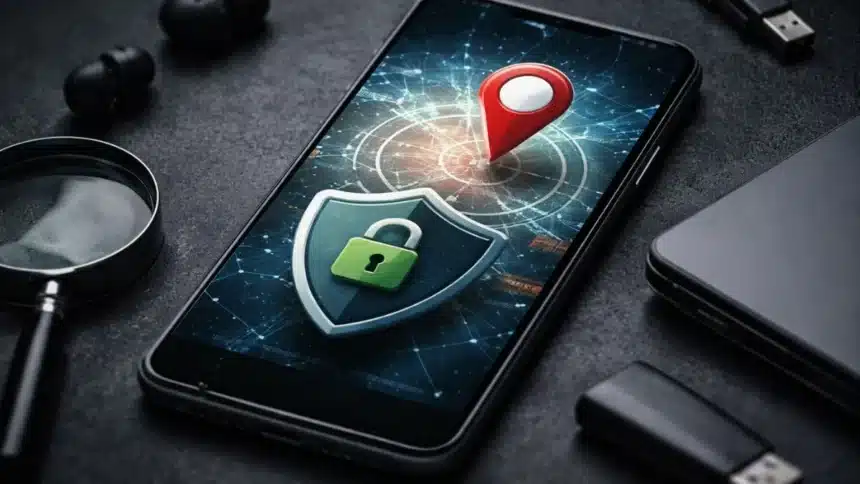
Your phone is now more of an appliance. It is now also a portable data provider. Your location and what you search on create an abundance of background data that is moving in the background, without your knowledge.
The reality is there is no way to keep your phone entirely anonymous, the way technology is developed today.
However, there are ways you can significantly reduce your level of tracking, while still keeping all the apps that you use daily, and making them still usable.
Let’s take a look at the steps that you can take to reduce device tracking.
1. Start With App Permissions
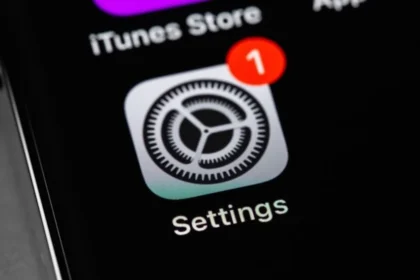
Open your settings and check which apps have access to your location, camera and microphone and cut the access wherever it’s not needed. Most apps work perfectly fine without it.
2. Turn Off Location History
Both Android and iPhone store your movement history unless you stop them. Switch it off.
You can still use maps, cabs, and delivery apps normally, it just won’t keep a long-term log of your movements.
3. Change Location Access to “While Using the App”
This is a very small detail, but it makes a very big difference. Instead of giving apps “Always Allow” access, set it to “While Using the App”
So, in this way, your location will not be tracked when the app is closed or running in the background.
4. Turn Off Ad Personalisation
Your phone has a unique advertising ID that apps use to track your behaviour across platforms. So go to settings and disable ad personalisation and reset your advertising ID. You will still see the ads, but they won’t be specific.
5. Keep Bluetooth Off When You Don’t Need It
Bluetooth is not just for earphones. It can also be used for proximity tracking through things like beacons in malls, airports, and stores. Turn it off when you are not using it. This cuts off another silent tracking method.
6. Use a Privacy-Focused Browser
A lot of tracking doesn’t come from apps; it comes from browsing.
Switch to a browser that blocks trackers by default, limits cookies and always supports private search.
7. Avoid Public Wi-Fi
I know public Wi-Fi is easily accessible, but as it’s not private, it can expose your device identity and your browsing activity. Mobile data is actually a safer and a better option when you are in public spaces.
8. Use a Reliable VPN
A good VPN hides your IP address, which makes it harder to pinpoint your location and reduces tracking across websites
So, just don’t go for random free VPNs; they often collect the same data you’re trying to protect.
All these steps may sound really simple, but they can save you from unnecessary tracking and all.
Also Read: Step by Step Guide To Call Recording On Google Pixel