


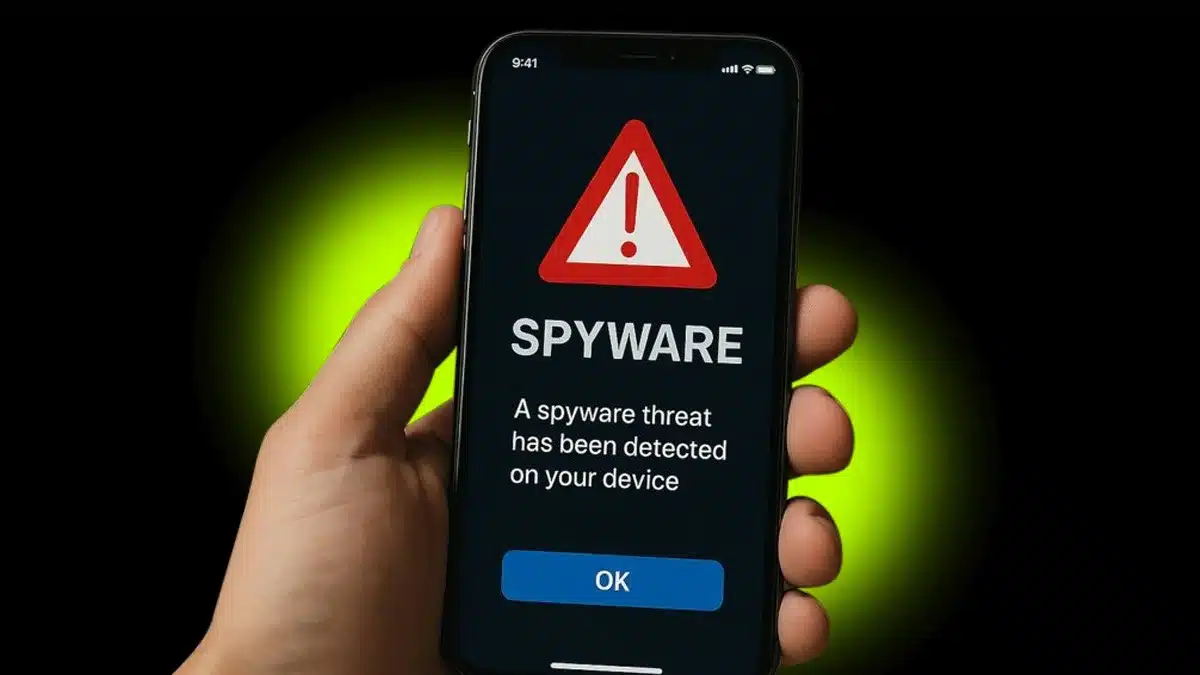
Apple Issues New Spyware Alert For iPhone Users: iPhone owners are being urged to pay attention once again, and this time the warning is hard to brush off. If your phone is not running the latest version of iOS, it could be exposed to new spyware attacks that are actively targeting Apple devices.
If you have not yet updated to iOS 26, now is the time to act.
Why Updating to iOS 26 Matters
Apple has indicated that recent attacks are taking advantage of weaknesses in older software. Staying on iOS 18, even if it is fully updated, is no longer enough for many newer iPhones. Devices that are capable of running iOS 26 cannot stay fully protected by relying on iOS 18 alone.
In simple terms, if your iPhone supports iOS 26 and you have not installed it, your security is already behind.
That Restart Is More Important Than You Think
For many people, updating iOS means letting the phone power down and restart during the installation. That restart is not just a routine step. It plays an important role in Apple’s overall security response.
If your device is already running iOS 26.2 or iOS 18.7.3 for older models that cannot upgrade further, you are in a much safer position.
How Many iPhones Are Still at Risk?
There is some debate over the exact numbers, but the concern is real. Some analysts believe that more than half of all iPhones that can upgrade to iOS 26 still have not done so. That could mean hundreds of millions of devices around the world.
What everyone agrees on is this: waiting too long to update leaves users exposed.
A Simple Tip for Those Who Delay Updates
If you are hesitant about upgrading right away, security experts are repeating a surprisingly simple piece of advice: turn your phone off and on again.
Cybersecurity agencies, including France’s ANSSI, which is similar to the UK’s National Cyber Security Centre, and the US National Security Agency, recommend fully powering down smartphones at least once a week. Turning the phone off stops everything running in memory, including certain types of non-persistent spyware.
For best results, it is recommended to power down the phone using the physical buttons rather than relying only on an on-screen option.
How to Properly Restart an iPhone
On an iPhone, this means pressing and holding either volume button along with the side button until the power-off slider appears. Switch the phone off, wait about 30 seconds, and then turn it back on. If the phone is frozen or unresponsive, Apple advises using a forced restart with a specific button sequence.
Why These Threats Are So Hard to Avoid
Many of the newest attacks use what are known as zero-click exploits. These do not require you to tap a link or download anything and can be delivered through everyday apps such as iMessage. There is no reliable way to avoid them through careful behavior alone, which is why keeping iOS fully updated remains the most important step you can take.
Restarting your phone is not a replacement for installing updates, but if you are running outdated software, it is still a useful habit.
Weekly restarts are now being suggested as a basic layer of protection. It is a reminder that even with advanced digital threats, sometimes the simplest actions can still make a real difference.
ALSO READ: Honor Launches Magic 8 Pro Air With Massive 5,500mAh Battery