


Which iPhones are losing access?
The number of people affected by this will not be particularly large, only those with enough talent for technological TLC to have kept their devices in working condition for a decade need worry (if this is you… respect). But if you’re using a device that old, it’s worth reading on to see if it is named on the list.
- Which iPhones are losing access?
- Here are the models that no longer support WhatsApp from June 1, 2025.
- Older phones cannot run the newest software from Apple
- The following Android phones became WhatsApp incompatible on January 1, 2025:
- Why is WhatsApp withdrawing support for some phones?
- Will I lose my messages?
- How to check your phone’s operating system
- On an iPhone:
Here are the models that no longer support WhatsApp from June 1, 2025.
- iPhone 5s
- iPhone 6
- iPhone 6 Plus
If your iPhone is newer but you are still having problems with WhatsApp, it may be that you need to update the operating system in Settings. Meta, which owns WhatsApp, says the changes are part of regular updates to ensure the app stays secure and functional while working with newer phones.
Older phones cannot run the newest software from Apple
It is because the older phones cannot run the newest software from Apple, so any errors cannot be fixed, making them more vulnerable.
The first WhatsApp compatibility update came on January 1, 2025, when WhatsApp stopped supporting Android’s KitKat OS in addition to any older versions.
Some users who still have KitKat on their phones will still be able to use WhatsApp provided their device can be updated to a more recent OS.

However, there are a number of older phone models which are no longer provided with official updates by their maker
This means they can’t be updated to a more recent OS unless the user attempts certain types of DIY tinkering, which would void the phone’s warranty and insurance and risk ‘bricking’ it (rendering it inoperable.)
The following Android phones became WhatsApp incompatible on January 1, 2025:
- Samsung: Galaxy S3, Galaxy Note 2, Galaxy Ace 3, Galaxy S4 Mini
- Motorola: Moto G (1st Gen), Razr HD, Moto E 2014
- HTC: One X, One X+, Desire 500, Desire 601
- LG: Optimus G, Nexus 4, G2 Mini, L90
- Sony: Xperia Z, Xperia SP, Xperia T, Xperia V
These changes affect both the regular WhatsApp application and WhatsApp Business, which has the same system requirements
Why is WhatsApp withdrawing support for some phones?
Meta says they ‘regularly review what operating systems we support and make updates. ‘Every year we look at which devices and software are the oldest and have the fewest users. These devices also might not have the latest security updates, or might lack the functionality required to run WhatsApp’.
Will I lose my messages?
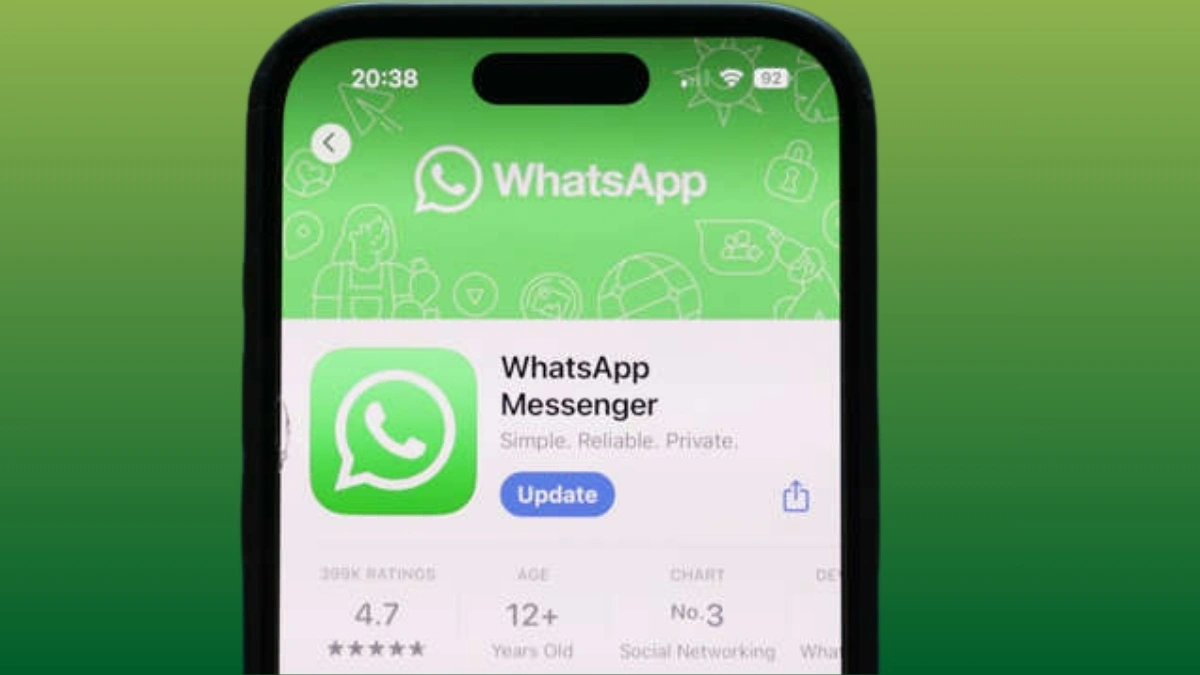
The company says that anyone at risk of no longer being able to use WhatsApp on their phone will be notified and reminded ‘a few times’ to upgrade. To be sure of having access to any future updates, you can back up chat history to iCloud or a Google account. Open the app, go to Settings, then Chats, and then Chat Backup. Follow the steps outlined, and you will then be able to easily use WhatsApp as you normally would on a new phone.
How to check your phone’s operating system
On an iPhone:
- Go to Settings, click on ‘General,’ then ‘Information’ and click on ‘iOS Version.