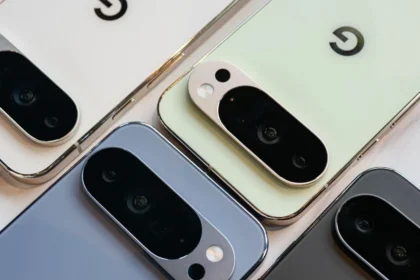

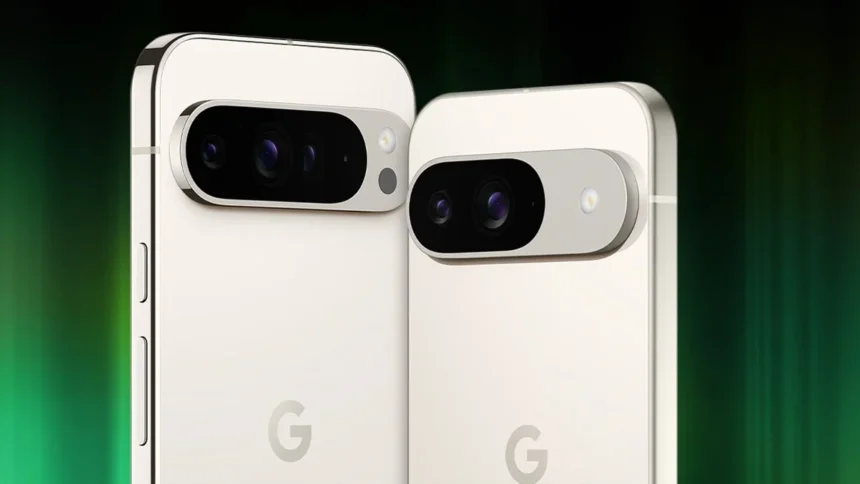
Pixel Camera 10.2: One of the biggest reasons people choose a Pixel phone is for its camera. Google’s Pixel devices are known for taking great photos, and the default Pixel Camera app plays a huge role in that experience. Google has now started rolling out an update to the app, bringing it to version 10.2.
At first glance, this update looks small and fairly routine. However, according to 9to5 Google, it has sparked some confusion around the quick settings sliders used to adjust white balance, brightness, and shadows while taking photos.
Pixel Camera 10.2: Confusion Around the Slider Layout
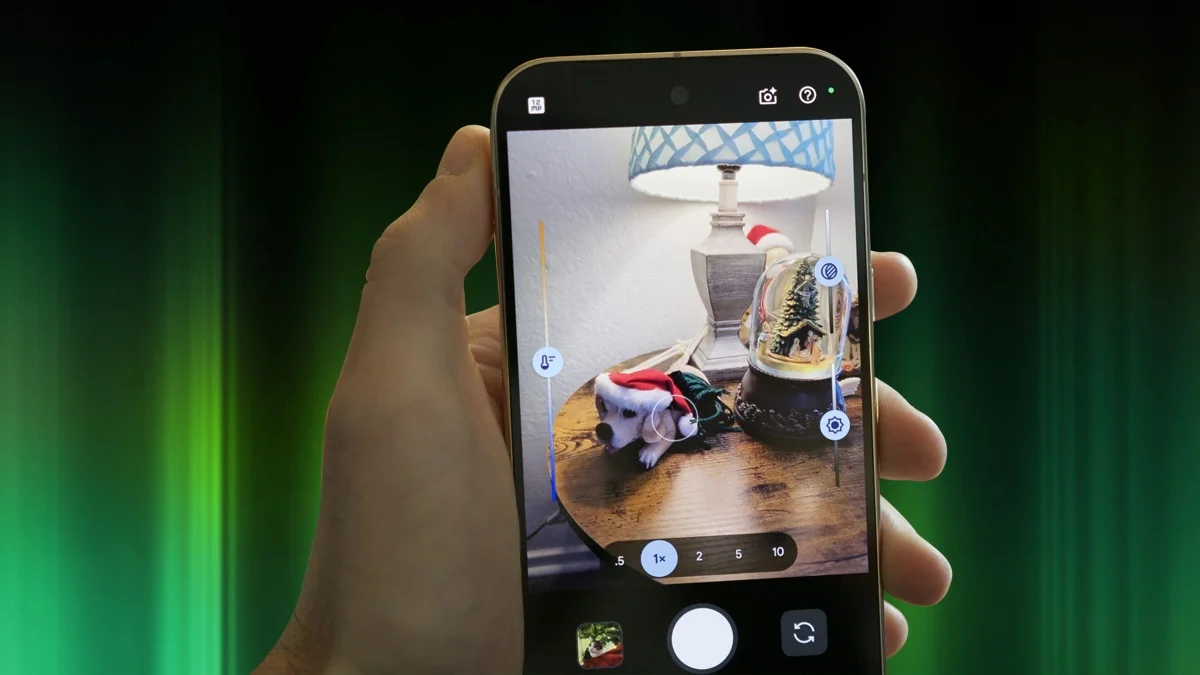
Initially, it seemed like Google had changed the position of these sliders again. A previous update, Pixel Camera 10.1, appeared to move the shadows slider above the brightness slider on the right-hand side. That setup felt a bit odd, since most people usually adjust brightness before tweaking shadows.
But as the 9to5Google report later clarified, this change never actually applied to all Pixel phones. The shadows-on-top layout was only seen on the Google Pixel 10 series at launch and has not changed with the 10.2 update.
For every other Pixel model, the layout stays the same. Brightness remains at the top, with shadows below it, whether you are using version 10.1 or the newer version 10.2.
Why Pixel 10 Is Different
The situation raises questions about why Google would use a different layout on the Pixel 10 while keeping everything else the same across other Pixel devices using the exact same app.
Testing the Pixel Camera 10.1 app on a Pixel 9 Pro Fold confirms that the brightness slider still appears above the shadow slider on the right side. This setup is expected to remain unchanged when version 10.2 arrives on that device.
How to Access the Quick Settings Sliders in Pixel Camera 10.2
These quick settings sliders show up when you tap on the viewfinder while taking a photo, but they need to be enabled first.
To turn them on, open the Camera app, tap the gear icon in the lower left corner, then tap the three dots, and enable Quick access controls. These controls were first introduced last year with the version 9.7 update.
No Major Changes in Pixel Camera 10.2 Version
Despite early reports suggesting otherwise, the quick settings sliders are not changing in Pixel Camera 10.2. The confusion seems to have come from earlier coverage of the 9to5Google article before it was updated.
If anything looks different after installing version 10.2, feedback is welcome in the comments.
So what does this update actually bring? Not much beyond the basics. Pixel Camera 10.2 mainly focuses on bug fixes and overall stability improvements. Some Pixel 10 users are also hoping it addresses a previously reported video stabilization issue, but there are no major new features to highlight this time around.
ALSO READ: Vertu Meta Ring Launches With Unique Twist And No Subscription