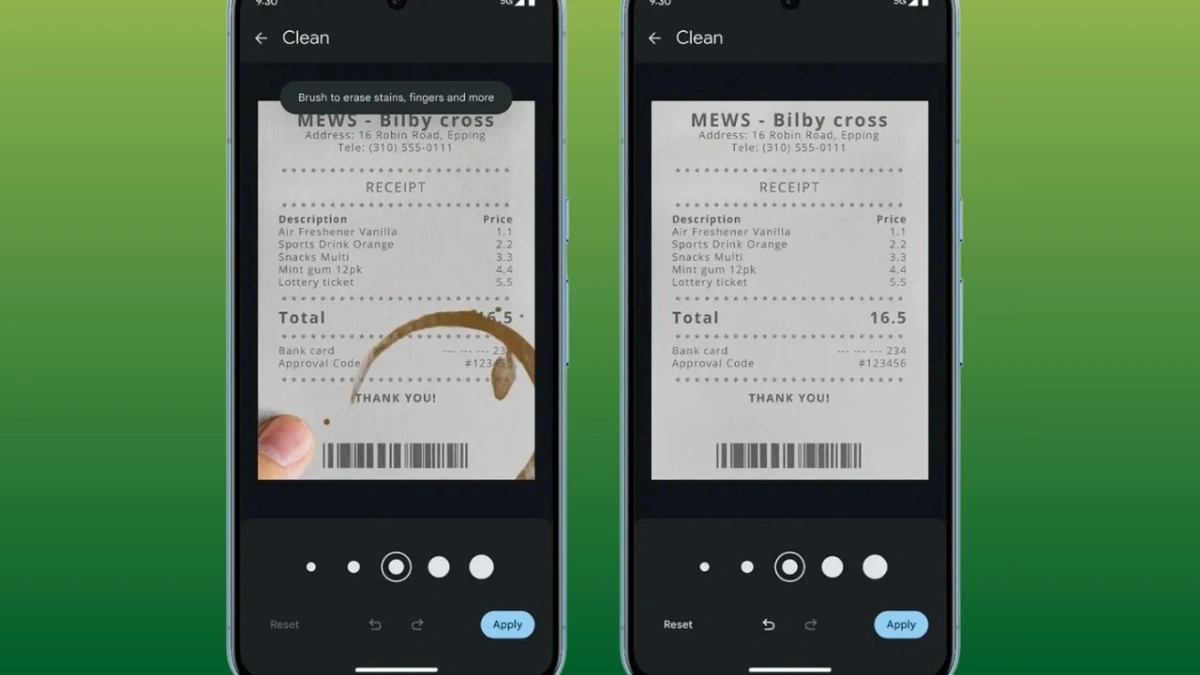
A significant update to Android devices’ scanner capability has revolutionized the way users scan documents. With its most recent update, Google automatically enhances document quality without requiring human intervention. With only a swipe, this smart scanner produces results that seem professional, doing away with the need for third-party scanning programs.
Android smartphones have developed into multipurpose tools that take the place of several gadgets we used to carry. Although it has been possible to scan papers straight from your phone for years, Google has recently greatly enhanced this experience with an automatic enhancing option. Business professionals, students, and everyone else who frequently has to digitize documentation will find this innovation to be more efficient as it streamlines the document scanning process.
Revolutionary automatic enhancement for Android document scanning
Google has released a substantial update for Android that greatly enhances the device’s document scanning capabilities over earlier iterations. Prior to recently, users had to apply improvement filters by hand after scanning a document, which required additional procedures and technical expertise. Android now automatically improves scanned documents by default with the most recent update.
To produce crisp, expert-looking scans, the enhancement system cleverly modifies brightness, contrast, and sharpness. Using only the camera on your smartphone, this technology simulates the output quality of specialized scanning apparatus. For business professionals who often scan contracts, receipts, or other crucial documents, this tool saves a significant amount of time.
This functionality is available to users in a number of Android apps, including:
- Google Drive
- Files app
- Pixel’s built-in camera app
- Select other Google applications
Without user input, the system evaluates the content of the paper and makes the necessary improvements. Simply tapping the “Enhance” button in the upper-right corner will return to the original scan if you would rather not have the enhancements.
Google’s larger plan to incorporate intelligent features throughout its ecosystem
Google’s larger plan to incorporate intelligent features throughout its ecosystem includes the automatic document scanning enhancement capability. This update is automatically installed on eligible Android devices since it is part of Google Play Services version 25.17.30 or later.
This upgrade was initially noticed by Android Authority, which noted that it greatly increases productivity. The new implementation makes professional-quality scanning the default, in contrast to earlier iterations when enhancement options were hidden in menus.

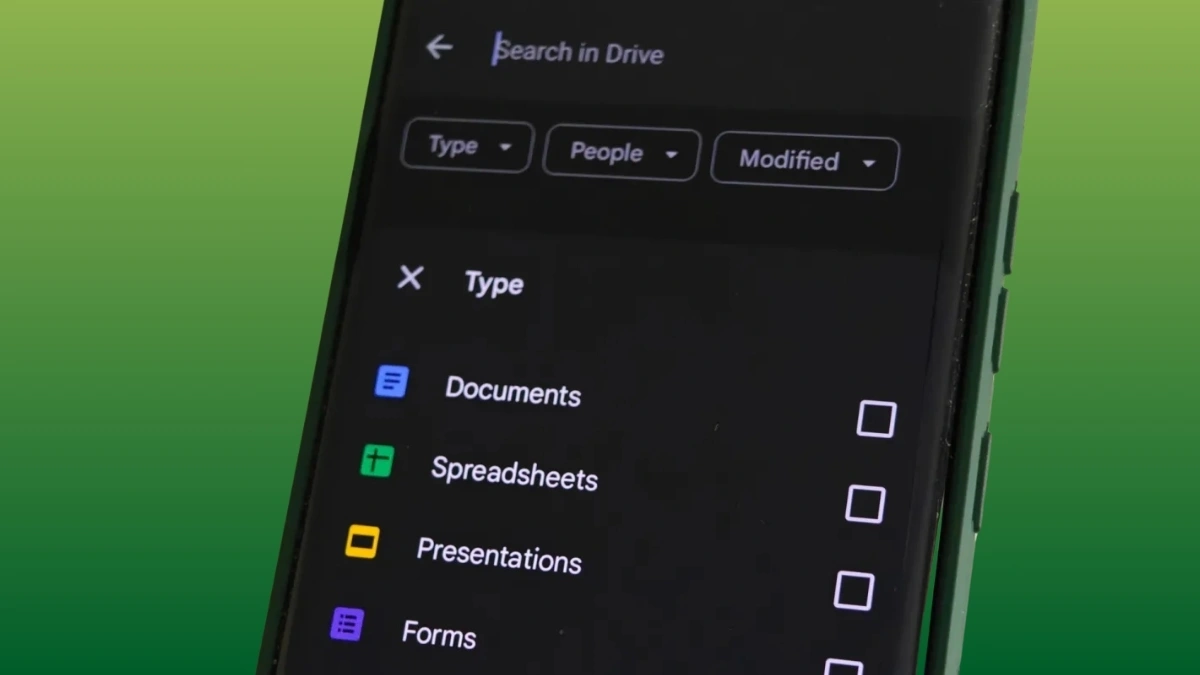
For corporate customers, the capability easily connects with Google Drive and other productivity applications. There is little difficulty in sharing, editing, or storing scanned documents on the cloud. Productivity is increased by this integration, which streamlines the transition from paper to digital format.
The automatic updates through Google Play Services ensure that most compatible devices already have this feature, with no manual installation required. This distribution method highlights how Google can enhance core functionality without requiring full system updates.
Practical applications
Google’s latest automatic enhancement feature for Android’s built-in scanner might just be the quiet productivity upgrade we didn’t know we needed. It’s not flashy, but it changes everything. Gone are the days of awkwardly editing scanned documents or battling poor lighting and shadows, now, every scan looks presentation-ready the moment you hit capture.
Business professionals can send off clean contracts or meeting notes without touching a single editing tool, students can digitize their messy handwritten notes and still end up with readable, crisp scans, and even casual users can finally get their receipts, warranties, and paperwork in order without needing a separate scanner.
What makes this update even better is that it works by default, no digging into settings or toggling options. It just delivers. The scan quality is now so sharp, it rivals what dedicated scanning hardware used to offer, especially with tough materials like faded text, light pencil marks, or documents with mixed backgrounds and graphics. And it’s all powered by machine learning, doing the work in the background to clean up the scan while you just point and shoot.
Google isn’t just making tools smarter, it’s making them invisible, solving problems before we even realize they exist. This is one of those rare updates where convenience meets actual impact, and every type of user whether organizing a desk drawer or prepping for a big pitch feels the difference instantly.