Opera Neon Review
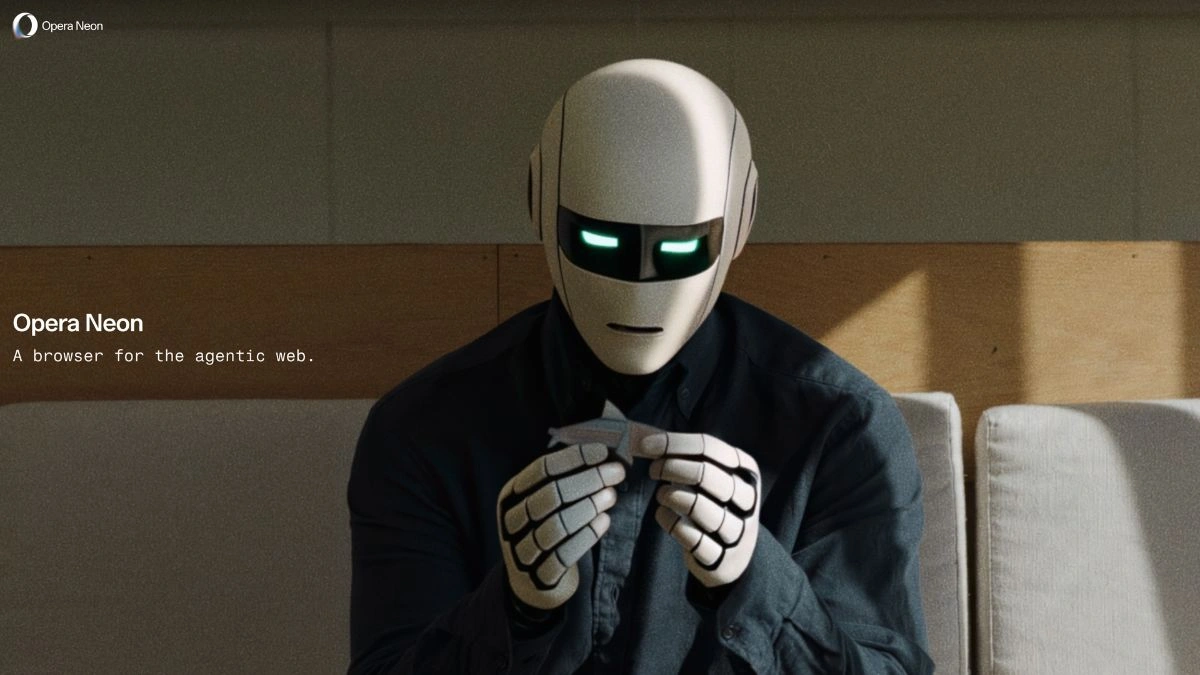
In a world dominated by Chrome, Safari, and Edge, a new name has emerged with an entirely different vision, Opera Neon. This isn’t just another browser update; it’s a complete reinvention of what browsing can be in the age of artificial intelligence.
Opera Neon redefines the idea of an internet browser. Instead of simply being a gateway to the web, it’s designed to act on your behalf. Whether you want to chat with AI, automate tasks, or create web experiences, Opera Neon brings it all together into one futuristic workspace.
What Is Opera Neon?
Opera Neon is an AI-powered browser built by Opera, the same company behind the classic Opera browser. But this new version has a far more ambitious goal: it wants to turn your browser into a personal digital assistant.
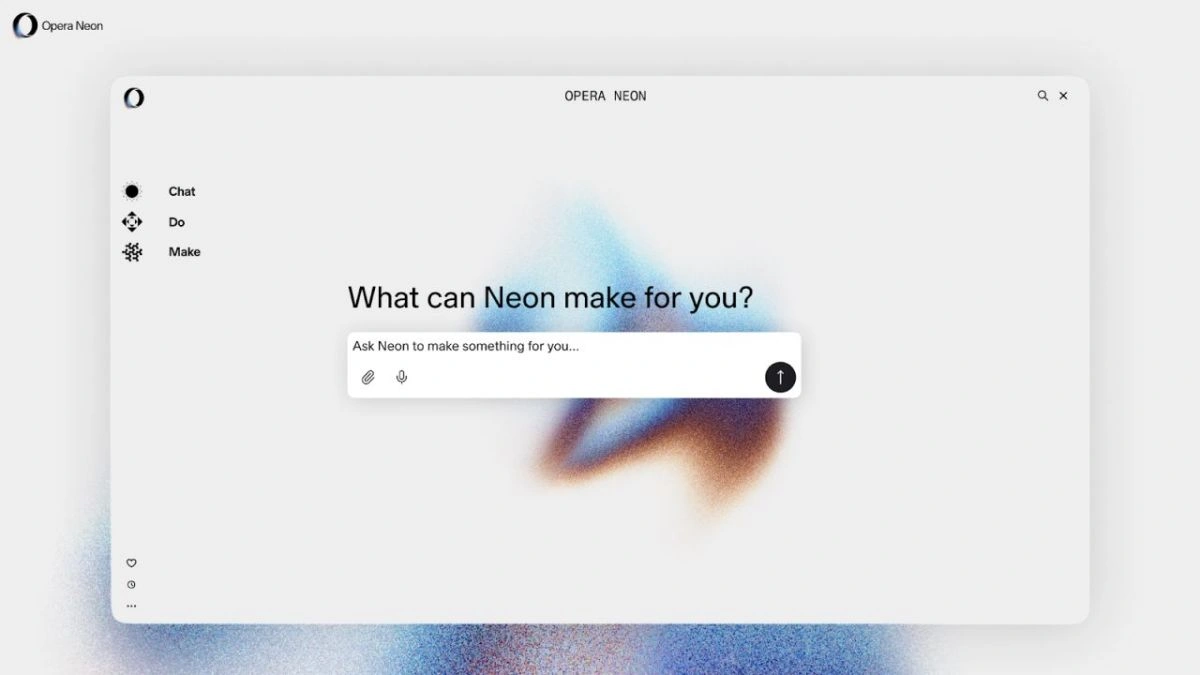
It is built around three powerful features:
- Chat: Lets you converse directly with an AI assistant inside the browser. You can ask questions, request summaries, or even get help drafting emails or documents.
- Do: This feature allows the browser to act as an agentic tool. It can perform real tasks like navigating pages, filling forms, collecting data, or comparing content across websites.
- Make: The most innovative part, this lets you create within the browser. You can design small web apps, pages, or widgets simply by describing them to the AI.
Together, these modes turn Opera Neon into an interactive workspace, not just a browser.
How Opera Neon Works
Opera Neon uses what it calls Tasks and Cards to organize work.
- Tasks act like digital workspaces. You can set up one for research, another for creative projects, or one for managing your daily routine.
- Cards are reusable templates or AI prompts that make workflows faster, such as summarizing long pages or compiling specific information.
Importantly, Opera claims that some processes happen locally on your device to ensure privacy, while heavier generative or automation tasks use secure cloud servers. This balance helps protect sensitive data while still providing AI-driven power.
Performance and Real-World Experience
Reviewers who spent 48 hours using Opera Neon shared a mix of excitement and early-stage criticism.
What Works Well
- The Make mode is particularly praised. Users could quickly build small, customized tools, like a personalized RSS feed or a mini research dashboard, in just minutes.
- The integration of Chat, Do, and Make creates a seamless flow between reading, researching, and creating. It eliminates the need for multiple extensions or switching between platforms.
- Power users appreciated the Task-based workspace system, which helps them stay organized across multiple projects.
What Needs Improvement
- Being in early access, Opera Neon is still rough around the edges. Some users experienced lag, inconsistent responses, and interface confusion between modes.
- The learning curve is steeper than traditional browsers because users need to tell the browser what to do instead of manually navigating.
- The subscription cost, around $19.90 per month, may not appeal to casual users who just want basic browsing.
Still, most reviewers agreed that despite its quirks, Opera Neon feels like a glimpse into the future of browsing.
Who Should Use Opera Neon?
Opera Neon is not for everyone but for the right kind of user, it’s revolutionary.
Ideal For
- Professionals who perform multi-step online workflows (researchers, developers, marketers).
- Content creators who want AI help building or automating web-based tools.
- Tech enthusiasts eager to experience the next generation of AI-driven browsers.
Not Ideal For
- Casual users who only surf the web or stream videos.
- Users who prefer stability over innovation, since Neon is still evolving.
- Those unwilling to pay for a premium browser when free alternatives exist.
The Future of Browsing
Neon introduces a concept that could shape the next era of internet navigation, agentic browsing. Instead of doing everything manually, you simply describe what you want, and the browser takes action.
Imagine telling your browser, “Find the best reviews of noise-cancelling headphones, summarize them, and create a comparison table.” It can handle that entire process for you.
This AI-first approach could redefine how people use the internet, not as consumers, but as creators and directors of their own web experiences.
Neon is bold, experimental, and genuinely exciting. It’s the first browser that truly feels like a step into the AI era, blending automation, creativity, and intelligence in one place.
However, it’s still an early product, with some limitations in performance, pricing, and usability. For now, it’s best suited for those who love experimenting with new tech or professionals who can make the most of its AI-powered productivity tools.
If you’re looking for a browser that doesn’t just show you the internet but builds it with you, Opera Neon might be the one worth trying.
FAQs
Q1. Is Opera Neon free to use?
A. No. Opera Neon is a subscription-based product currently priced at around $19.90/month during its early access phase.
Q2. Can Opera Neon replace my current browser?
A. Yes, but it’s best used alongside your main browser at first. It supports Chromium extensions, so many existing add-ons will work seamlessly.
Q3. What devices support Opera Neon?
A. Opera Neon is currently available for Windows and macOS. Mobile versions are not yet launched.
Q4. How private is Opera Neon?
A. Opera claims that sensitive processes are done locally on your device. Other AI functions are handled securely via encrypted cloud servers.
Q5. Is Opera Neon worth it?
A. If you’re a professional or creator looking for smarter automation and AI integration in your workflow, yes. For general users, it might be better to wait until a free or more stable version arrives.
Also Read- ChatGPT Go Vs Gemini Pro Vs Perplexity Pro: Which AI Subscription Is Best For You?