

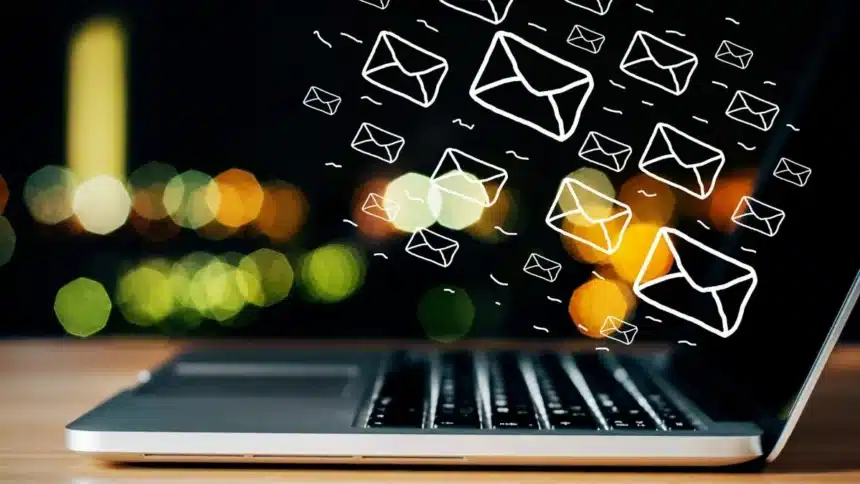
Email accounts are among the most common targets for cybercriminals. Once attackers gain access, they can steal sensitive information, send fraudulent messages, or use the account to target others. Because damage can happen quickly, it is important to recognise the warning signs early and act without delay.
So, here are some practical ways to check if your email account may have been hacked.
1. Review Your Sent Messages
One of the first places to check is your Sent or Outbox folder. If you notice emails you did not write or send, this is a strong sign that someone else may be using your account.
Hackers often send phishing messages or malicious links to your contacts. In some cases, they create rules that automatically delete these sent messages to avoid detection. Therefore, it is also important to review your email rules and forwarding settings.
2. Look for Suspicious Login Alerts
Most email providers send alerts when there are unusual login attempts, such as access from a new device or location. If you receive a notification about a login you did not make, take it seriously.
Repeated failed login attempts can also mean someone is trying to guess your password using stolen credentials.
3. Check If You Are Logged Out
If you suddenly cannot access your email account, it may mean the password or recovery details have been changed. This often happens after attackers gain access and attempt to take full control.
4. Ask Your Contacts
Sometimes the first sign of trouble comes from others. If friends, coworkers, or customers say they received strange emails from you, your account may have been compromised.
These messages often contain suspicious links, attachments, or requests for money or personal data.
5. Watch for Unexpected Password Reset or MFA Requests
If you receive password reset emails or authentication prompts that you did not request, someone may be attempting to access your account.
Repeated authentication requests may indicate that an attacker already knows your password and is trying to bypass security checks.
6. Examine Your Account Settings
Hackers often change inbox settings to maintain access without being noticed. They may create automatic forwarding rules or alter recovery email addresses.
Signs may include missing emails, unexpected changes in folders, or new connected devices.
7. Check Connected Applications
Many people connect their gmail accounts to other apps and services. Attackers can exploit these connections, especially through permission tokens that allow access without a password.
Even if you change your password, these permissions may remain active.
8. Monitor Device and Network Activity
If your antivirus software or IT department reports unusual network behaviour, your email compromise may be part of a larger security issue. Attackers sometimes install malware that spreads beyond the email account.
Knowing how to check if your mail has been hacked can prevent serious consequences. Warning signs often include unfamiliar sent messages, login alerts, password reset requests, or changes to account settings.
Also Read: How To Monitor Your Child’s YouTube History Without Them Turning It Off