The battery life of any phone is bound to reduce over time with regular usage. However, there are certain things you can do to improve the battery health of your Xiaomi phone and make it last longer, which helps optimize the battery usage to give the best performance even after it is a few years into use. This article will serve as a guide to do just that.
- Tips that can help with the battery health of your Xiaomi phone –
- Charging your phone properly
- Reducing the screen brightness
- Disable unused features
- Turning off App-Notifications
- Enabling Battery Saver Mode and Ultra Battery Saving Mode
- Keep the Android Updated with the Latest Updates
- Use Simple Wallpaper, Themes, and Screen Savers
- Close unused tabs
- Turning Off System Sounds
- Turn on Dark Mode
Tips that can help with the battery health of your Xiaomi phone –
Charging your phone properly
To improve the battery health of your Xiaomi phone, it is recommended that you keep the battery percentage of your Xiaomi Phone between the range of 20-80 percent.
Reducing the screen brightness
The phone screen consumes the maximum amount of battery life of your device. Keeping the screen brightness to a minimum or at the auto brightness setting can help reduce battery drain and extend battery life.
To reduce the screen brightness, follow these steps:
Swipe down from the top of the screen and then slide the brightness from right to left to reduce it.
Disable unused features
There are certain features in phones that keep running and draining the battery life if we don’t turn them off. Bluetooth and GPS/Location, amongst other features, are usually enabled and keep draining the battery even when they are not actively being used by the user.
Many applications in our phones take our permission to get access to these features and tend to drain the battery life.
To disable these features when not in use, follow these steps –
Turning off App-Notifications
There are many applications that we all have installed on our phones, and most of these apps tend to send unnecessary notifications very often. These pop-up notifications tend to quickly drain the battery life from our phones.
Limiting notifications is a key way to reduce battery drainage.
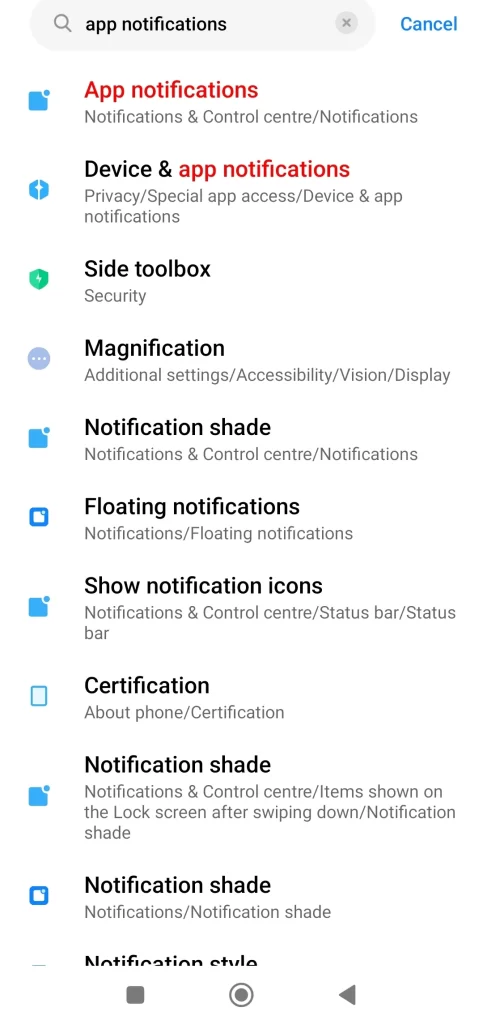
To turn off these app-notifications, follow these easy steps –
Settings- App Notifications – Swipe left on the bar under App you want to turn off the notifications for.
Enabling Battery Saver Mode and Ultra Battery Saving Mode
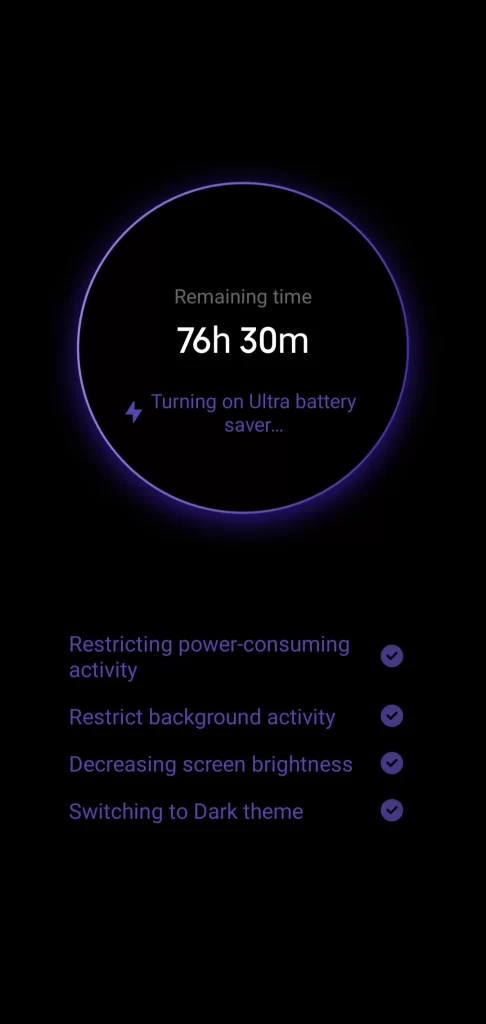
Xiaomi Phones come with battery saver modes and ultra battery saving mode options, which tend to extend the battery life to a good number of hours when you cannot charge your phone immediately.
In-built battery saver modes in certain apps
Certain Apps like Google Maps now have an in-built dedicated feature for battery saving, like reducing data usage option.
Keep the Android Updated with the Latest Updates
Keeping your Xiaomi phone updated with the latest Android update helps improve the battery life since each new update comes with better battery optimization features and other updates that help improve overall phone performance.
An easy way to update your phone is as follows –
Settings – System – System Update.
Use Simple Wallpaper, Themes, and Screen Savers
Themes consume the most battery in phones along with live wallpapers, so keeping a simple wallpaper is one quick, smart tip to keep your phone’s battery from draining quickly throughout the day.
Close unused tabs
Sometimes, search engines like Google Chrome have multiple apps open, which also contribute to the draining of battery life.
Turning Off System Sounds
System sounds like sounds that play upon receiving App Notifications, message notifications, Dial pad sounds, tap sounds, sounds while locking the device, uninstalling apps, amongst others, are also features that drain battery life. Simply turning these off will help improve the battery of your Xiaomi device.
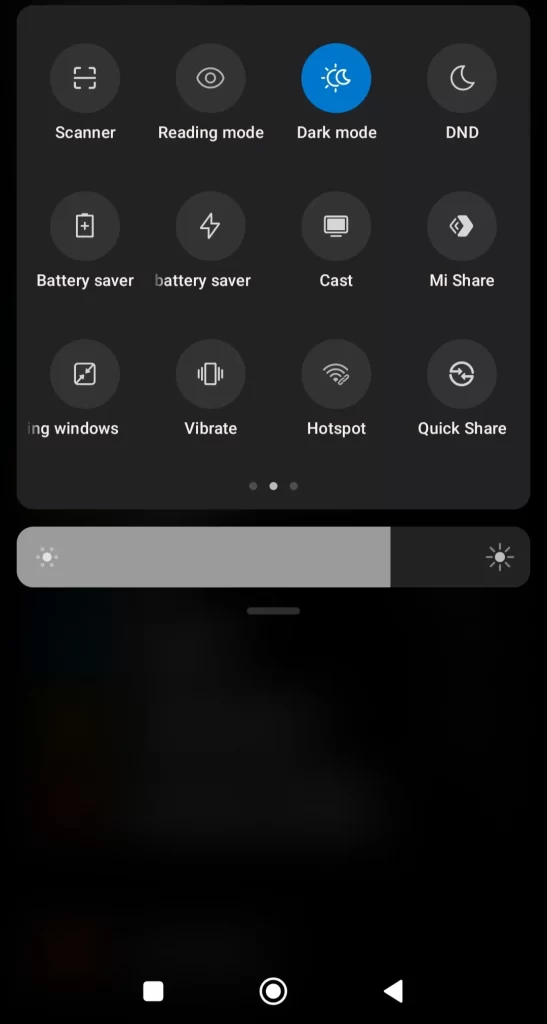
Turn on Dark Mode
These are some of the ways that the battery health of your Xiaomi phone can be enhanced to enhance performance, improve health, and make it last longer.
By following all or some of the mentioned ways, you can preserve the battery health of your Xiaomi device and make it last longer. Not only do these tips help in improving the battery health of your Xiaomi phone, but they also improve the overall experience of using your device without any lagging or battery drainage issues.
ALSO READ: Google’s September Android Drop: Fun New Features, AI Tools, And Pixel Exclusives