




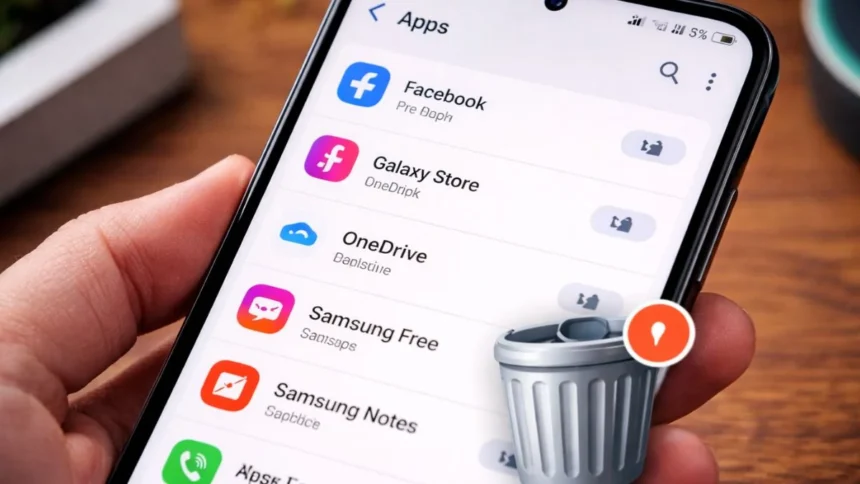
If your Android smartphone isn’t working as well as it could, it’s highly possible that bloatware is the issue. Bloatware is defined as unnecessary applications that were preloaded onto your phone before purchase.
Most users do not request these applications, nor do they typically use them. Despite this, bloatware consumes memory and processes silently behind the scenes without the user knowing.
This article will provide a concise explanation of what bloatware is, why you need to learn about it, and how to properly uninstall it from your Android device.
What Is Bloatware?
Bloatware refers to apps that come pre-installed by manufacturers, carriers, or software providers. These can include duplicate apps, promotional tools, or unnecessary utilities.
Some might be useful, but most just sit there, eating up storage and system resources.
Why You Should Remove It
These excessive and useless apps actually impact your phone in many ways, like:
- Slows down performance
- Takes up valuable storage
- Drains battery in the background
- Clutters your app drawer
Removing or disabling these apps can make your phone feel faster and cleaner almost instantly.
How to remove Bloatware
Step 1: Check Which Apps You Can Remove
Go to Settings > Apps and scroll through the list.
Step 2: Uninstall What You Can
Go to Settings>Apps>Select app>Tap Uninstall
Step 3: Disable the Rest
For apps you can’t uninstall:
Open the app in Settings>Disable
Step 4: Clear Cache and Data
After removing apps- Go to Storage > Apps>Tap on an app>Clear Cache and Data
In all this time, make sure not to touch critical system apps unless you’re 100% sure. Some apps are essential for your phone to function properly.
Also Read: How to Use Windows 11 Recovery Mode to Fix Your PC in Minutes