



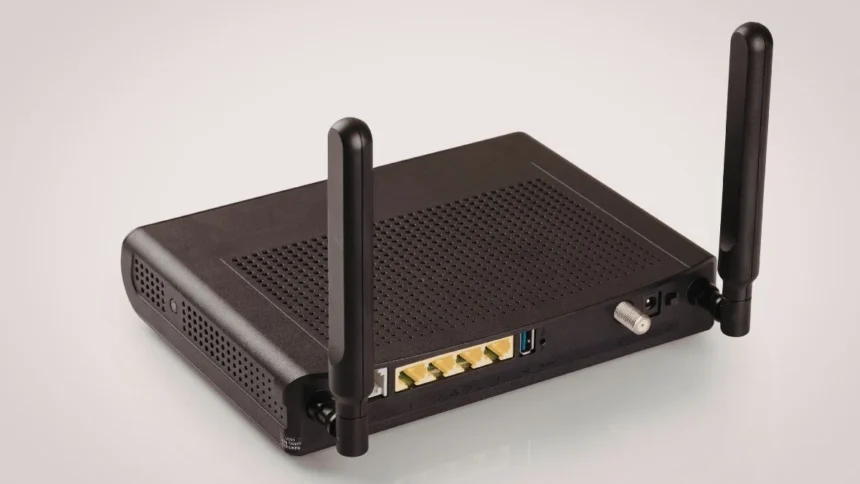
It is common for home users to leave their wireless router on all day long; this does not pose a problem since routers are built to function 24 hours a day without concern for damage.
However, it is advisable to restart your router occasionally to achieve better performance, resolve common issues, and improve security features.
Today’s routers have been created to run continuously, so turning them off on a daily basis will not benefit you in any way. Unplugging the router could interrupt downloads or cause additional wear and tear on the equipment.
Therefore, it is safe to keep the router powered on all day long.
Restarting Every 1-2 Weeks Works Best
A simple restart once every one to two weeks is a good habit. It clears temporary data, refreshes connections and helps prevent small technical glitches from building up over time.
Think of it like giving your router a quick reset to stay sharp.
Why Restarting Actually Helps
Over time, your router stores temporary data to manage all connected devices. This can slow things down or create minor errors. Restarting clears that memory and starts things fresh.
It can also:
- Fix slow internet speeds by reconnecting to your service provider
- Resolve issues where devices fail to connect
- Reduce network congestion in homes with many devices
- Refresh IP addresses and fix connection conflicts
Restarting your router can disconnect unknown or suspicious devices that may have gained access to your network. It can also interrupt certain types of malware that rely on staying connected.
When You Should Restart Immediately
You shouldn’t wait for your weekly reset if you notice problems. Restart your router right away if:
- Internet speed suddenly drops
- Devices keep disconnecting
- Wi-Fi becomes unstable
- New devices can’t connect
In many cases, a quick restart fixes these issues instantly.
If there’s been a power outage or a firmware update, restarting your router ensures everything is working properly and all settings are applied correctly.
Keeping your router plugged in all day is absolutely fine. You don’t need to turn it off daily. Just restart it once in a while and whenever issues pop up.
Also Read: Claude Mythos: 5 Advantages and 5 Disadvantages of Anthropic’s New AI