Apple has just pulled the curtain back on iOS 26, and one of the coolest parts of the update is the addition of two brand-new apps that could make life on your iPhone and iPad a whole lot easier.
The first app is called Games, and the second is Preview. From the names alone, you can probably guess what they’re about, but Apple’s packed in more than you might expect.
Preview Comes to iPhone and iPad
Up until now, iPhones have been missing the Preview feature that Mac users have enjoyed for years. With iOS 26, Apple is finally bringing that super handy quick-view tool to iOS.
Games Become Your Gaming Hub
The new Games app is not just a rehash of Game Center, although it does borrow some familiar features. Instead, it acts as a central hub for everything gaming-related. Apple says you will be able to see all your games in one place, get recommendations for new titles, and enjoy personalized suggestions based on what you like to play.
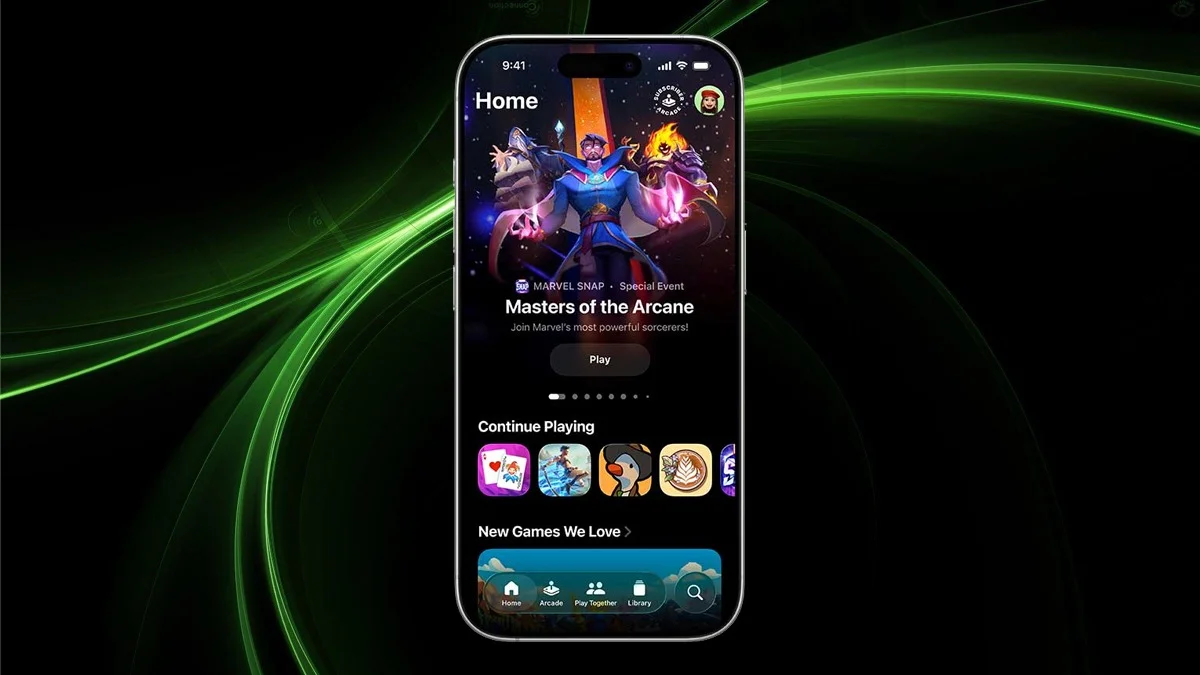
Inside Games, there is the main Home tab and four others: Arcade, Play Together, and Library. Arcade is a dedicated space for all the content you would normally find in the App Store’s Arcade section.
Play Together gives you a quick way to check challenges, multiplayer options, and your friends’ Game Center activity. The library is where every game you have installed lives, and it also keeps track of your achievements and other stats.
What Preview Can Do
The Preview app is finally coming to iPhone and iPad as a go-to spot for viewing PDFs and images. You can also make quick edits with tools like rotate, resize, and more. On top of that, it lets you scan documents, auto-fill PDFs, and even create new images from scratch or directly from your clipboard.
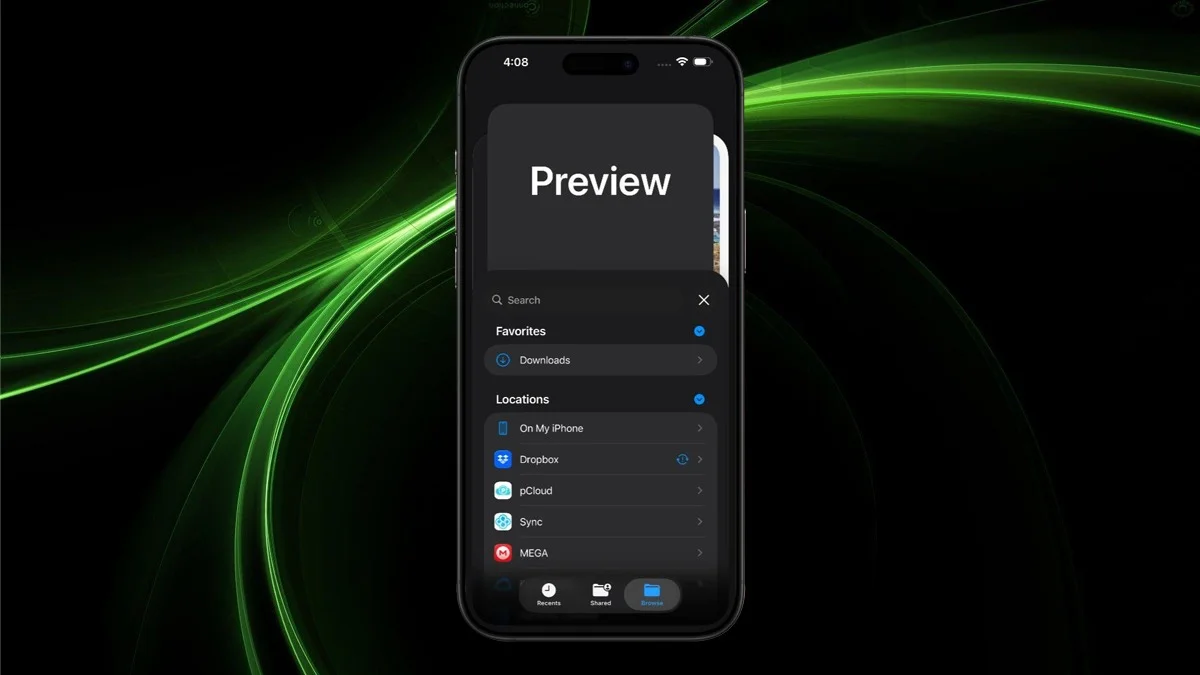
Once you update, your device’s Files app will open PDFs and images in Preview by default. The only possible catch is that this might only work for files stored in iCloud. It is not yet clear if local files will be supported.
Release Date of iOS 26 And What’s Next
Apple is expected to roll out iOS 26 alongside the iPhone 17 in early September.
ALSO READ: Top 7 Most Downloaded Apps Everyone Should Know In 2025