WhatsApp has expanded its purpose beyond simply allowing users to send text and make phone calls, as it is now looking more into everyday uses for the app.
Recently, WhatsApp introduced a new feature that will allow users to easily recharge their prepaid mobile phone numbers directly within the application without the need to switch between applications and go through an additional process.
You can do this with only a few taps on the screen.
Here is how it works and some general information you may find helpful.
What’s new with WhatsApp recharge
WhatsApp has introduced an in-app prepaid recharge feature in partnership with PayU. This expands its payment services beyond basic UPI transfers.
The feature is rolling out gradually on Android and iOS. Once available, users can complete mobile recharges without leaving the app.
This is the first time WhatsApp has enabled direct prepaid recharges natively. Earlier, limited services existed through telecom chatbots, but those were restricted to specific networks.
Now, the experience is built into WhatsApp itself.
Which networks and payments are supported
At the moment, the recharge feature works with major telecom providers like Reliance Jio, Bharti Airtel and Vodafone Idea. For payments, users can choose from UPI, Debit cards and Credit cards.
There are a few limitations to keep in mind:
- Only prepaid recharges are supported right now
- Postpaid bill payments are not included
- The feature is available only on mobile apps, not on desktop or web
How to recharge using WhatsApp
If the feature is live on your app, here’s how you can use it:
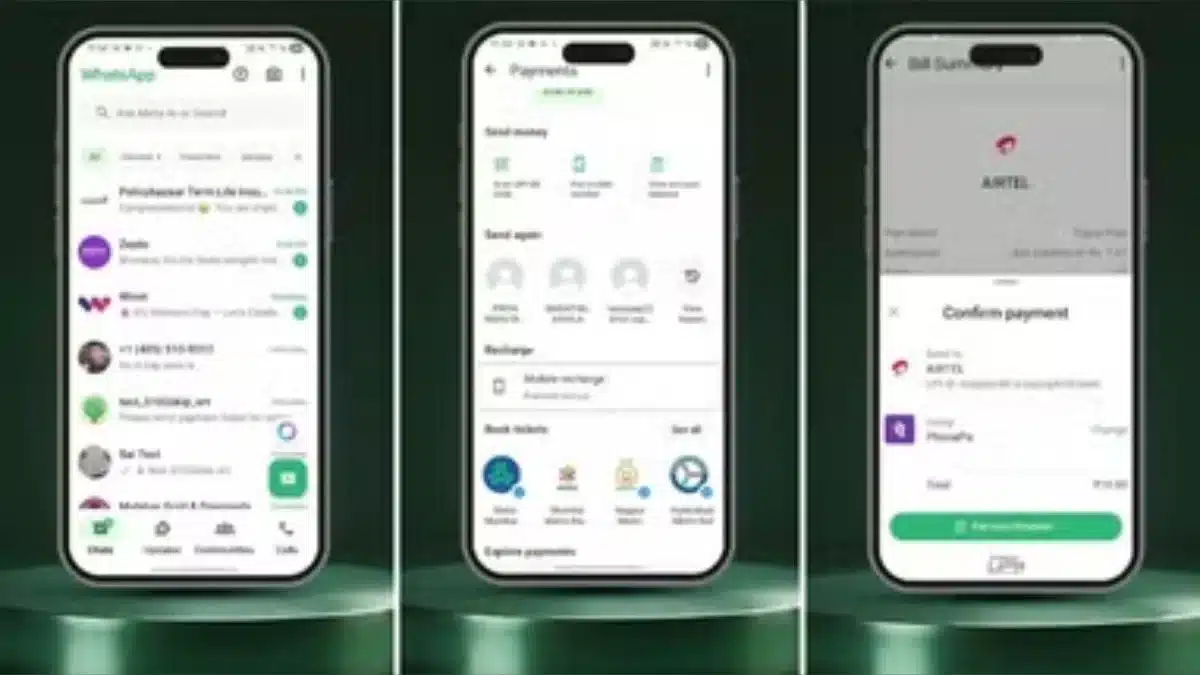
Step 1: Open WhatsApp on your phone
Step 2: Tap the rupee icon near the camera button
Step 3: Select “Mobile Recharge”
Step 4: Enter the mobile number you want to recharge
Step 5: Choose a plan from the available options
Step 6: Select your preferred payment method
Step 7: Tap “Continue” and complete the payment
That’s it. The recharge is processed within seconds, just like any other digital payment.
Why only prepaid for now
Although there is no official explanation from WhatsApp regarding post-paid users not being included, there is an obvious answer to this issue.
The vast majority of mobile subscribers are on a prepaid plan; in addition, these prepaid plans allow for constant usage of mobile service based on significantly smaller amounts of usage.
Therefore, the reason that WhatsApp will start supporting only prepaid customers is likely since it represents one of the largest fractions of mobile customers currently using their app, and will likely later add support for post-paid customers.
WhatsApp Pay Evolution
WhatsApp Pay first launched in India in 2020 after years of waiting for government approval. Even though India is WhatsApp’s biggest market, the service struggled to grow because officials limited how many people could use it at first to prevent one company from controlling the entire market.
This gave older competitors like Google Pay and PhonePe a massive head start, and they are still the leaders today.
In Brazil, the service had an even rockier start. It launched in June 2020 but was suspended by the central bank after just nine days because of concerns about competition and data privacy.
It took nearly a year of negotiations before it was allowed to restart. Since then, WhatsApp has slowly expanded to other places like Singapore, focusing on letting people pay local businesses directly within their chats.
The big challenge for WhatsApp has always been changing how people see the app. Most users think of it strictly for texting and calling, not as a digital wallet.
By adding features like mobile recharges and bill payments, the company is trying to copy the “everything app” model used by WeChat in China, where users do everything from shopping to banking without ever leaving the conversation.
Also Read: How to Safely Back Up Your WhatsApp Chats in Minutes