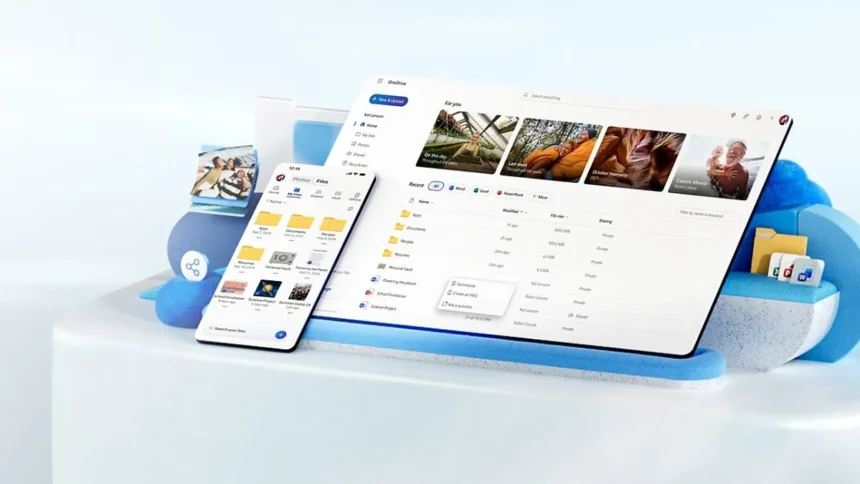
Microsoft is quietly reshaping how people edit photos, and this time it’s doing it without overcomplicating things. A new feature called AI Restyle inside OneDrive is turning everyday images into stylised visuals, from anime frames to cinematic posters, with just a tap.
But unlike typical AI image tools that often distort faces or change key details, this one is built to keep your original photo intact.
What AI Restyle actually does
OneDrive’s AI Restyle isn’t a tool for creating entirely new works; it’s more of a sophisticated filter system.
To use an AI Restyle, you would upload a photo, choose an artistic style, and the AI will transform your photo, maintaining the majority of the objects in the picture. This will help eliminate the distortion and ‘who is that?’ moments associated with other image processing tools.
Microsoft is trying to do something quite simple – keep your memories intact, but have them look different from the originals.
One-tap styles, plus control if you want it
With this OneDrive’s new feature, you can have a rotating library of different styles (anime-inspired looks, movie poster-like aesthetics and so forth) that continually develop as the feature’s output evolves.
If you would like greater control over your results, you can add prompts to modify the output; however, the great thing about this feature is that it works right out of the box with very little effort.
This makes it significantly easier to use than most other AI editing applications, which typically require trial and error to get functions working correctly.
Where can you use it?
AI Restyle is rolling out across OneDrive on iOS, Android, and web. But there are a couple of catches:
- You’ll need a Microsoft 365 Premium subscription (starting at $19.99/month)
- The rollout is gradual, so availability depends on your region
So even if you’re subscribed, don’t be surprised if you don’t see it yet.
Photo editing is already crowded with apps, but most AI tools either go too far or require too much effort. This sits somewhere in the middle- quick, controlled, and actually usable.
Also Read: Tired Of Constant Tracking? Surfshark’s HeyPolo App Offers A Privacy-First Alternative