



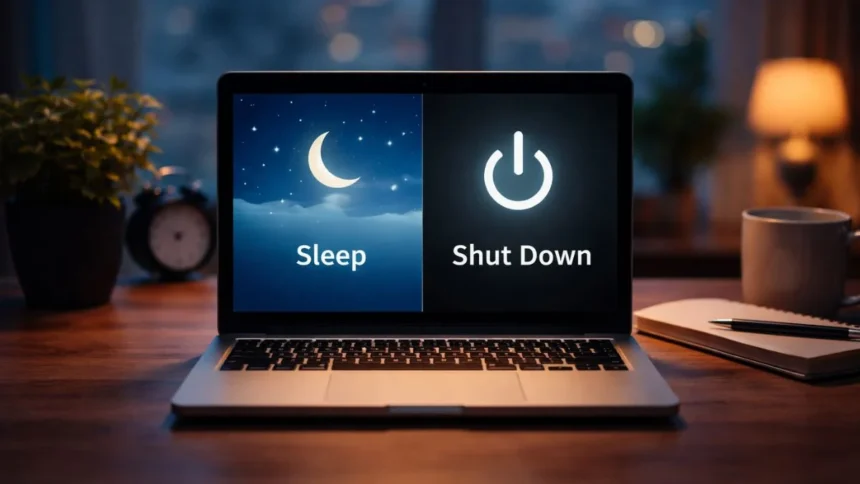
For many people, hitting “Sleep” or “Shut Down” is generally done without much forethought. This simple action can impact various aspects of your machine – from performance and power usage to the level of data security offered.
Therefore, if your computer appears sluggish or erratic, the cause could be an inappropriate choice made at the wrong time, rather than needing another reboot.
What Sleep Mode Really Does
Sleep allows you to leave your system in low-power mode, while storing all information in memory. You can close your lid and return shortly after to resume your activity immediately.
This convenience makes Sleep an ideal choice for regular usage. Whether working, studying, or frequently switching tasks between multiple applications, Sleep keeps you in the zone and avoids restarting.
What Happens When You Shut Down
Shutting down your PC means putting a proper full stop to everything. It just powers off the system completely along with the apps and data.
When you restart your system, it starts fresh.
This reset can fix minor glitches, reduce lag and improve overall stability.
Shutting off your system is the simplest way to keep your device running clean over time.
What You Should Do?
You will not find a definitive answer as to which way is the best way to use your laptop, i.e. Sleep or Shut Down. ‘
It all comes down to how you want your laptop to respond to you.
For example, if you put your laptop in sleep mode, it can become sluggish due to the clutter left in memory. On the other hand, if you just shut down the laptop, it will clear your memory.
Also, the other factor is that using Sleep mode uses a very small amount of electricity, but it still does not eliminate the power use fully. So, if your laptop is in sleep mode for the whole night, it will still consume electricity.
On the other hand, shutting down your laptop eliminates the power consumption from your PC. If you are not using your laptop for a length of time, shutting down your laptop will save more energy.
Also, if you are keeping your laptop in Sleep Mode, it is still technically on, and anyone can access your laptop. However, if you just shut down the laptop, no one can use it, without you entering the passkey.
So, the next time you ask yourself whether to put your laptop into Sleep mode or Shut Down mode, think about the way that you would prefer to use your laptop.
Also Read: Apple Is Discontinuing These Devices Immediately – Check If Yours Is on the List