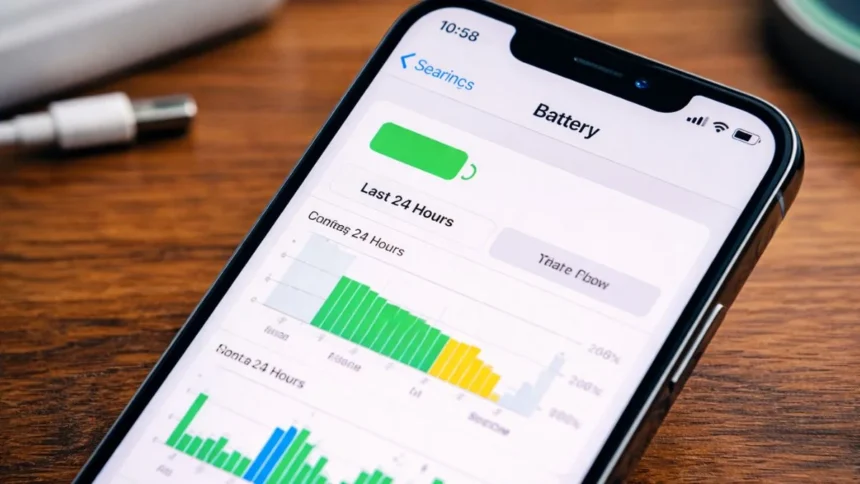
Many iPhone users experience battery problems when they update to a new version of iOS, and as the battery starts to drain faster than usual.
But this phenomenon is not as serious as you think.
Why does iPhone Battery Drain Faster after an Update?
Following an iPhone Update, the phone does not stop running processes in the background, for example, indexing files, updating apps, optimizing system. Along with completing these processes, they will be using additional power, making the battery work harder for the first few hours or days post-update.
Major iOS updates tend to highlight an increased amount of background activity, due to all the background work being done, iPhone reorganizing data, refreshing apps and adding features.
Additionally, this can also result in the phone running slightly warmer than normal; the phone is working harder to complete all of the above tasks during this period.
How Long Does It Last?
In most cases, this battery drain is temporary. Once the background processes are complete, battery performance usually stabilizes and can even improve compared to before the update.
When You Should Be Concerned
If the battery drain continues for several days, it might not be just the update. Other possible reasons include:
- Heavy app usage in the background
- Apps not optimized for the latest iOS
- An ageing battery nearing the end of its life
You can check which apps are consuming the most power by going to Settings > Battery.
A short-term battery drop after an update is normal; it’s just your iPhone adjusting and optimizing itself. But if the issue sticks around, it’s worth taking a closer look.
Also Read: Tired of The Meta AI Circle in Your WhatsApp? Know The Available Options