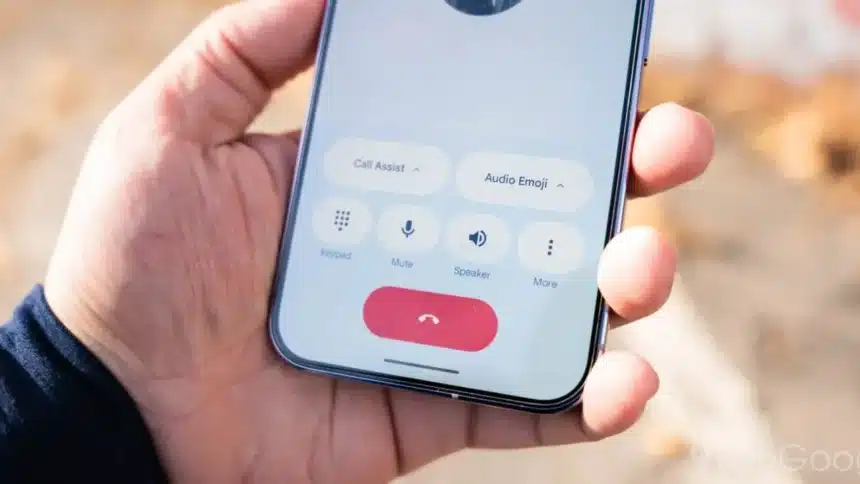
Google is introducing a new feature in the Phone by Google app that allows users to personalize how they appear when making calls. Known as a “Calling Card,” this feature lets you display a full-screen image along with your name when you call someone. It is designed to give your calls a more personal and recognizable identity.
What Is the Google Calling Card Feature?
The Calling Card feature allows you to choose a photo and customize how your name appears on the recipient’s screen. Instead of a plain caller ID display, your contacts can see a full-screen image selected by you. This can make it easier for people to recognize your calls instantly.
This update builds on similar personalization tools already seen in Google’s messaging apps, but now it is being introduced to voice calls through the Phone app.
How to Set Up Your Calling Card
Once the feature is available on your device, you will see a “Create your calling card” option at the top of the Home tab in the Phone app. The app will guide you through a few simple steps:

- Link Your Google Account
You will need to connect your account so your profile information can be shared securely through services. - Choose an Image
You can select a photo using your phone’s camera, gallery, or Photos. Google notes that images may be adjusted slightly to fit different screen sizes. - Customize Your Name Display
After selecting a photo, you can adjust how your name appears. The app allows you to choose different fonts and colors. You can also adjust text style options such as width, weight, and roundedness to suit your preference. - Select Who Can See It
Finally, you can decide who will see your Calling Card:
- Only your contacts
- Everyone you talk to
This gives you control over your privacy and visibility.
The Calling Card feature is beginning to roll out with beta version 211 of the Phone by app. However, since part of the update is controlled from Google’s servers, it may take some time before it appears for all users.
Caller ID has traditionally been simple and limited to a name and number. With this update, Google is turning phone calls into a more personalized experience.
Also Read: iPhone 17e Leaks: Release Date, Price, Design & Full Specs