Secure Password Tips – How to Create Strong Passwords for Work and Home Safety
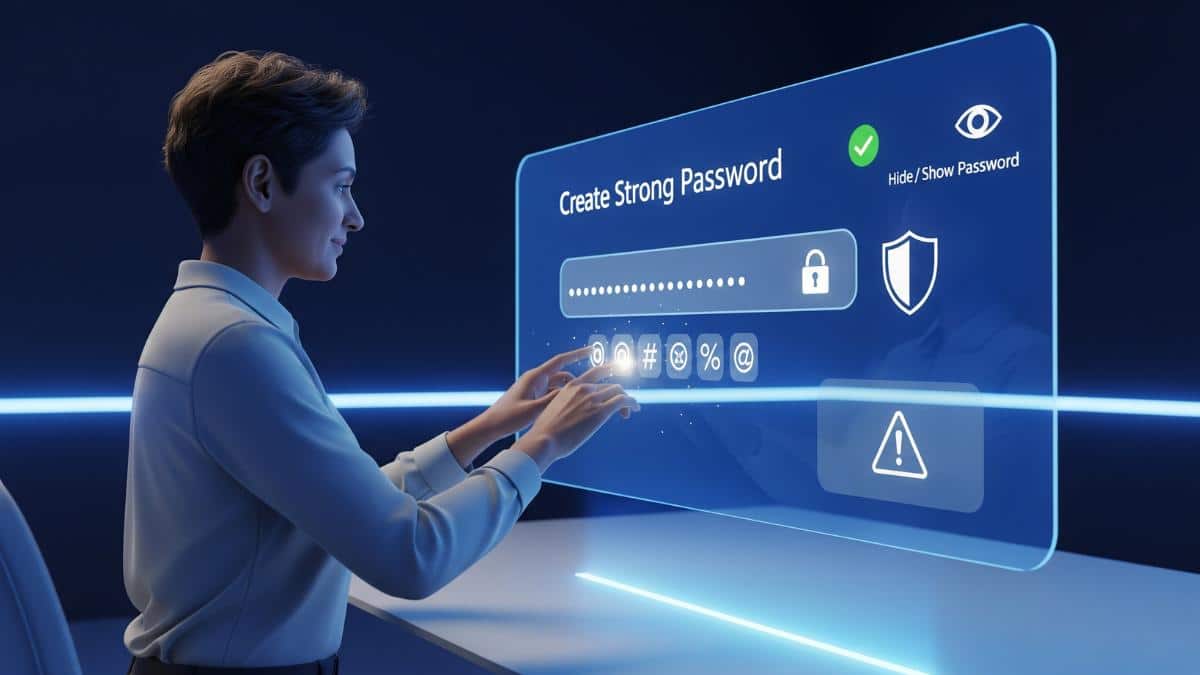
When the use of the internet has reached every home and office, it has become very important to understand and apply secure password tips. When people use online shopping, net banking, email, or office tools, they set a single password for every login. But many people use the same password everywhere or make a simple and guessable password. Such passwords make your personal and official data an easy target for hackers. In this article, we are going to give you simple and effective secure password tips which can protect your personal and work accounts from cyber attacks.
Why Secure Passwords Are Important
Passwords protect your personal data. If someone guesses or steals your password, they can access your emails, social media accounts, or even your bank account. Weak passwords are easy for hackers to guess. Strong passwords make it much harder for them to break in.
- Secure Password Tips – How to Create Strong Passwords for Work and Home Safety
- Why Secure Passwords Are Important
- How to Create Strong Passwords
- Examples of Strong Passwords
- Avoid These Common Password Mistakes
- Use a Password Manager
- Turn On Two-Factor Authentication
- Change Passwords Regularly
- Secure Your Email First
- Conclusion
How to Create Strong Passwords
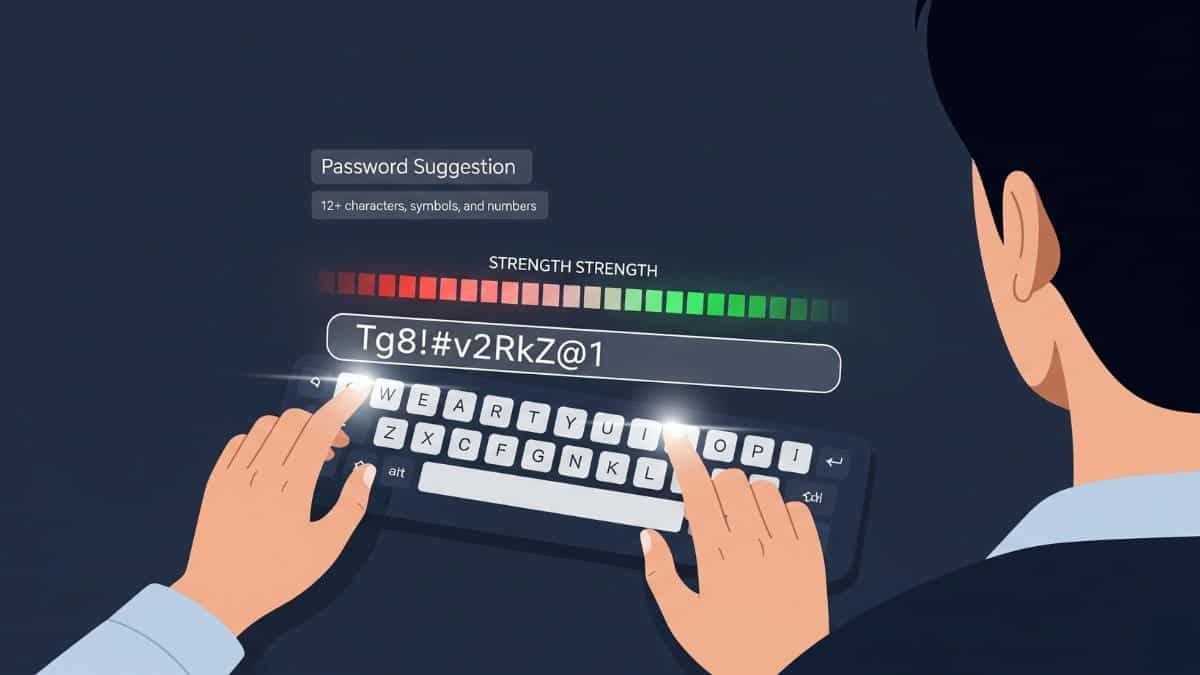
Strong passwords are long and hard to guess. Here are some tips
Use at least 12 characters
Mix capital and small letters, numbers, and symbols
Do not use your name, birthday, or common words
Make each password unique for each account
Examples of Strong Passwords
B7mK$uP3w@z8
9hT!gC2q%LmN
These types of passwords are very hard to guess for anyone and it contain a mix of letters, numbers and symbols.
Avoid These Common Password Mistakes
Many people make mistakes while choosing their password like
Using easy passwords like 123456 or password
Reusing the same password for different accounts
Writing passwords on paper or saving them in notes
These mistakes can make your accounts easier for hack to get easy access.
Use a Password Manager
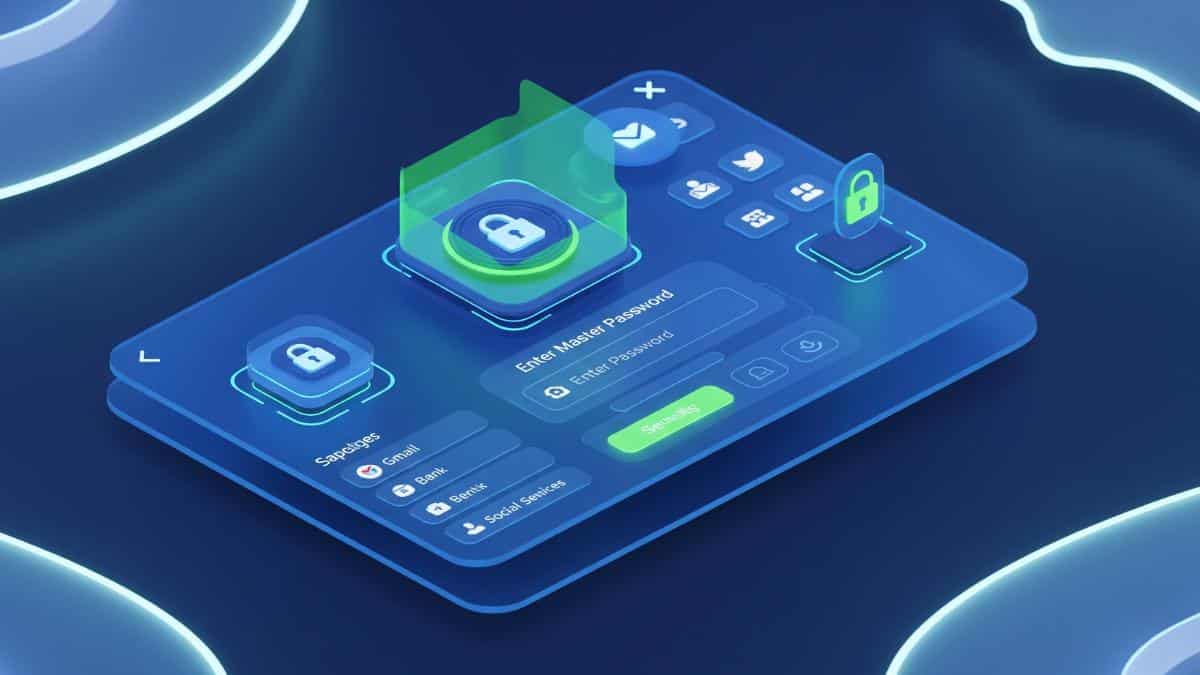
Password managers are build to help you create and store strong passwords. All you need to remember is one master password. Some those reliable password managers are listed below
These Password manager tools can also alert you if your password is weak or has been leaked.
Turn On Two-Factor Authentication
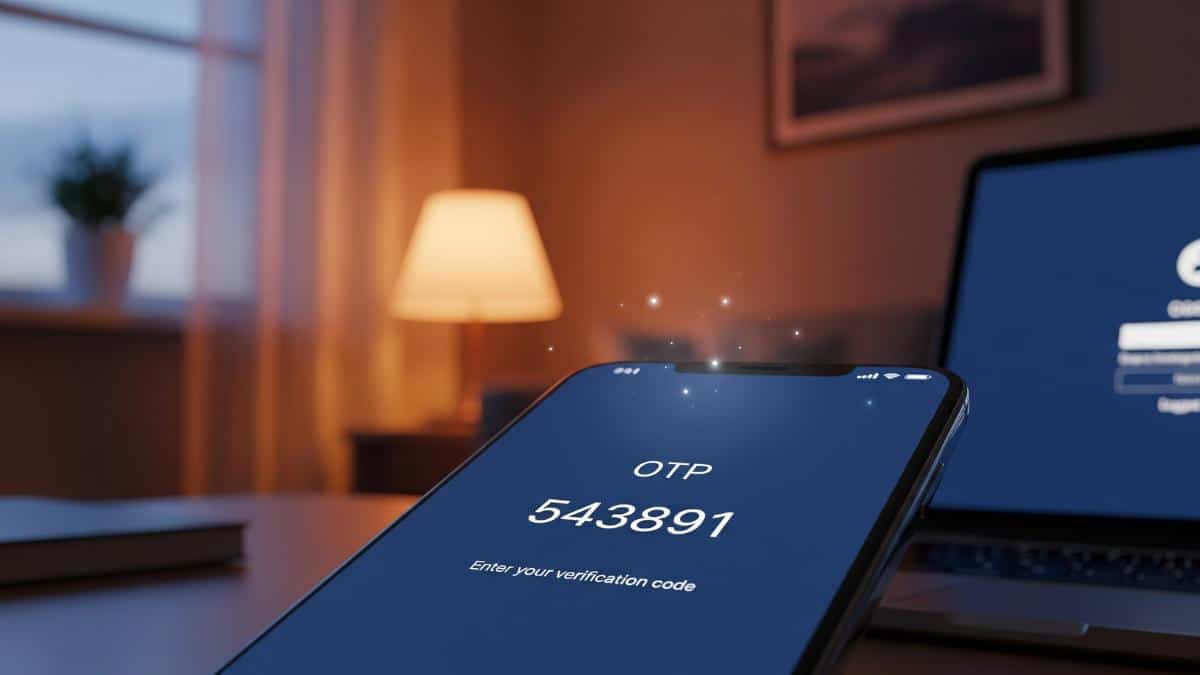
Two-factor authentication adds another layer of security for your accounts. After entering your password, you must have to enter a code sent to your phone or email. With this, even if someone knows your password, they can’t access your account without this code.
Change Passwords Regularly
Update your passwords every 2 to 3 months. If you become aware of a data breach or thinks your password may have been leaked, then change it immediately.
Secure Your Email First
Your email is the gateway to your many accounts such bank and social media accounts. If hackers gets access to your email, they can reset passwords for all the accounts and websites which is connected to your main email. That’s hy, its really important to always keep your email password strong and turn on two-factor authentication.
Conclusion
Strong passwords are the key to online security. Keep them long and difficult to guess. Use different passwords for each account. Use a password manager and two-factor authentication. These secure password tips will protect your data from cyber threats. And yes, one last thing never share you otp or click unknown links to keep everything safe.
ASLO READ: 16 Billion Passwords Leaked: Facebook, Google and Apple Users at High Risk