Your iPhone is packed with clever tools that many people never notice, and some of the most useful ones are hiding inside the Settings app. These built-in features can quietly make everyday tasks quicker and easier once you know where to find them. One standout option lets you control your phone, and even parts of your smart home, with nothing more than a simple tap on the back of your device.
One of the most underrated tricks is called Back Tap. It’s not turned on by default when you first set up your iPhone, which is why so many users miss it. But once enabled, it can become a real time-saver, especially when paired with Apple’s Shortcuts app.
Discover the power of Back Tap on iPhone
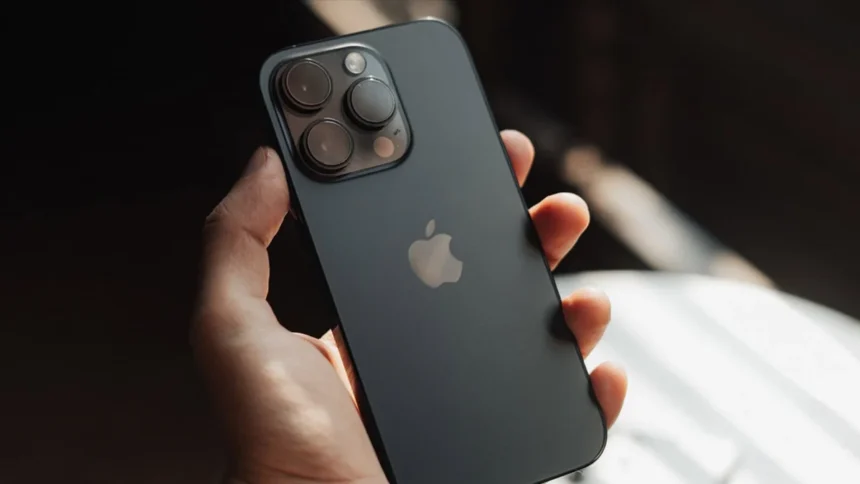
Back Tap does exactly what it sounds like. By tapping the back of your Apple iPhone twice or three times, you can trigger an action of your choice. That could be something simple like taking a screenshot, or something more advanced, such as opening a specific app or controlling smart home devices.
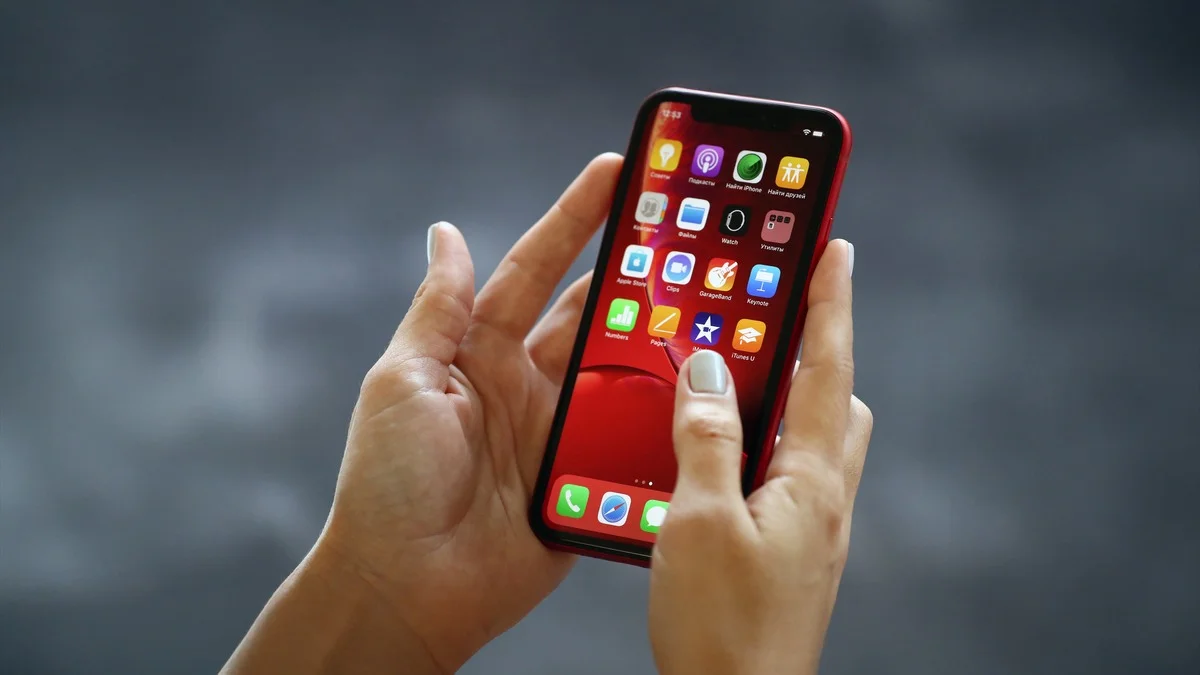
To unlock its full potential, Back Tap works best alongside the Shortcuts app. The good news is that this app usually comes pre-installed on your iPhone, so there’s no need to download anything from the App Store. Shortcuts allow you to create custom actions that combine multiple steps into one simple command. Once set up, a single tap gesture can handle tasks that would normally take several steps.
For example, you could create a shortcut that turns off your lights, lowers your phone’s brightness, and activates Do Not Disturb mode all at once. Then, link that shortcut to a back tap gesture and you’re done.
How to turn on Back Tap
- Apple provides clear guidance on how to enable this feature. To activate double or triple tap on the back of your iPhone, follow these steps:
- Press Settings
- Press Accessibility
- Press Touch
- Press Back Tap
- Select Double Tap or Triple Tap
- Choose what action you want to link it to (e.g. take a screenshot)
Once set, your iPhone will respond whenever it detects the chosen tap pattern on the back of the device.
Which iPhones support Back Tap
The Back Tap feature is available on any iPhone model from the iPhone 8 and above. Apple also recommends keeping your device updated to the latest version of iOS, which is currently iOS 26.2. Staying up to date helps ensure the feature runs smoothly and reliably.
What you can control with Back Tap
According to Apple’s guidance, Back Tap can handle basic actions like taking screenshots right out of the box. However, its real strength comes from pairing it with personalised shortcuts. The Shortcuts app offers a wide range of actions that can be triggered with just a tap, from opening apps to controlling smart accessories.
If you’re curious about building your own shortcuts, Apple provides a detailed user guide on its official website. With a little setup, Back Tap can quickly become one of the most useful gestures on your iPhone, making everyday actions feel faster and more effortless.
ALSO READ: Top 5 Laptops Expected To Launch In 2026: MacBook M6, Dell XPS, ThinkPad And More