
A phone that struggles to last through the day can be frustrating. Many people assume that fast battery drain means the battery is old and needs replacement. While ageing batteries can play a role, everyday habits are often the real cause.
Display settings, background apps, weak signals, and charging patterns can slowly reduce battery life without you noticing.
The good news is that most of these issues are easy to fix.
Here are the common reasons your phone battery drains quickly and what you can do about it.
- Screen Brightness Is Too High
The display is one of the biggest power consumers on any smartphone. Keeping brightness at maximum can quickly drain the battery.
So, lower the brightness level or enable adaptive brightness so the screen adjusts automatically based on lighting conditions.
- Apps Running in the Background
Many apps continue working even when you are not actively using them. They refresh content, update data, and send notifications.
Close unused apps and limit background activity in your phone’s settings. This ensures power is used only for tasks you are actively performing.
- Location Services Always On
Location tracking consumes energy throughout the day, especially if multiple apps are accessing it.
Always set location access to “Only While Using the App” for most applications. This keeps essential features like navigation working without constant tracking.
- Too Many Notifications
Every notification wakes up your screen and uses small amounts of power. Frequent alerts can add up over time.
Therefore, turn off unnecessary notifications. Allow only important apps to send alerts.
- Outdated Software

Older software versions may contain bugs that affect battery performance. Updates often include improvements in power management.
So, keep your phone’s operating system updated to the latest version.
- Weak Network Signal
When signal strength is low, your phone works harder to stay connected. This increases battery usage.
If you are in an area with poor reception, switch to aeroplane mode until you return to a stronger network area.
- Live Wallpapers and Too Many Widgets
Animated wallpapers and constantly updating widgets may look appealing, but they use extra power.
So, use a simple, static wallpaper and limit the number of widgets on your home screen.
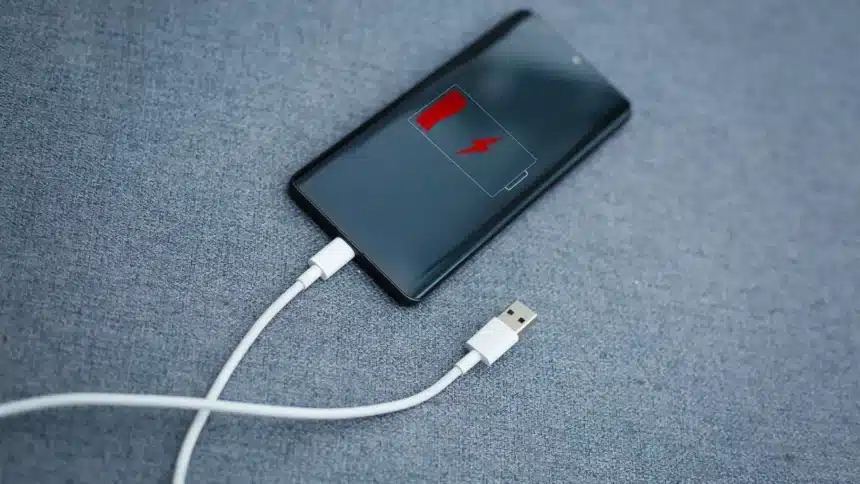
- Poor Charging Habits
Frequently draining your battery to zero or leaving it plugged in overnight can affect long-term battery health.
Hence, always charge your phone before it drops too low and unplug it once it is fully charged. Avoid extreme charging cycles whenever possible.
- Unnecessary Connectivity Features
Bluetooth, Wi-Fi, and other connectivity tools consume power even when not actively in use.
Turn off features you are not using. This reduces background energy consumption.
- Ageing Battery
Over time, all batteries lose capacity. If your phone is several years old, reduced battery life may be natural.
Check battery health settings, if available.
Fast battery drain is often caused by small, everyday habits rather than major hardware problems. SO, making these simple changes can help your phone last longer.
Also Read: Apple’s Back Tap Feature Makes Smart Home Control Effortless