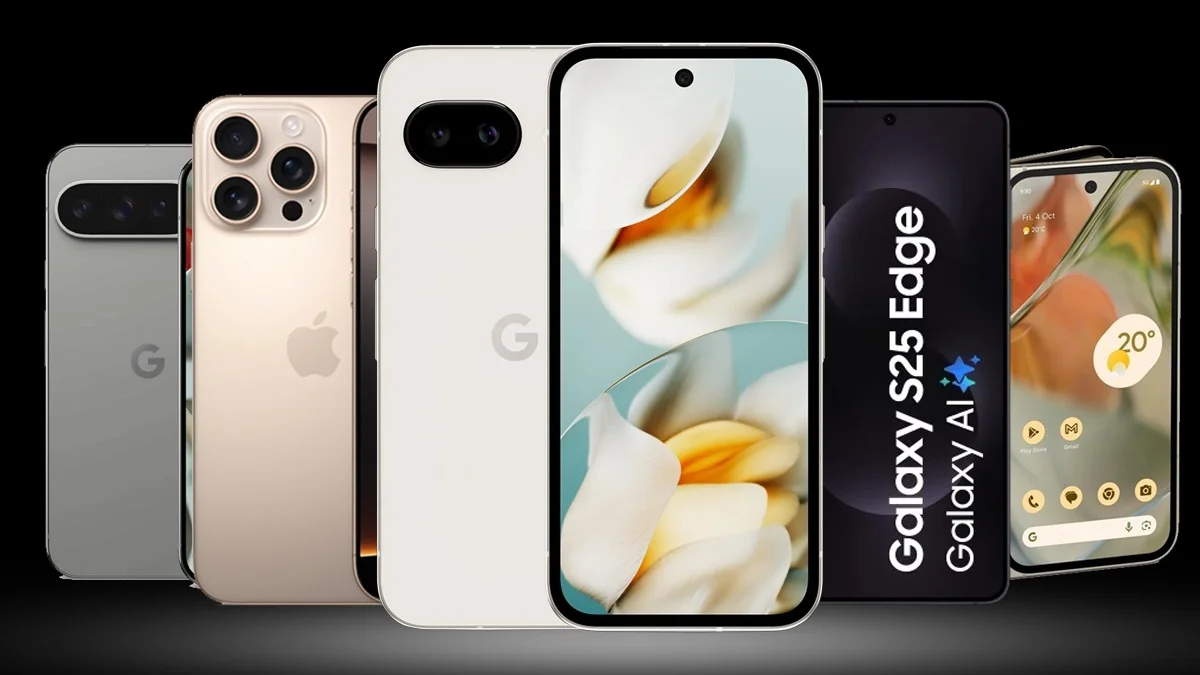
The Top 5 Android UIs in 2025 and Who Should Use Them: Let’s face it. Android is like pizza. Everyone loves it, but we all have our own favorite toppings. In this case, we’re talking about Android skins. These are the custom user interfaces different phone brands slap on top of raw Android. Some are clean and minimal. Others are loaded with features you didn’t even know you needed.
- Here are the top 5 Android UIs in 2025 and the type of people they are best suited for.
- 1. Pixel UI (Google) – Best for Minimalists and Android Purists
- 2. One UI (Samsung) – Best for Power Users and Multitaskers
- 3. OxygenOS (OnePlus) – Best for Speed Junkies and Tweakers
- 4. ColorOS (OPPO/Realme) – Best for Customization Lovers
- 5. MIUI (Xiaomi) – Best for Budget Buyers and Feature Chasers
- Honorable Mentions
- So…Which UI is Right for You?
So which one is best? Well, that depends on who you are. Are you a multitasker? A gamer? A “just give me the basics” kind of person?
Here are the top 5 Android UIs in 2025 and the type of people they are best suited for.
1. Pixel UI (Google) – Best for Minimalists and Android Purists

Who it’s for: The “I just want Android the way Google intended” crew.
Why it’s great: Pixel UI is basically stock Android with a few smart Google sprinkles. No bloatware, no ads, and that smooth, buttery performance? Chef’s kiss. Perfect for those who value clean aesthetics, fast updates, and zero clutter.
- Fastest OS and security updates
- AI-powered features like call screening and Now Playing
- No unnecessary fluff — just Android, raw and real
Downsides: Too plain for users who want extra features or customizations.
2. One UI (Samsung) – Best for Power Users and Multitaskers

Who it’s for: If you treat your phone like a workstation or your life depends on Split Screen, this is your playground.
Why it’s great: Samsung’s One UI is designed with large screens and productivity in mind. It is rich in features but laid out in a way that doesn’t make you feel overwhelmed.
- Superb multitasking tools (DeX, Multi-Window, Edge Panels)
- S-Pen integration on supported models
- Customization plus Samsung ecosystem perks (Galaxy Buds, SmartThings, etc.)
Downsides: A bit heavy and not the snappiest on mid-range phones.
3. OxygenOS (OnePlus) – Best for Speed Junkies and Tweakers
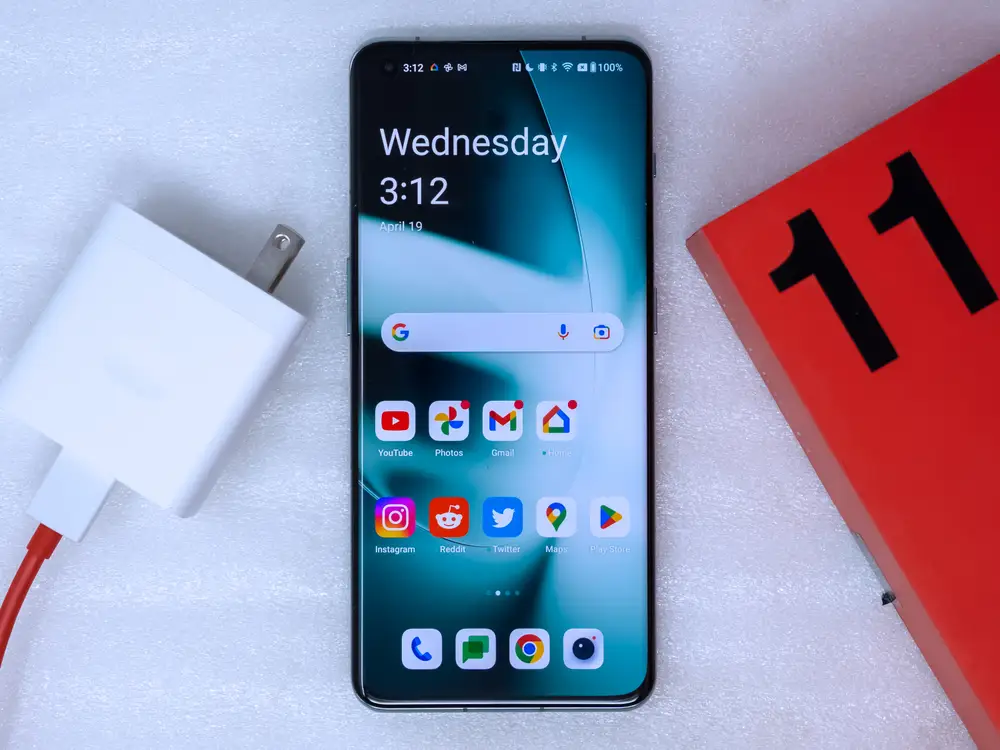
Who it’s for: Techies, tinkerers, and people who like their phones blazing fast with just the right amount of control.
Why it’s great: OxygenOS used to be the darling of Android nerds. While it merged with ColorOS under the hood, it still offers a cleaner, smoother, and faster experience than most.
- Smooth animations and minimal bloat
- Lots of gesture controls and customizations
- Zen Mode for phone detoxers
Downsides: It’s no longer the “stock Android with extra spice” it once was, but it’s still spicy enough.
4. ColorOS (OPPO/Realme) – Best for Customization Lovers
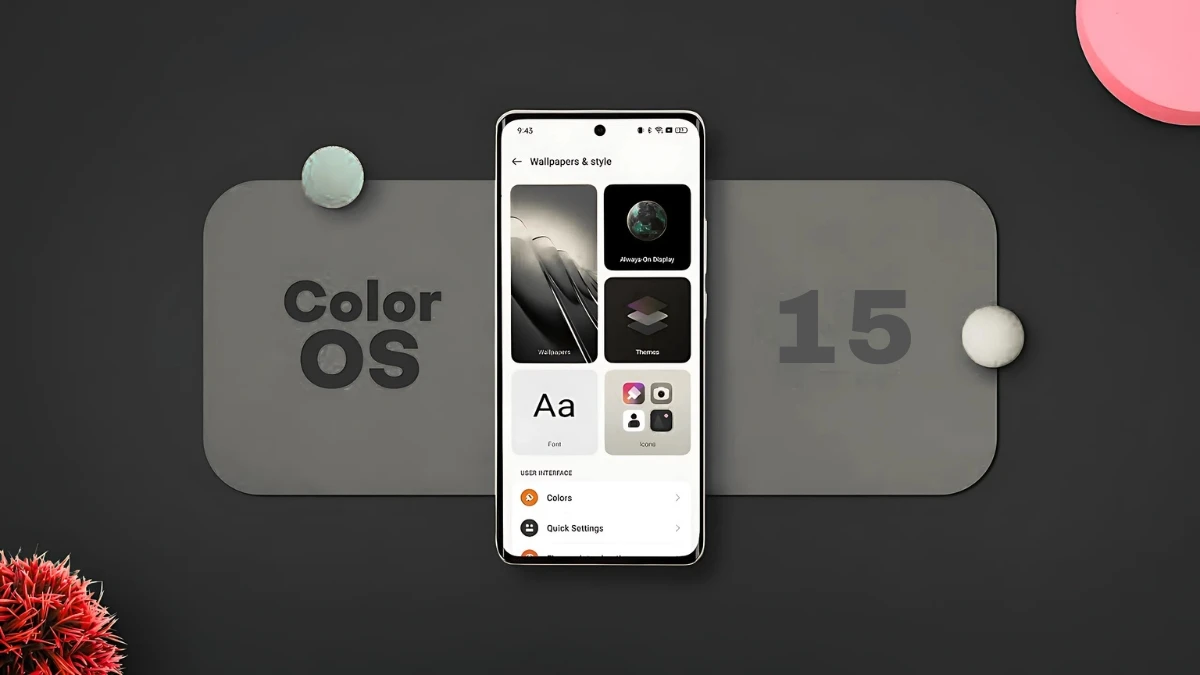
Who it’s for: You want everything. Themes, gestures, animations, and a billion settings? Sign you up.
Why it’s great: ColorOS has matured beautifully. It is now both feature-rich and smooth, with enough tweaks to let you make your phone truly yours.
- Deep theme engine, icon packs, fonts
- Fluid and modern design (especially on AMOLED panels)
- Great battery optimization features
Downsides: Can feel bloated or overwhelming to minimalists.
5. MIUI (Xiaomi) – Best for Budget Buyers and Feature Chasers

Who it’s for: Budget-conscious users who still want that flagship feel and features without breaking the bank.
Why it’s great: MIUI brings high-end features to mid-range and budget phones. From iOS-style aesthetics to a crazy amount of customization — it’s packed.
- Floating windows, Second Space, Game Turbo
- Consistent design across all apps
- Frequent updates and features even on budget phones
Downsides: Ads. Lots of them. Though they are slowly dialing it down.
Honorable Mentions
- FuntouchOS (Vivo/iQOO): Getting better every year, especially on performance phones.
- HiOS/Infinix XOS: Popular in entry-level markets, but still a bit rough around the edges.
So…Which UI is Right for You?
| Type of User | Best UI |
|---|---|
| Minimalist | Pixel UI |
| Power User | One UI |
| Gamer or Speed Freak | OxygenOS |
| Customization Geek | ColorOS |
| Budget Master | MIUI |
There is no best Android UI for everyone. Just like there’s no one-size-fits-all pizza topping. What matters most is what you value in a phone. Do you want it clean and fast? Feature-rich? Highly customizable?
Choose your UI like you’d choose your playlist, based on your vibe. And remember, Android’s beauty lies in its variety. You have options. Use them wisely.
Also Read- Top 9 Free and Paid Asian Movie Websites