



Whenever we buy a new phone, it works very smoothly and fast. But as it gets older, the device starts becoming slow. Often, apps take time to open, the screen begins to freeze and multitasking performance also doesn’t remain smooth. But have you ever thought about what exactly is the reason behind it? Let’s understand it today in a simple and straightforward way.
Reasons Why Phones Become Slow
Performance Can Drop Due to Software Updates
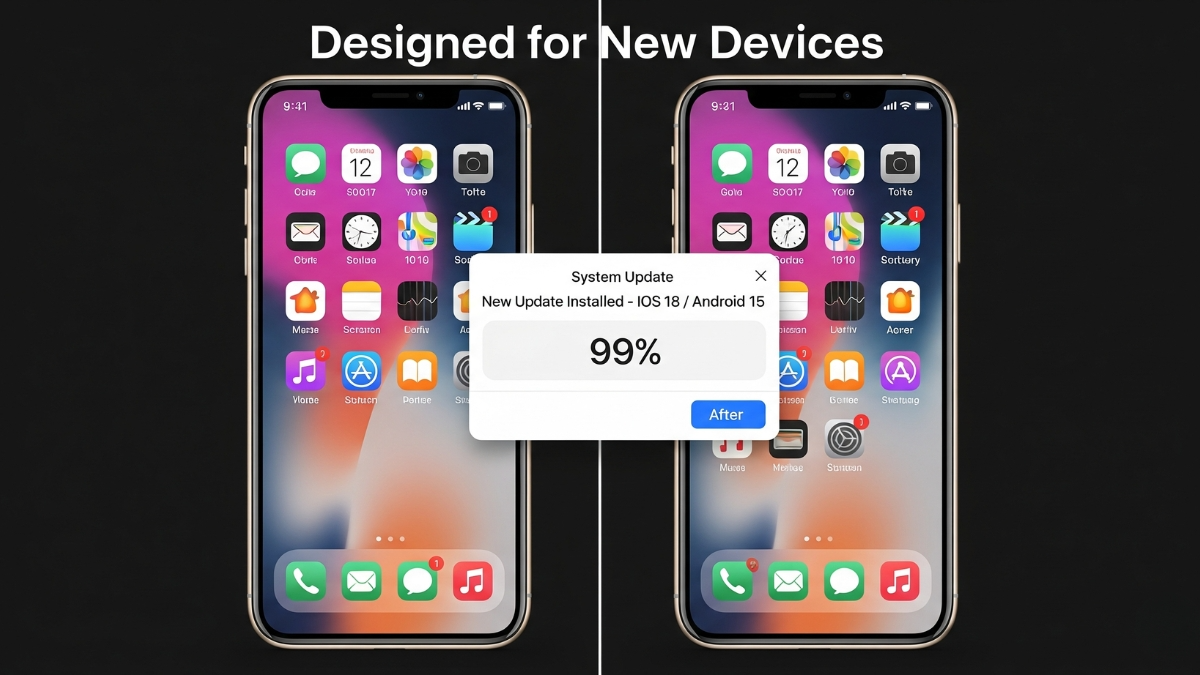
Not every update in our phone is actually beneficial for the device. We often see that when new phones are launched, the updates designed for them are also provided to users of older phones. But those updates are mostly made for the latest phones. When these updates are installed on older devices, they put extra load on the hardware. New features, more animations and heavy tasks running in the background slow down the phone’s speed, which can be one of the main reasons your device is slowing down.
- Reasons Why Phones Become Slow
- Performance Can Drop Due to Software Updates
- Full Storage Can Reduce Phone Speed
- Battery Health Also Has a Direct Impact
- Too Many Apps and Background Processes
- Hardware Also Ages Over Time
- Perception Is Also a Big Factor
- Apple’s Example – When Performance Was Intentionally Slowed Down
- Things You Can Do to Prevent Your Phone from Slowing Down
- One Simple Final Thought
Full Storage Can Reduce Phone Speed

When we first get a phone, its storage is completely empty. But as the internal memory keeps getting filled, the system runs out of space to create and handle temporary files. This directly impacts the phone’s performance, making it harder for the device to process things smoothly and it starts lagging. Apps take time to open and even saving files becomes slow.
Cache data also takes up a lot of storage on devices and if not cleared on time, the phone becomes slow because of that too.
Battery Health Also Has a Direct Impact
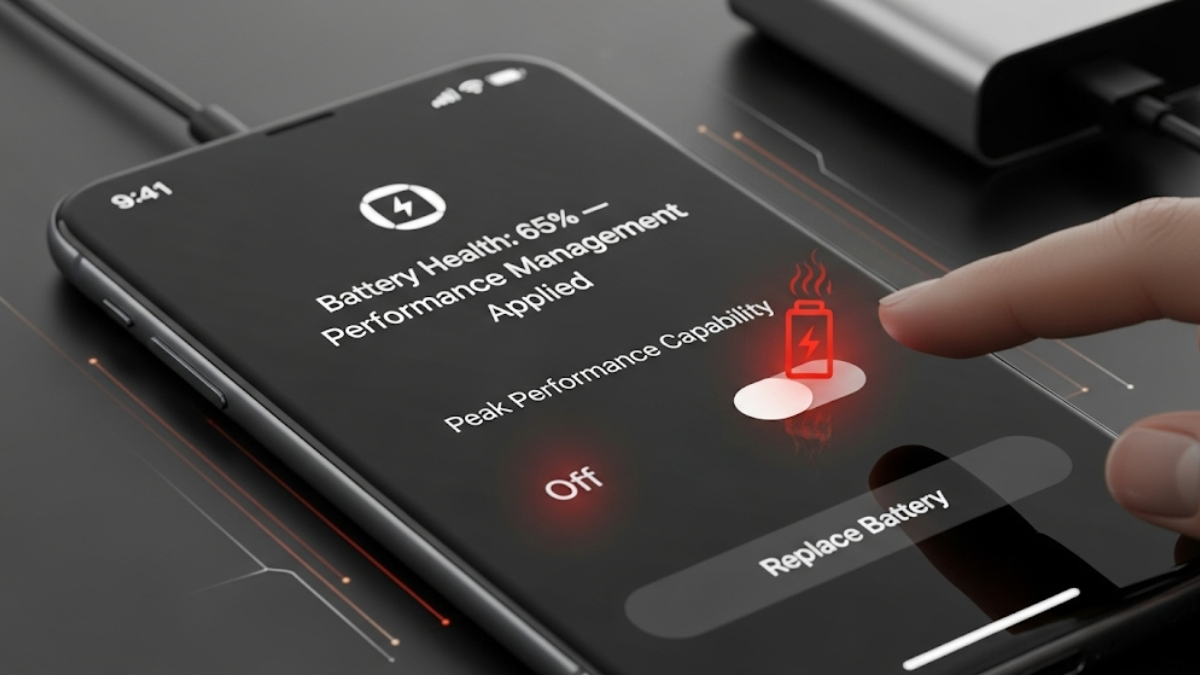
When the phone’s battery becomes old, its performance drops significantly, and the phone becomes very slow. Sometimes, the phone’s operating system deliberately slows down performance in the background so the phone doesn’t shut off suddenly. Because of this, while multitasking or using heavy apps, the phone heats up quickly or lags.
Too Many Apps and Background Processes
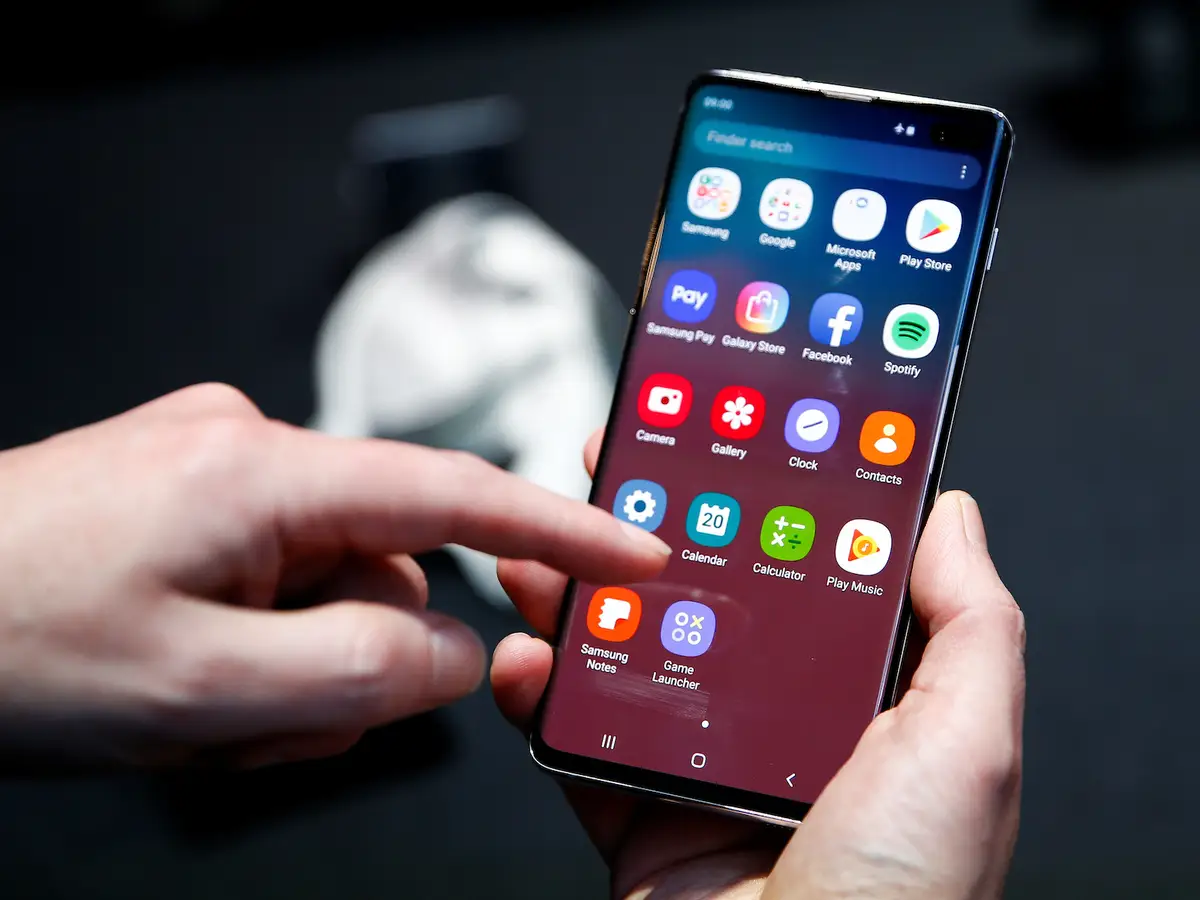
The more apps you install in your phone, the more pressure it puts on the RAM and processor. Many apps in the phone auto-start in the background as soon as the phone turns on. For example, you might have noticed that as soon as the phone starts, if someone has messaged you on WhatsApp or via regular text, you start seeing the notifications right away, even though you haven’t opened the app yet. These apps start running in the background and use resources for push notifications, sync services, and background refresh.
These apps increase the phone’s load and even pre-installed apps sometimes keep using the RAM unnecessarily. So always remember to go into the settings and turn off background app refresh for apps you don’t use much.
Hardware Also Ages Over Time
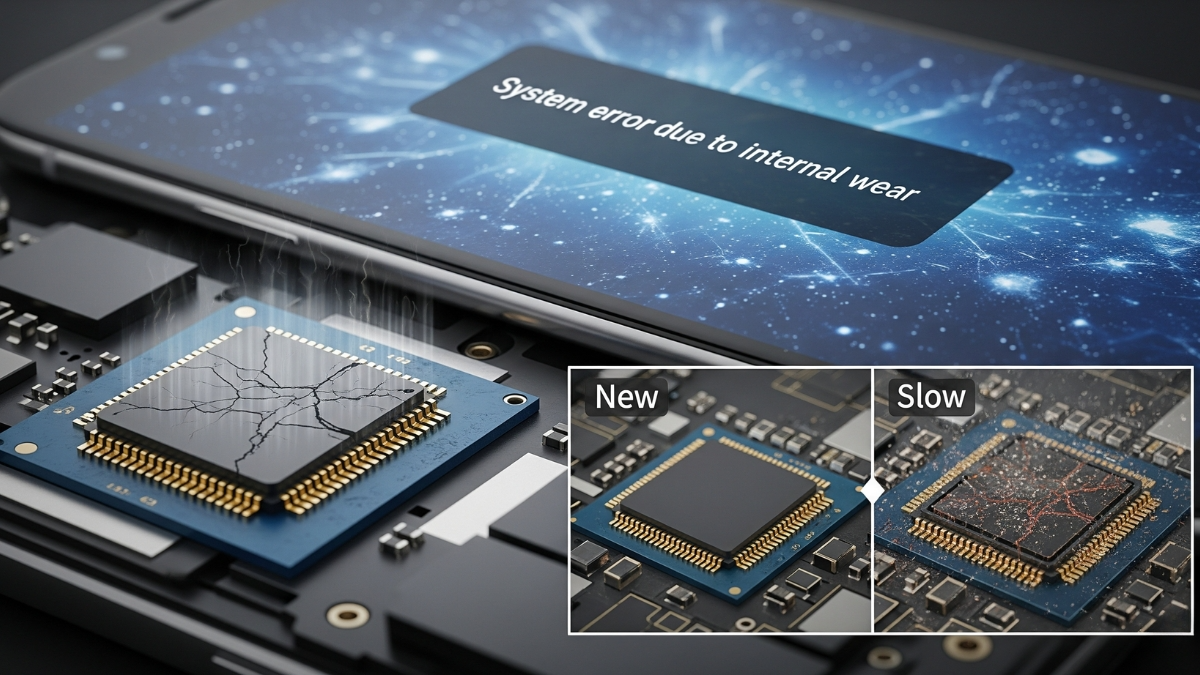
In phones, flash memory slowly starts degrading after repeated writing and deleting. Sometimes, due to physical stress, heat, or moisture, the performance of the processor or internal parts goes down. In such cases, it’s natural for the phone to become slow.
Perception Is Also a Big Factor
When we use a new phone, everything feels fast. But once we get used to that speed, even small delays feel more noticeable. And when we compare it to newer models, our phone feels even slower. Many times, we just feel the device has slowed down and start noticing every little thing.
Apple’s Example – When Performance Was Intentionally Slowed Down

In 2017, Apple admitted that they had slowed down some iPhones through software updates. The reason was to prevent phones from suddenly turning off due to old batteries. This setting was applied without informing users, which led to a lot of criticism for Apple. But this clearly showed that there’s a direct connection between battery and performance.
Things You Can Do to Prevent Your Phone from Slowing Down
Keep cleaning your phone’s storage regularly
Delete cache data on time
Uninstall unused apps, or if it’s an iPhone, you can also off-load the apps
Keep checking your phone’s battery health and replace the old battery if needed
Don’t install every update immediately. Instead, wait for user feedback first and then decide if that update is right for your phone
One Simple Final Thought
Whenever our phone becomes slow, we start feeling irritated. But if we use our phone smartly, we can prevent it from slowing down. Don’t overload your phone with apps, and uninstall the ones you don’t need. This will keep your phone fast and safe. By keeping all these tips in mind, you can extend your phone’s life and avoid slow performance.
ALSO READ: Best Hands-Free Bluetooth for Car In 2025: Top Devices And Buyer’s Guide