



If your OPPO phone is slow or some apps aren’t working properly, clearing the cache might help. Cache is just temporary files that help apps run faster, but too many of them can take up space and slow things down.
Here’s how you can clear the cache on your OPPO phone step by step.
1. Clear Cache for one app at a time
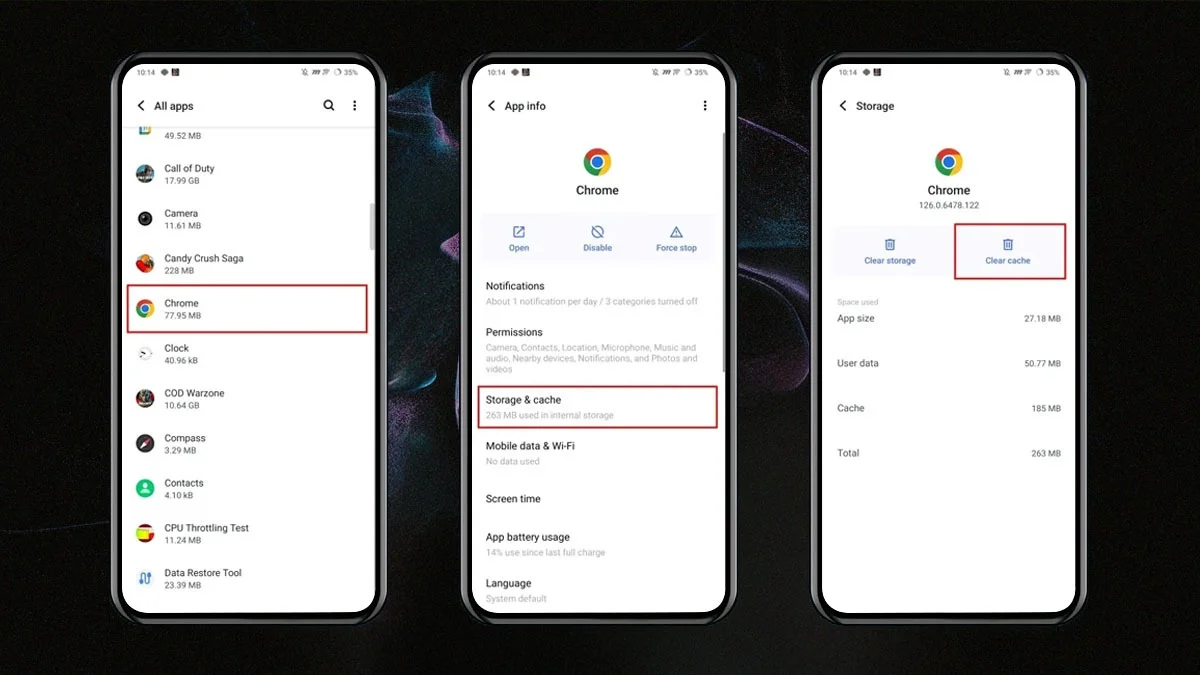
If just one app is acting up, you can clear its cache without deleting anything important.
Follow these steps:
- Open the Settings app
- Tap App Management or Apps
- Tap App List to see all your apps
- Choose the app you want
- Tap Storage Usage
- Tap Clear Cache
You can do this for any app. Just don’t tap Clear Data unless you want to reset the app completely.
2. Clear system cache using Recovery Mode
Some OPPO phones let you clear the whole system cache. This is helpful if your phone is slow after an update or is having random issues.
Here’s how:
- Turn off your phone
- Press and hold the Power and Volume Down buttons until the OPPO logo appears
- Let’s go to enter Recovery Mode
- Use the volume buttons to scroll and choose Wipe Cache Partition
- Confirm and wait for it to finish
- Restart your phone
This will not delete your photos, apps, or other personal data, but it’s a good idea to back up your important files first.
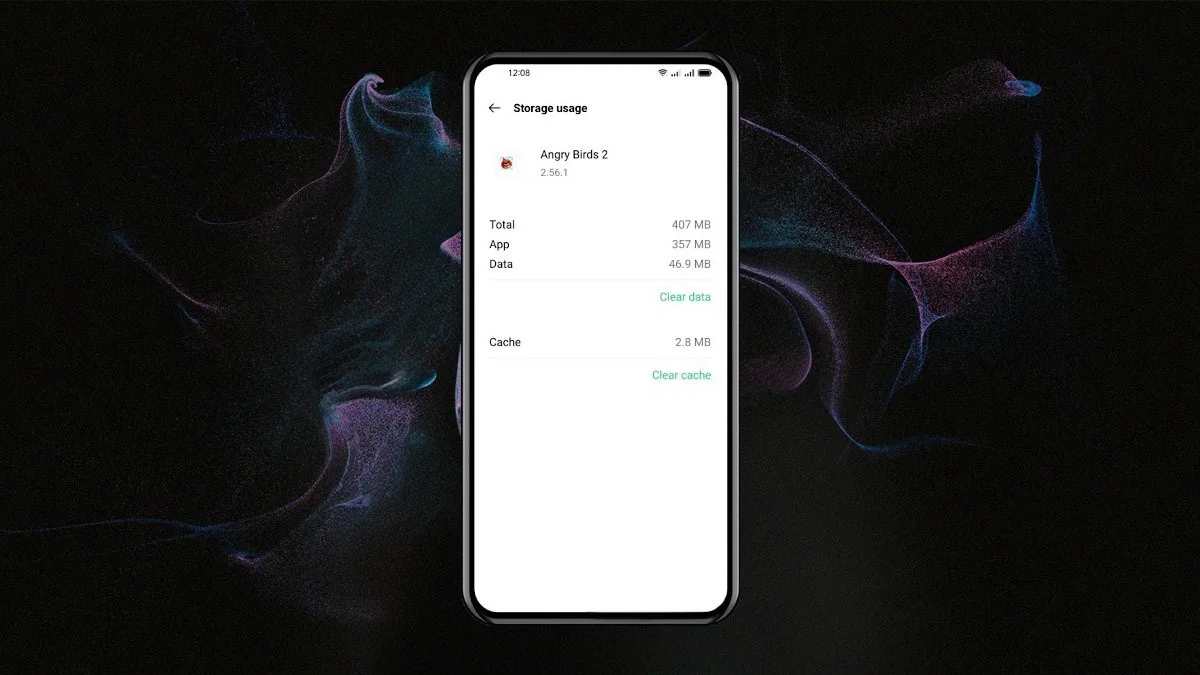
3. Use the Phone Manager app
Your OPPO phone has a built-in app called Phone Manager that makes cleaning up easy.
To use it:
- Open the Phone Manager app
- Tap Clean Storage or Clean Up Storage
- Let it scan your phone
- Tap Clean to remove junk files and cache
This is one of the easiest and safest ways to free up space.
4. Optional: Try a cleaner app
There are apps in the Play Store that can help clean cache and junk files. Some work well, but be careful. A few may collect your personal data or make your phone slower. If you try one, make sure it has good reviews and is from a trusted developer.
Helpful tips
- Only clear cache if your phone is slow or apps are acting up
- Don’t tap Clear Data unless you want to reset an app
- Always back up your important files before using Recovery Mode
Clearing the cache on your OPPO phone is a simple way to fix small problems, make your phone faster, and free up storage. Start with the built-in tools before trying anything else.
ALSO READ: Top 5 Most Data-Hungry Apps Spying On You In 2025