

What is Yandex Browser ?
If Google Chrome and Opera had a Russian cousin who loves speed and security, that’d be Yandex Browser. Built by Yandex, Russia’s biggest tech company, this Chromium-based browser is all about making your browsing faster, sleeker, and a little more protective.
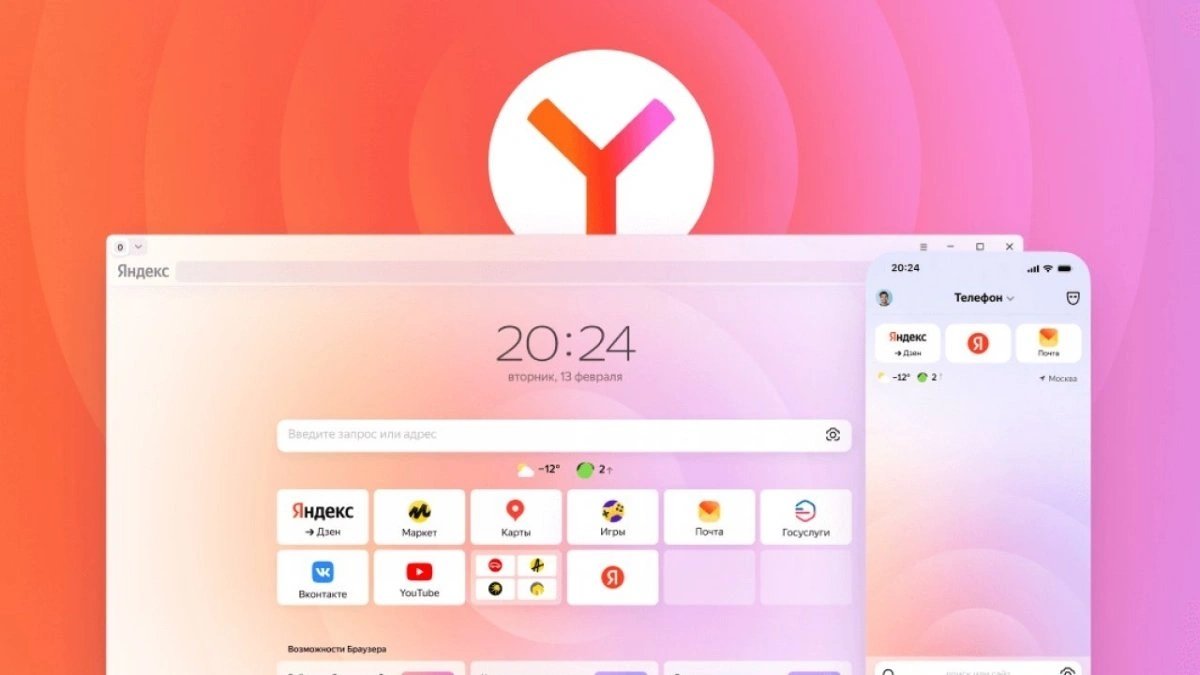
It comes with tricks like Turbo Mode for slow internet, SmartBox that forgives your typos, and built-in security features to keep shady sites away. Think of it as Chrome but with extra muscle and a flair for customization. Not the world’s most famous browser, but definitely one worth a test drive.
Yandex Browser Vs Google Chrome: Comparison Table
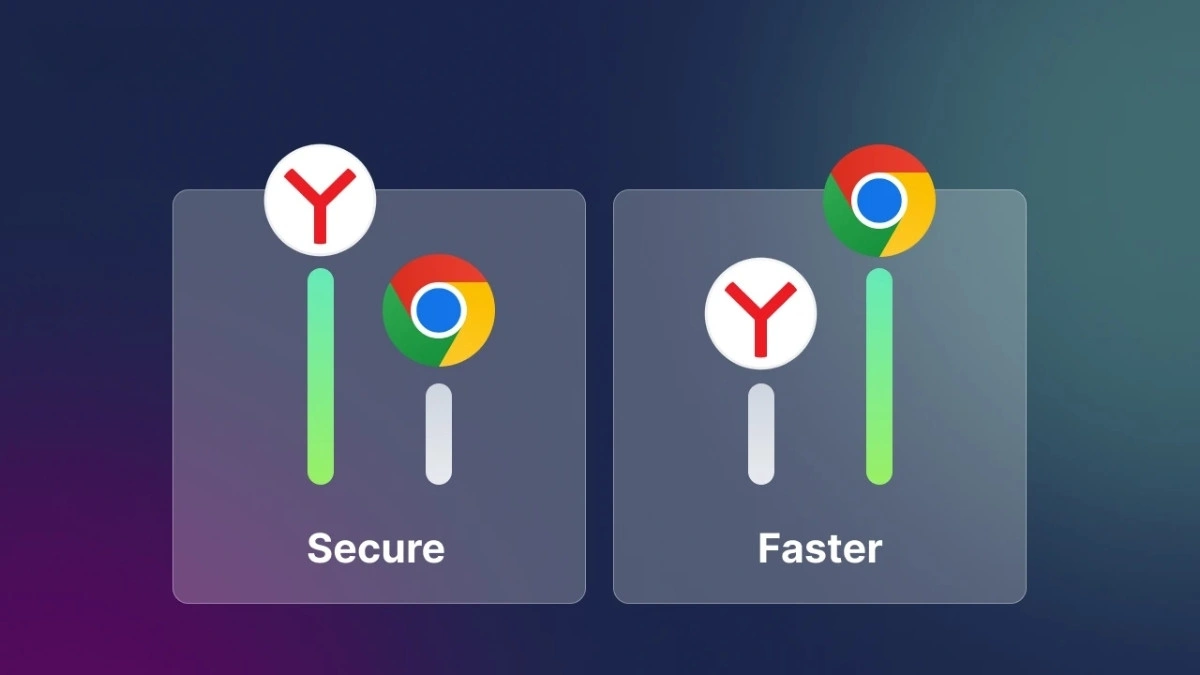
| Feature / Aspect | Yandex Browser | Google Chrome |
| Developer | Yandex (Russian tech giant) | Google (Alphabet Inc., USA) |
| Engine | Chromium (Blink) | Chromium (Blink) |
| Speed Optimization | Turbo Mode compresses web pages for faster load on slow connections | Standard speed, relies on Chrome optimization (no Turbo mode) |
| Address/Search Bar | SmartBox – accepts mistyped URLs, layout switching for different alphabets | Omnibox – unified URL & search bar, highly integrated with Google Search |
| Security | Built-in Protect system (phishing, malware, payment protection), DNSCrypt, encrypted Wi-Fi browsing | Google Safe Browsing, sandboxing, strong malware/ phishing protection |
| Privacy Concerns | Criticized for possible user data exposure (Yandex servers handle a lot of requests) | Criticized for heavy data collection for ads and Google services |
| Customization | Backgrounds, animated wallpapers, personalized new tab, dark mode | Chrome themes & extensions, but less personalization for new tab |
| Extensions | Supports Chrome Web Store + Opera add-ons | Supports Chrome Web Store only |
| Cross-Device Sync | Via Yandex account – bookmarks, settings, history, passwords | Via Google account – seamless sync across devices |
| Unique Features | Turbo Mode, SmartBox, active cursor mode, secure DNS, Opera add-on support | Deep Google ecosystem integration (Gmail, Drive, Docs, Meet, etc.) |
| Market Share | ~20-35% in Russia, niche globally | ~65% worldwide, market leader |
| Platform Support | Windows, macOS, Linux, Android, iOS | Windows, macOS, Linux, Android, iOS |
| UI Style | Sleek, minimal, with strong customization | Clean and simple, familiar to most users |
| Best Suited For | Users in regions with slower internet, those who want built-in protection and customization | Users heavily tied to Google services, global mainstream users |
Also Read- Step-by-Step Guide To Enable or Disable 5G On Your OnePlus Phone