


Guide
Step-by-step guides for apps, devices and gaming. Easy tutorials, tips, fixes, troubleshooting and how-to articles to improve your tech experience.

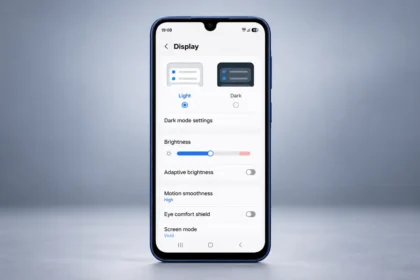
Auto-Brightness vs. Fixed Brightness: Which Setting Actually Prevents Daily Battery Drain?
Does auto-brightness really save more battery than fixed brightness? Explore how both settings affect daily…
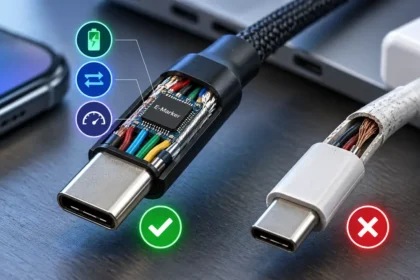
Not All USB-C Cables Are Equal: What You Need to Know Before Plugging In
USB-C cables can look identical while offering very different charging and data capabilities. Learn how…

Alexa Not Responding? Troubleshoot And Fix Guide
Is Alexa not responding? Find quick solutions to fix common Alexa issues, including Wi-Fi problems,…

What To Do If Your iPhone Camera, Flash Aren’t Working
Try the torch in the Control Centre on your iPhone or Control Centre on your…

How to Check Which Apps Are Using Your Camera and Microphone
Learn how to check what apps are using your camera and microphone on iPhones, Androids,…

Managing Phone’s Bluetooth: Tips For Saving Battery And Staying Connected
Many modern gadgets support phone's Bluetooth, and since it's commonly used, many people leave Bluetooth…

How To Secure Your Google Account With The Advanced Protection Program
Learn how Google's Advanced Protection Program offers the highest security for your Google account, especially…

Why Leaving Your Phone Charger Plugged In Is A Bad Idea
Leaving Your Phone Charger Plugged In Is A Bad Idea: Agree or not, but many…

How To Set Up Apple Pay On iPhone Wallet App
You can store your cards in the Wallet app and use Apple Pay to make…

How To Set Up Google Passkey On iPhone And Android: A Quick Guide
Learn how to set up Google Passkey on iPhone and Android for secure, passwordless sign-in…
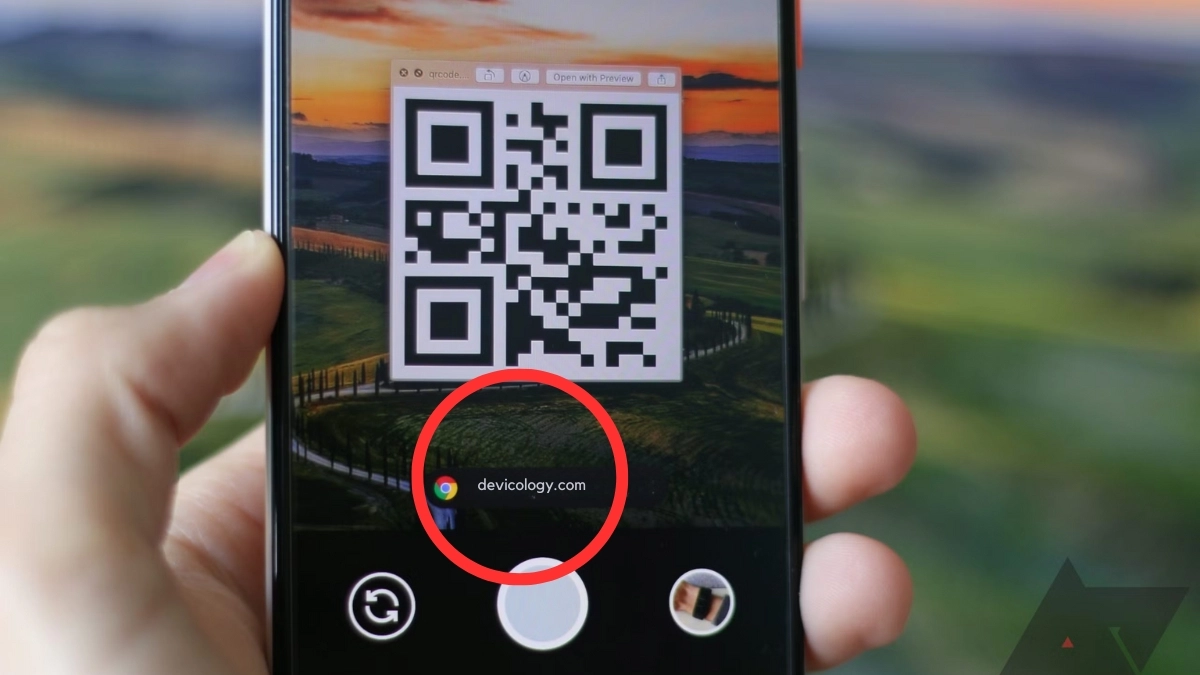
How To Scan A QR Code On An Android Phone: A Simple Guide
Learn how to scan QR codes on your Android phone using the Camera, Google Lens,…

How To Sign Out From Microsoft Authenticator On iOS And Android
Microsoft Authenticator is a two-factor authentication (TFA) app which is used for enhancing the security…