


iOS is packed with useful tools that Apple doesn’t always make obvious. Many are hidden in settings or rely on gestures you might never think to try. Here are seven handy iOS features that can make everyday use faster and easier.
Hidden iPhone Features That Make Life Easier
Set Timers Instantly
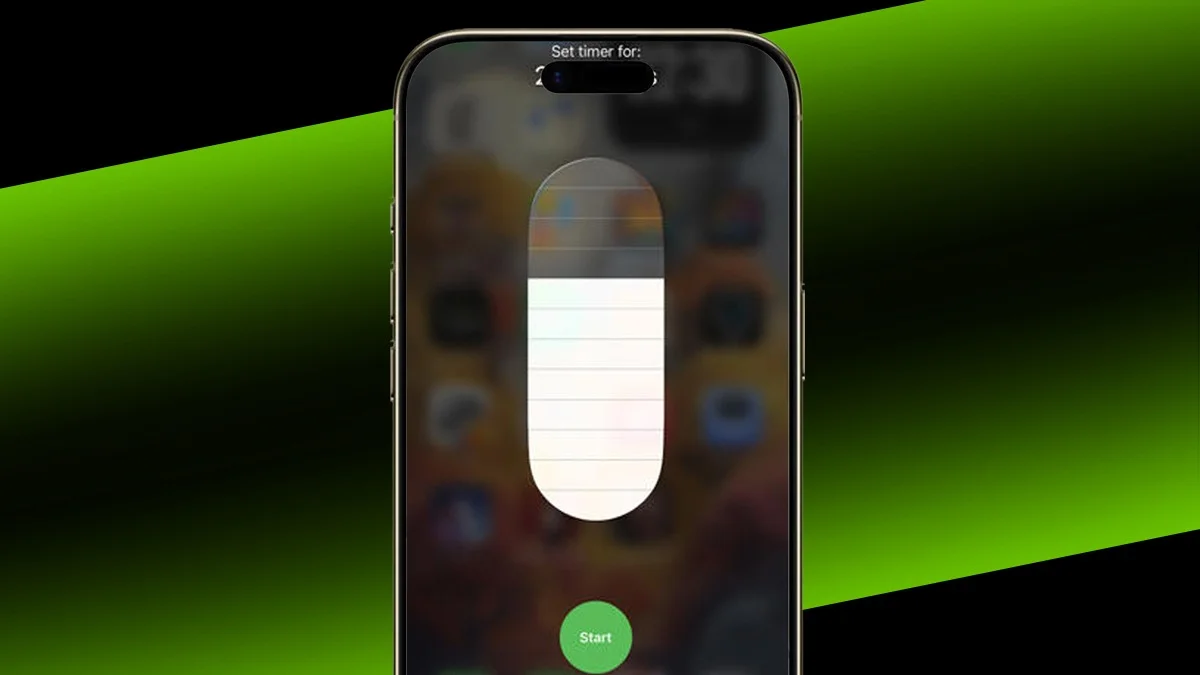
You don’t always need the Clock app to start a timer. If Timer is in Control Center, just long-press it and choose a preset time.
This only works for set durations, so it’s not ideal for very specific timings, but it’s the quickest option for common timers.
Speak Less to Siri
There’s no need to use full sentences with Siri. For alarms, simply say a time like “2pm.” For timers, say the length you want.
Siri understands what you mean and sets it for you without extra words.
Swipe to Switch Apps
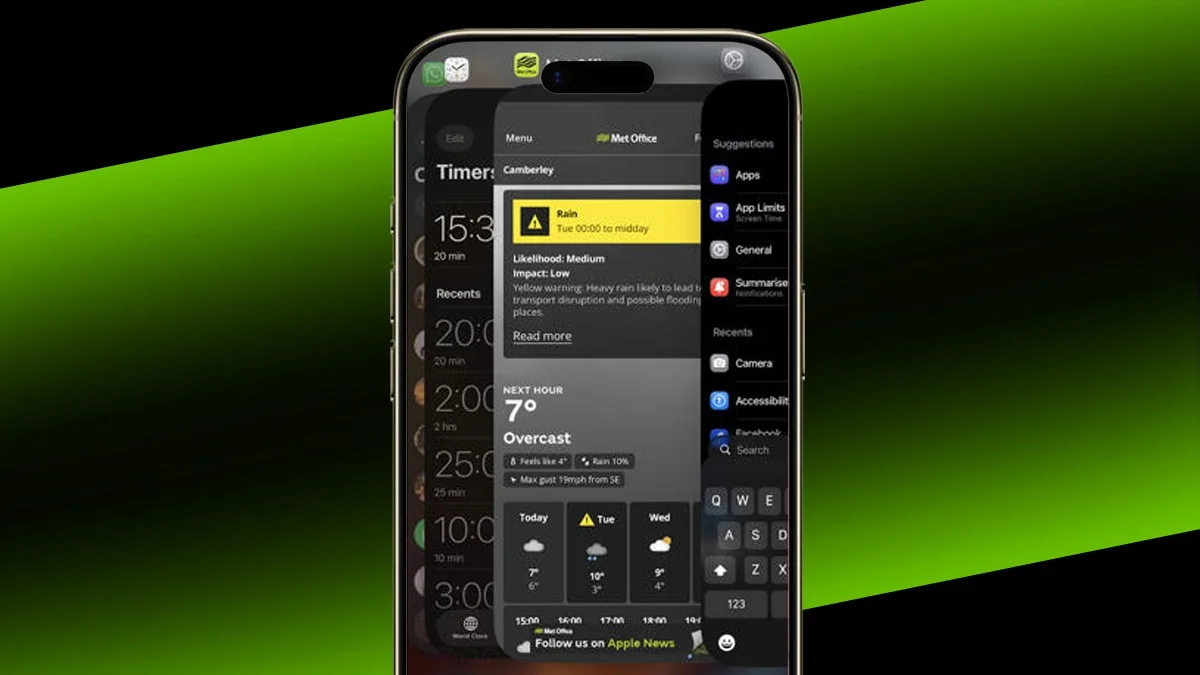
Instead of opening the app switcher, swipe left or right along the bottom edge of the screen to move between open apps.
It’s faster and works best if you swipe right first to return to the most recent app.
Built-In Background Sounds
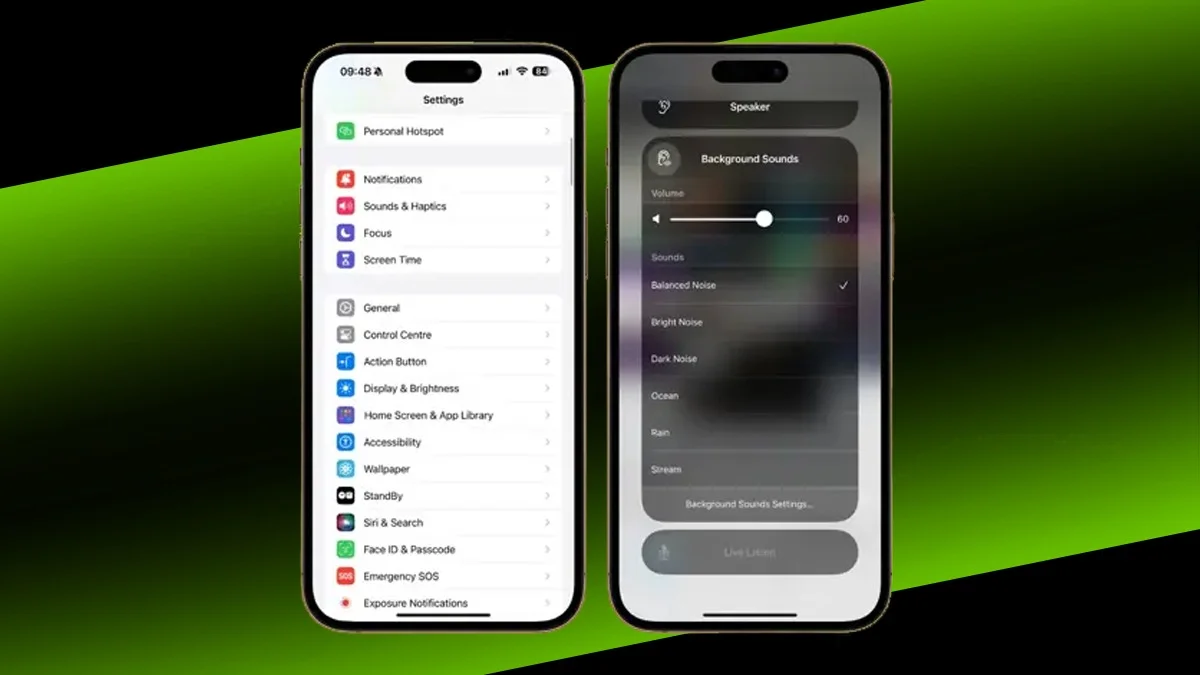
Your iPhone includes calming background sounds like rain and ocean noise. You’ll find them under Settings > Accessibility > Audio & Visual > Background Sounds.
You can adjust volume, control when they stop, and let them play while the phone is locked.
Camera Lens Cleaning Alerts
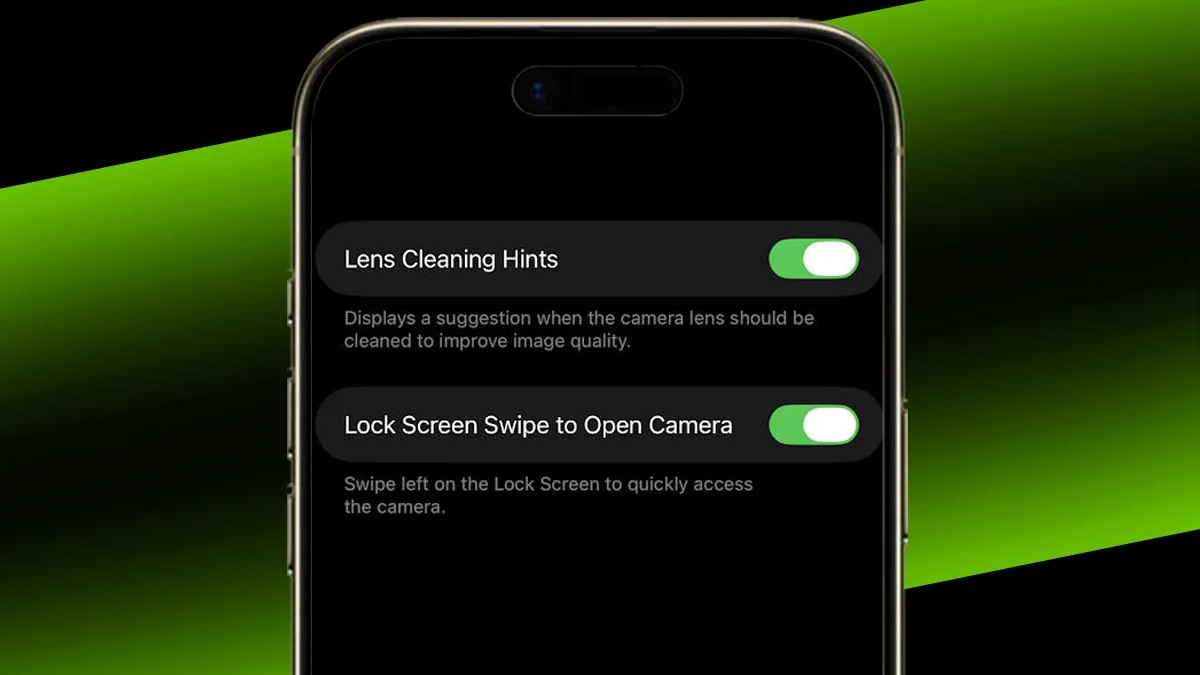
Your camera lens can get dirty without you noticing. To help with that, go to Settings > Camera and enable ‘Lens Cleaning Hints’.
Your phone will then alert you when the lens needs cleaning to improve photo quality.
Callback Reminders
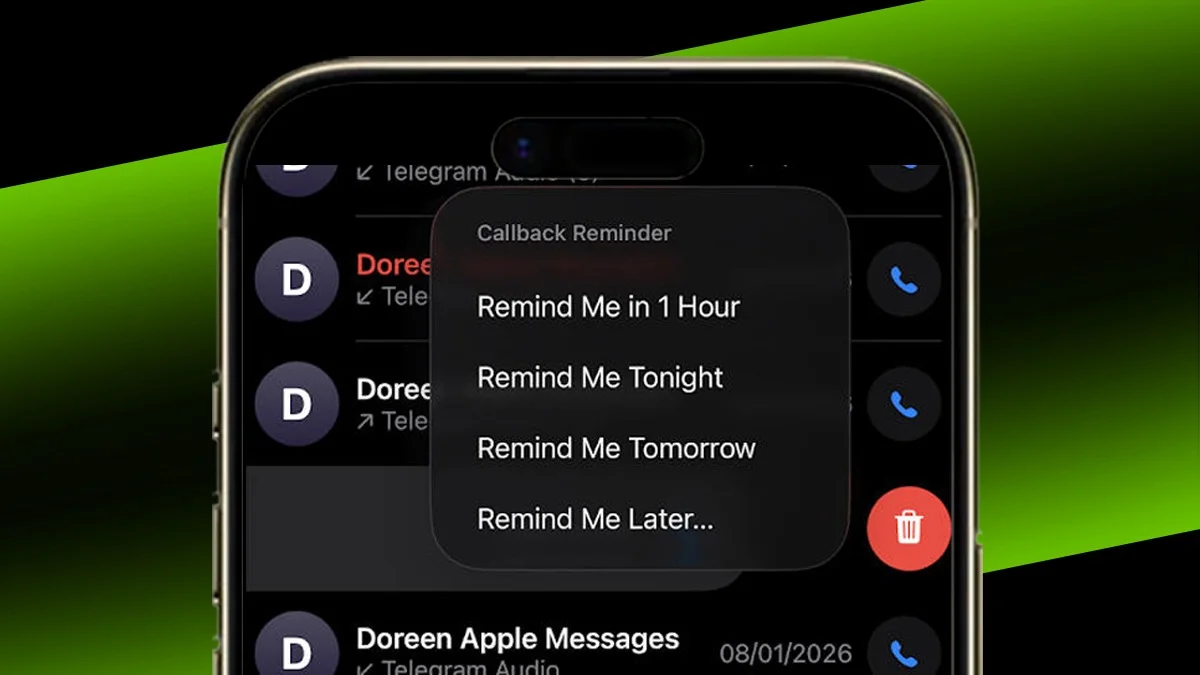
If you miss a call, you can set a reminder directly from the call log. Just swipe right on the call and tap the clock icon.
Choose when you want to be reminded, whether that’s later today, tomorrow, or a custom time.
Lock or Hide Apps
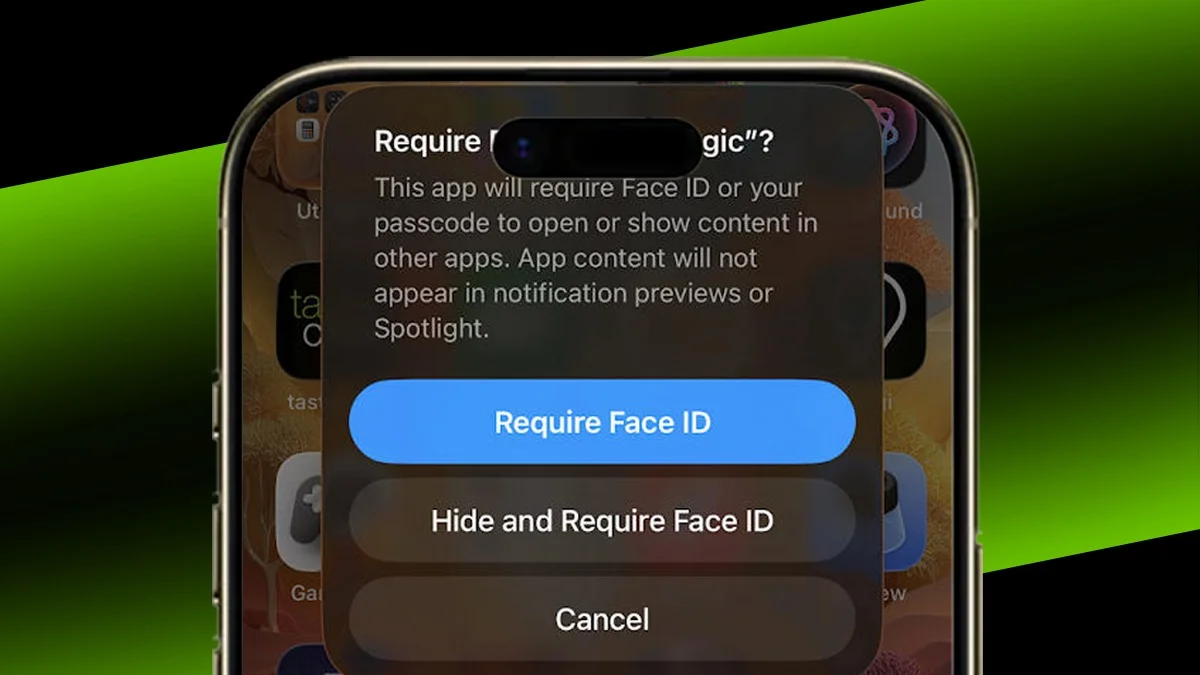
To protect specific apps, long press the app icon and tap ‘Require Face ID’.
You can also choose ‘Hide and Require Face ID’ to remove the app from the home screen and App Library. It won’t show notifications either, making it fully hidden.
Simple Features, Big Impact
These small iOS features are easy to miss, but once you start using them, they can make your iPhone feel smarter and more convenient every day.
ALSO READ: Samsung’s New Flip Phone Is Exclusive To The Olympics