

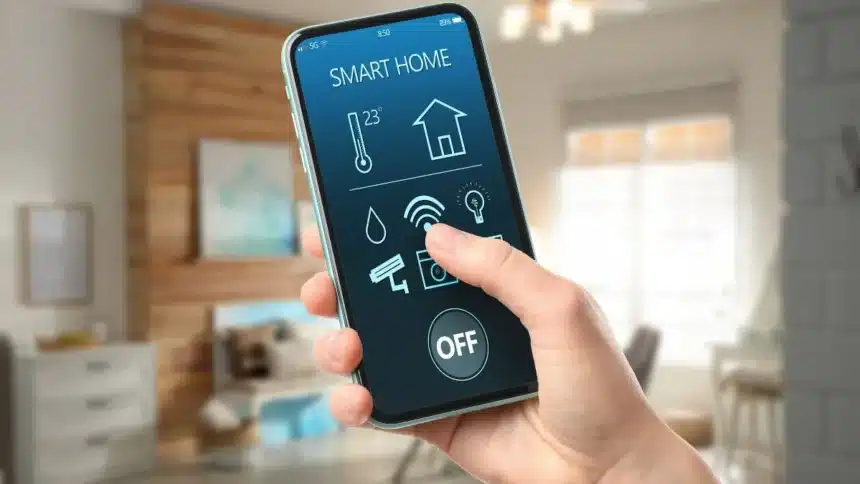
Let’s get real – most of us utilize our phones for one of five different functions: calling, WhatsApp, Instagram, and possibly YouTube. With that said, you can do so much more with your smartphone than just these five tasks.
Some features are literally “sitting under the radar” in the settings that can save you a tremendous amount of time, increase productivity, and help with your everyday usage of your phone. It’s just a matter of knowing where these features reside.
Here are 10 hidden features found on your smartphone that you need to be using today!
1. Gesture-Based Navigation
Gesture navigation lets you swipe to go home, swipe and hold for recent apps and wwipe from the edges to go back. It feels faster, cleaner, and once you get used to it, there’s no going back.
2. Built-In Screen Recording
Screen capture function is included with most Android devices. The built-in screen recorder is useful for recording your screen while you demonstrate how to do something (a tutorial), for recording from a live stream, and for recording a bug or issue. Open your Quick Settings and tap “Screen Record” to start recording.
3. Advanced Voice Commands
Advanced voice commands are available through your voice assistant. Google’s voice assistant is more versatile than you think; it can be used to send a text message, set a reminder, open an application, and control smart home devices.
4. App Usage Controls
Additionally, if you feel like you’re spending too much time on your phone, there are tools on Android devices to help monitor your usage of applications with daily usage statistics, daily app timers, and minimizing distractions.
5. One-Handed Mode
Big screens are great until you try using them with one hand. One-handed mode shrinks the screen so you can use all the options easily and comfortably.
6. Hidden Camera Features
Most smartphones now include night mode, pro/manual mode and AI scene detection These can seriously upgrade your photos without needing editing apps.
7. Smart Text Recognition
On many Android devices, users can extract text from pictures, instantly translate text, and search directly within images.
8. Emergency SOS
Android devices include emergency capabilities, such as the ability to send your position to multiple contacts, contact emergency assistance, or alert your contacts, via an emergency SMS.
9. Background App Automation
An Android device can perform automated functions without input from the user. You can set up your device to connect to Wi-Fi at your home, change your phone to vibrate while you are sleeping, or change the alert settings on your smartphone based on your location.
10. Focus Mode
If you get too many notifications, focus mode fixes that. It lets you pause distracting apps, silence notifications and stay focused during work or study.
Also Read: 11 Reasons Smartphones Are The Ultimate Life Upgrade