
If you think Nothing Phone 4a Pro runs on a “simple” or stock Android-like system, you’re missing half the story. Nothing OS looks clean, but under the surface, it’s packed with smart, genuinely useful features, especially with the new AI push in 2026.
Hidden Nothing Phone 4a Pro Features
After using the phone for a while, these are four features that stand out and actually make a difference in daily use.
1. Essential Space
This is one of the most practical features on the phone.
Using the dedicated Essential Key, you can instantly capture screenshots and attach notes to them. Everything then gets stored in Essential Space, which acts like a smart archive of your day.
The real value is in how it organises things. It automatically analyses what you save and even picks up events from screenshots. So instead of digging through your gallery or notes, you can just search and find it instantly.
2. Essential Voice
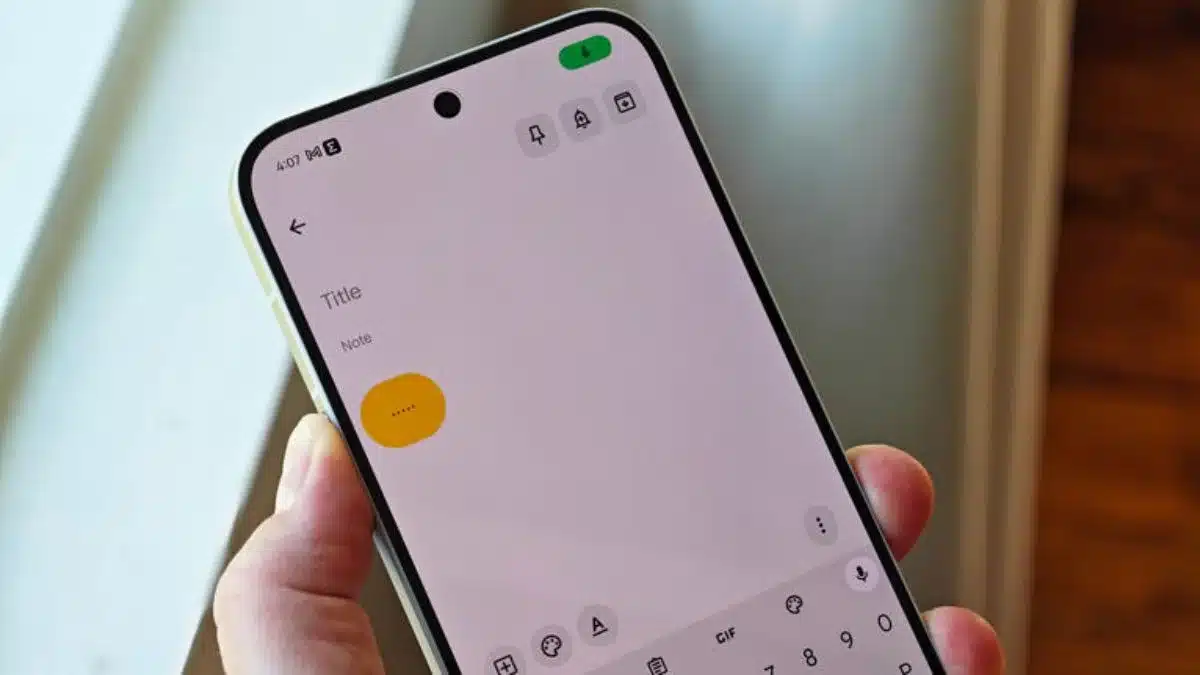
Typing long messages or notes is outdated when this works well.
Essential Voice lets you press and hold the Essential Key and just speak. It converts your voice into clean text without stuffing it with filler words like “um” or “uh.”
It does need internet, but the accuracy is seriously solid, easily competing with the best voice typing tools out there. For quick notes, messages or ideas, this saves a lot of time.
3. Nothing Playground
This is where things get interesting. Nothing Playground lets you create your own mini apps or widgets using AI. You just describe what you want, and the system builds it for you. No coding, no complexity.
Want a custom tracker, reminder tool or something super specific? You can literally create it and drop it on your home screen. Plus, there’s a community section where you can explore what others have made.
4. Glyph Interface
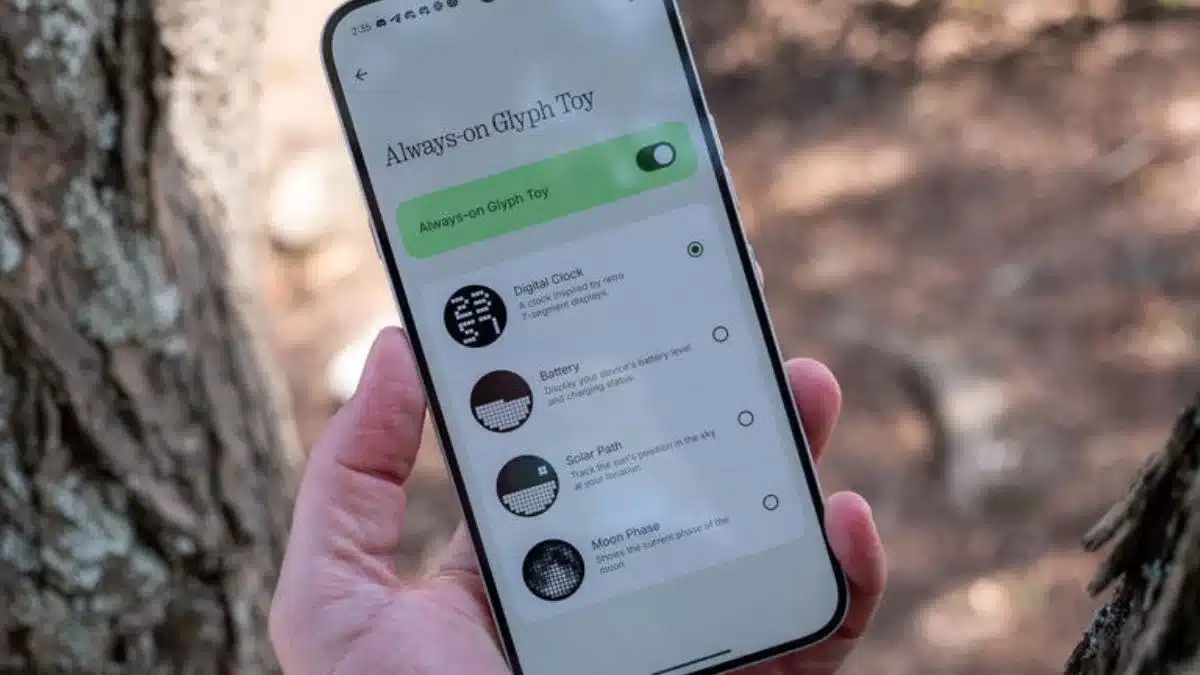
The Glyph system has always been a signature Nothing feature, but on this phone, it actually becomes useful.
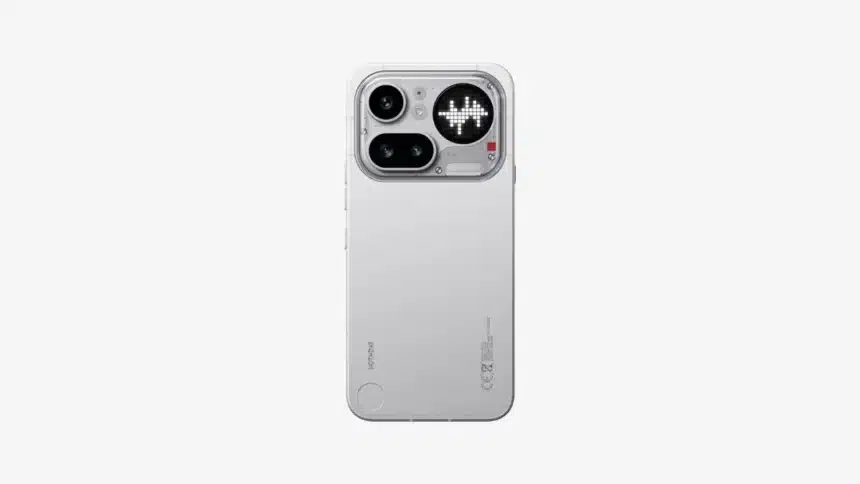
The upgraded Glyph Matrix gives you real-time info when your phone is face down. You can check volume levels, timers, or progress bars without even unlocking the screen.
Then there are Glyph Toys. These are small interactive tools, like a leveller or visual timer, that you can activate through the back panel lights. It sounds gimmicky, but some of them are surprisingly practical.
A lot of phones today focus on specs. This one focuses on experience. What Nothing Phone 4a Pro does well is take AI and actually make it useful in everyday situations.
Not just flashy demos, but features you’ll end up using without thinking twice.
Also Read: Google TV Update: Check Out the New Features and Content Additions