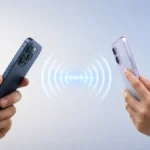

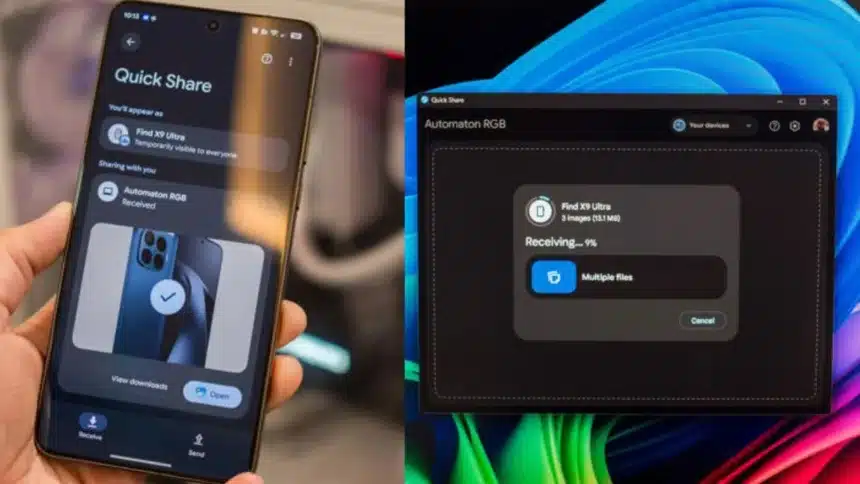
Moving files from an Android phone to a Windows computer used to be a hassle. You had to use cloud storage, special apps or plug in a cable. But now Google has something called Quick Share that makes it really easy to move files between devices.
Google’s Quick Share is a way to transfer files. Lots of people who use Android phones already use Quick Share to send pictures, videos and documents to phones. But, not many people know that you can also use Quick Share on Windows computers.
Quick Share Is Available On Windows
Google’s Quick Share is a good way to share files on Android devices. It is fast, works well, and you can share things without using any cables.
Google’s Quick Share was first available on Windows in 2021, on Samsung Galaxy Book devices.
Then Google made a version of Quick Share that can be used on most Windows computers.
You can install Google’s Quick Share on any Windows computer that’s compatible. You don’t necessarily need a Samsung device to use it. You just need a computer that runs a 64-bit version of Windows 10 or Windows 11.
Now Google’s Quick Share only works on Windows computers that use x86, not on ARM-based systems.
How To Set Up Quick Share On Windows
Here are some easy steps to set up Quick Share on Windows
Step 1: Download and install Quick Share for Windows.
Step 2: Sign in using the same Google account used on your Android phone.
Step 3: Open the Quick Share application on your PC.
Step 4: Your Windows device will automatically appear as a sharing destination on your Android phone.
Once connected, users can transfer photos, videos, documents and even folders between devices.
How To Transfer Files From Android To Windows
Sharing files through Quick Share takes only a few steps:
Step 1: Select the files or photos you want to transfer to your Android device.
Step 2: Tap the Share button.
Step 3: Choose Quick Share from the sharing options.
Step 4: Open Quick Share on your Windows PC.
Step 5: Select your PC from the list of available devices.
The transfer will begin automatically. The process works similarly when sending files from a Windows PC to an Android phone.
Why Quick Share Is Useful
Quick Share is really easy to use. You do not have to upload and download files as you do with cloud storage services. You also do not need to use a USB cable or other complicated ways to share files.
Quick Share works with lots of types of files, like photos, videos, documents, music and even whole folders.
When you use Quick Share every day, it is easy to move files between Android and Windows devices without much setup.
Lots of people use services like cloud storage or special devices to move files between devices. They also use features like Microsoft’s Link to Windows. Quick Share is a better choice for people who just want to move files quickly and easily without a lot of extra stuff. Quick Share is what these people need for reliable file transfers.
Also Read: How to Automatically Clean Up Your iCloud Mail Inbox on iPhone