Initially, for most people, the iPad is one of the devices that can be used for some fun and leisure. However, there is so much more than just these activities for the iPad.
As Apple Inc. continues to improve its iPads, it has developed an impressive set of applications that allow users to be productive, creative, and to do more than one thing at a time.
Once users understand the depth of capabilities of the iPads, they will find ways and will change the way they live their everyday life.
Top iPad Features
Here are the features that will demonstrate how iPads can change your daily life.
Split View multitasking
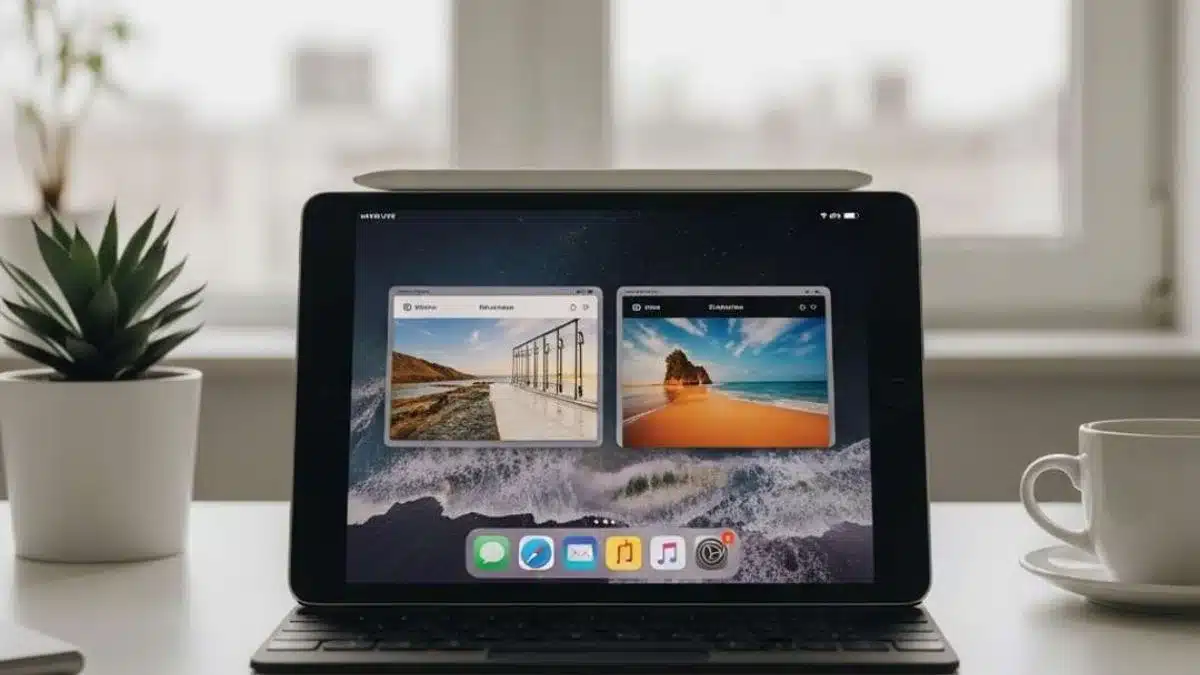
The iPad allows two apps to run side by side, making it easier to handle multiple tasks at once. Users can browse the web while replying to emails or take notes during a video call without switching screens.
Desktop-class browsing
Unlike mobile browsing on a phone, the iPad loads full desktop versions of websites. This provides better navigation, access to advanced tools and a more seamless experience for research or work-related tasks.
Precision input with Apple Pencil
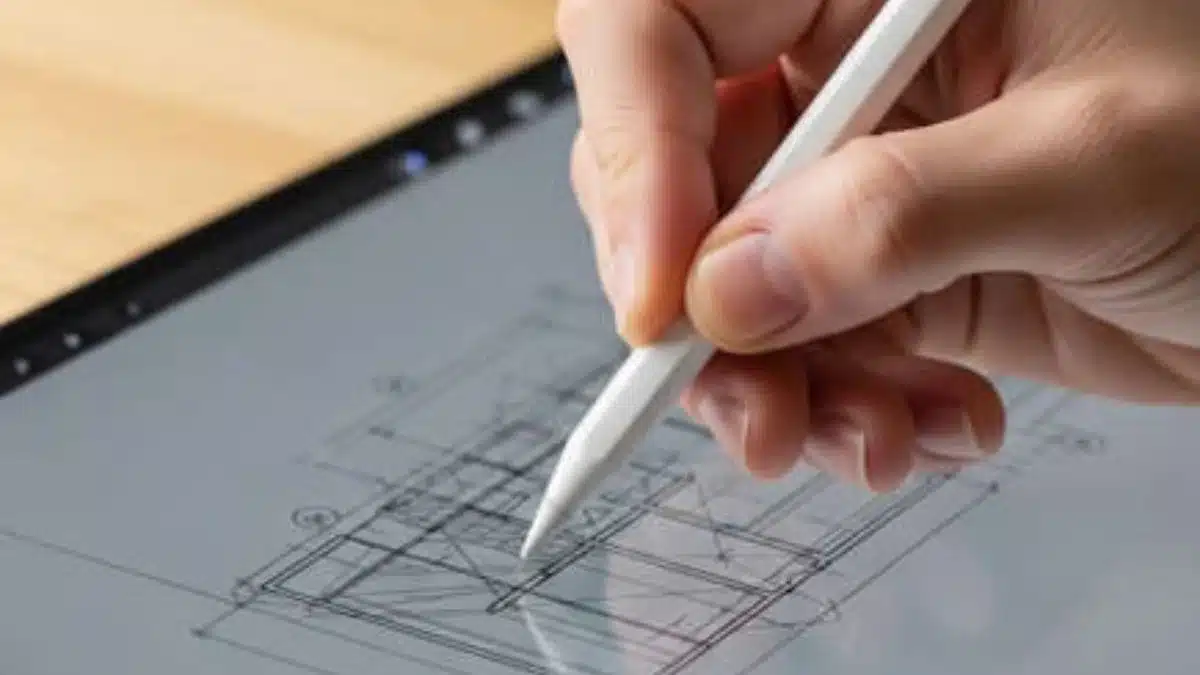
Support for the Apple Pencil turns the iPad into a digital notebook. Users can write, sketch or annotate documents with a level of accuracy that standard touch input cannot match.
Access to advanced creative apps
The iPad supports a range of professional-grade apps for design, illustration and video editing. These apps are optimised for the larger display, offering more controls and workspace than mobile versions.
External keyboard support
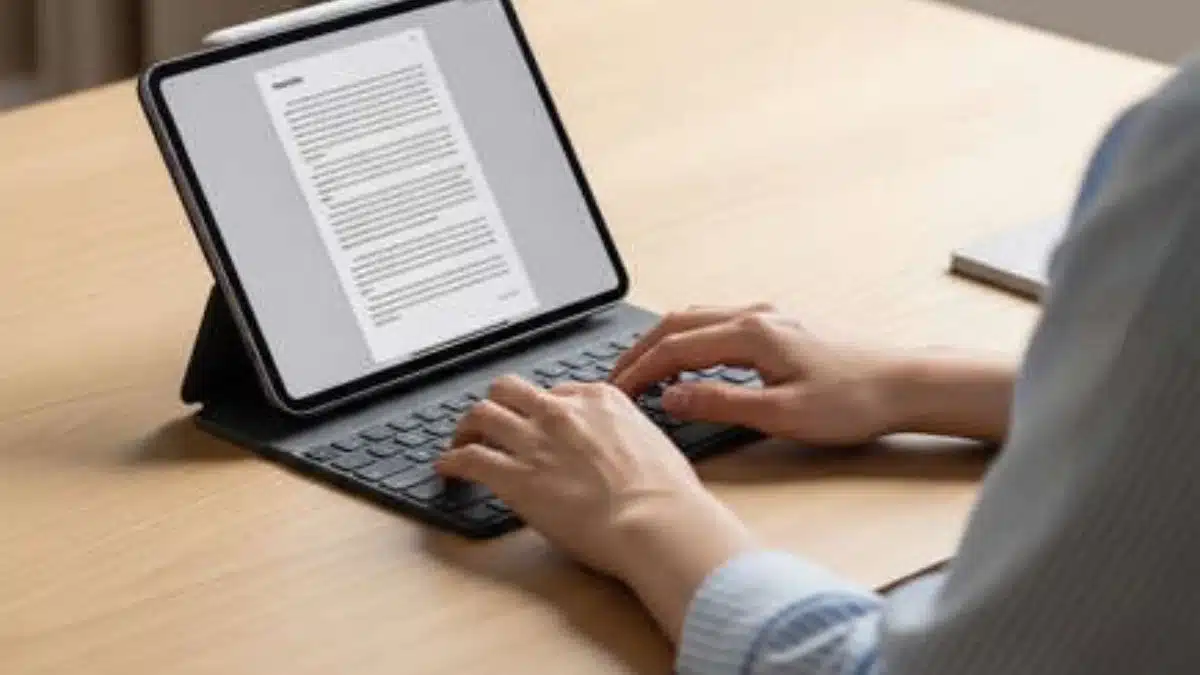
With an external keyboard, the iPad becomes a more practical device for writing and productivity. Typing emails, documents or reports feels closer to a laptop experience than using a touchscreen keyboard.
Drag and drop across apps
Users can move text, images and files between apps using simple drag-and-drop gestures. This reduces friction when working across multiple tasks or documents.
Improved file management
The iPad offers a more structured file system compared to a smartphone. Users can organise, access and manage files in a way that is closer to a traditional computer setup.
Picture-in-Picture video
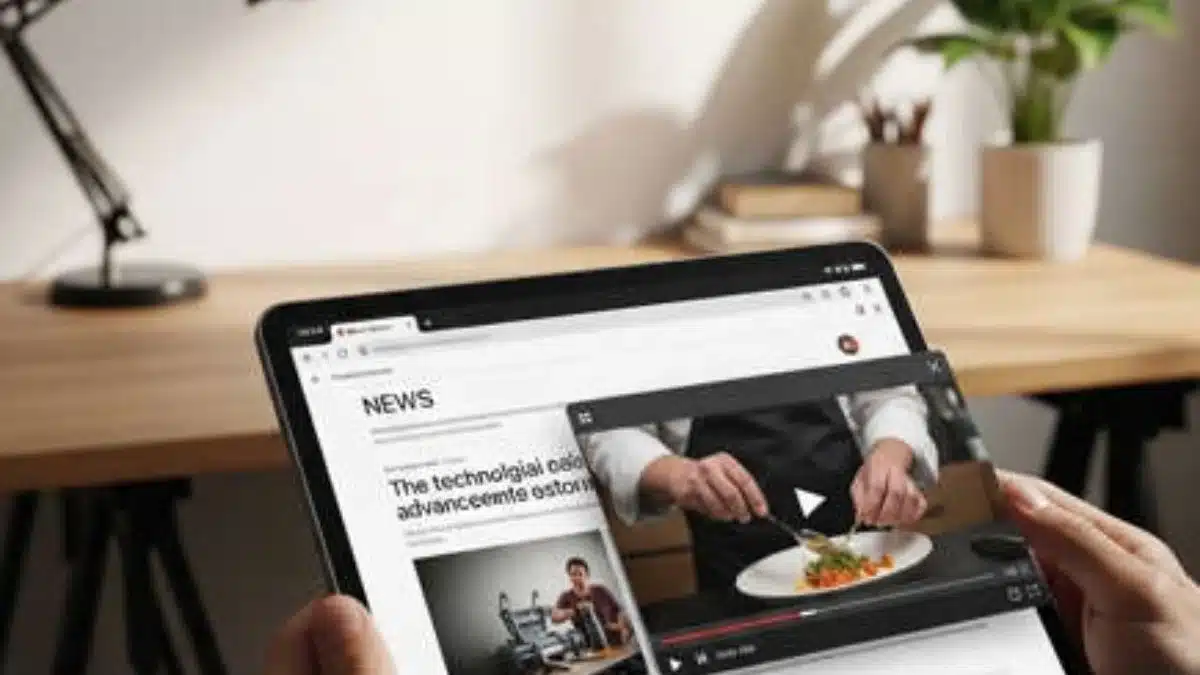
Videos can continue playing in a floating window while users work in another app. This is particularly useful for multitasking, such as following tutorials or attending meetings.
Better suited for shared use
The iPad’s larger display and flexible interface make it more practical for shared environments, whether for family use, presentations or collaborative tasks.
Taken together, these features position the iPad as more than just an entertainment device. It offers a blend of portability and capability that allows it to handle a wider range of everyday tasks.
Also Read: You Paid For An iPhone- But Are You Even Using These 10 Features?