



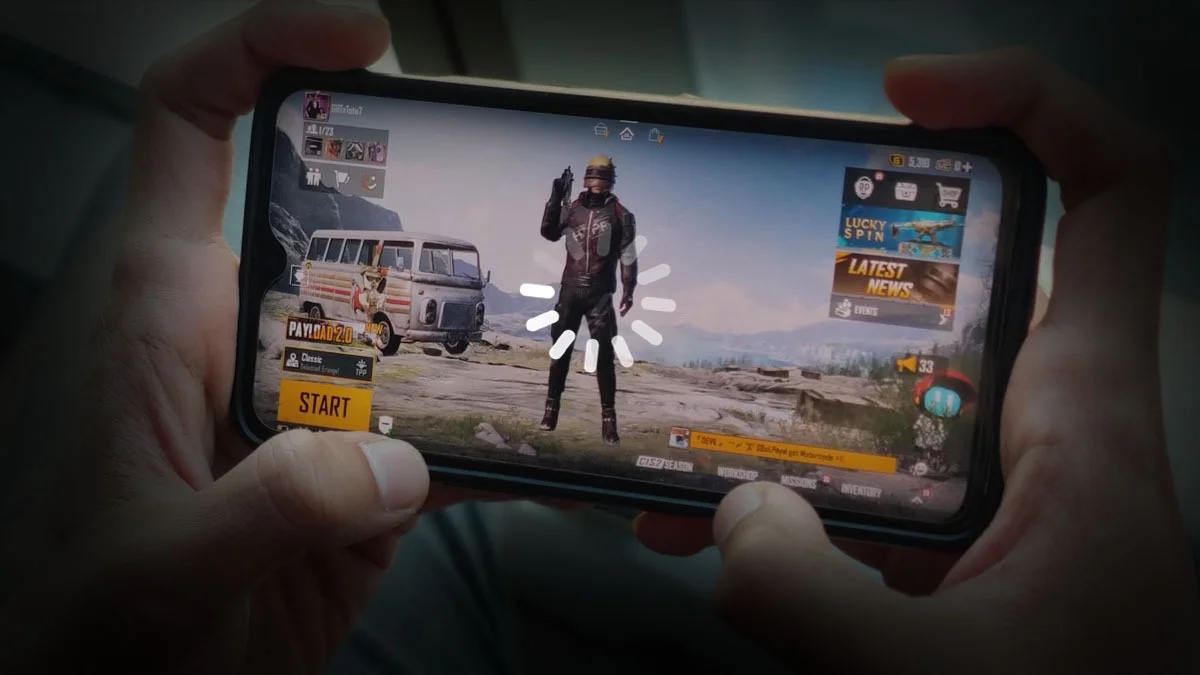
PUBG is fun, but older or budget phones can lag, drop frames, or overheat. With a few quick tweaks, you can make it run smoother. Here’s a short guide to improve performance in the game and on your phone.
1. Optimize PUBG’s In-Game Settings
1. Graphics Quality and Frame Rate
Graphics: Use “Smooth” or “Balanced.” Avoid HD or HDR.
Frame Rate: Pick “Low” or “Medium” unless “High” runs without lag.
Turn Off: Anti-aliasing and shadows.
Auto-Adjust: Keep it on so PUBG can adjust automatically.
Style: Choose “Classic” or “Colorful.” Avoid heavy skins.
3. Use System and Developer Options:
1. Unlock Developer Options:
- Go to settings and tap “Build Number” 7 times to unlock it.
- Reduce Window Animation, Transition Animation, and Animator Duration scales to 0.5x or turn them off.
- Enable “Force GPU Rendering” and set “Background Process Limit” to 4 or fewer.
2. Enable 4X MSAA (if your phone supports it)
This can make graphics smoother but might use more battery.

3. Get Your Phone Ready
Free up 5–6GB of storage and close background apps.
Use Game Mode (like Game Turbo or Game Launcher).
Restart your phone before playing.
4. Keep Your Internet Stable
Use stable Wi-Fi (prefer 5GHz).
Avoid downloads or streaming while gaming.
6. Maintain Your Phone and Game:
Update PUBG and your phone’s OS.
Clear the PUBG cache – Go to Settings > Apps > PUBG> Storage > Clear Cache every now and then.
- Reinstall only if needed.
5. Manage Your Phone’s Temperature
- Do not play while charging, as it causes heat build-up and slows your phone down.
- Play in a cool place and, if you can, remove your phone case for better heat dissipation.
- External cooling fans or pads can help keep things cool during long sessions.
7. Try a Game Booster App:
Use built-in boosters or trusted third-party apps to close background tasks, optimize memory, and keep your device focused on gaming.
8. Hardware Upgrade Tips (If Possible):
If you want really smooth gameplay, try to get a phone with at least 4GB of RAM and a newer processor. In India, good budget-friendly options under ₹20,000 include the Poco X6, iQOO Z10, and Redmi Note 13 Pro.
ALSO READ: X’s New Age Checks: How to Verify Without Exposing Yourself