



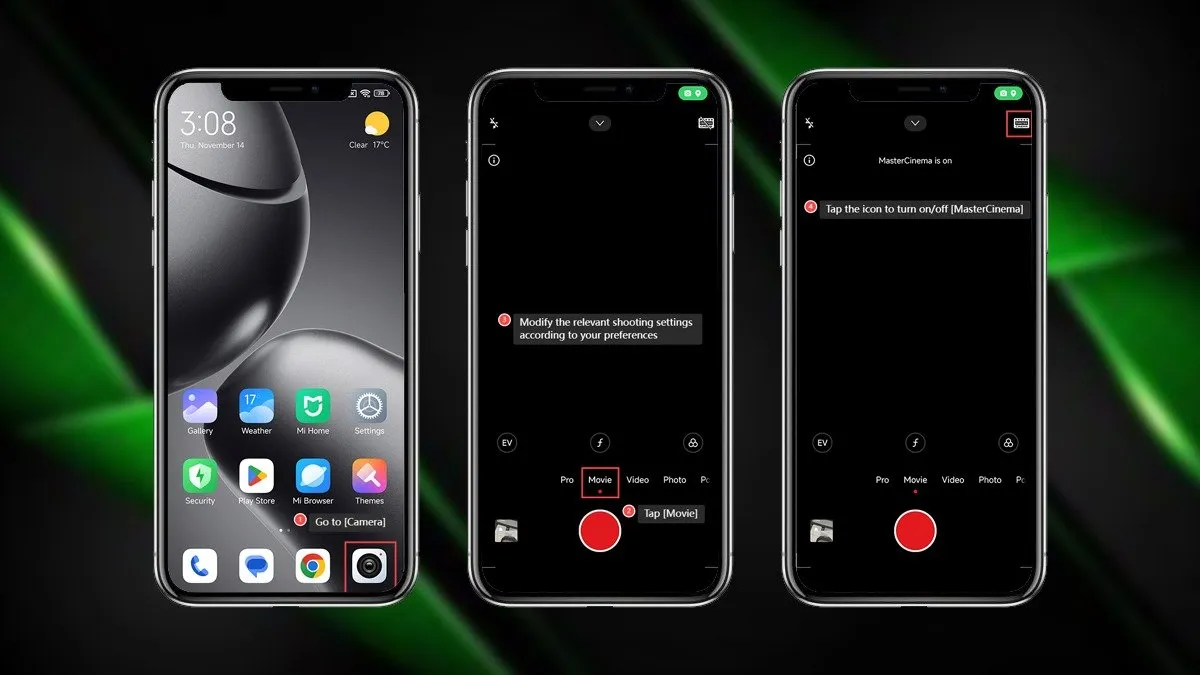
Most of the phones coming to the market today are equipped with advanced camera settings that everyday users do not easily understand. You will master the pro mode on your Xiaomi Phone by the time you are done reading this article.
Pro Mode in Xiaomi Phone
- What is Pro Mode in Xiaomi Camera?
- Step-by-step guide on how to access and use the pro mode in your Xiaomi phone:
- Step 1: Open the Camera App on your Xiaomi Phone
- Step 2: Select the “Pro” mode.
- Step 3: Customise camera settings for your photos.
- Understanding key Pro-Mode Settings
- WB(White Balance)
- F(Focus)
- S(Shutter Speed)
- ISO(Camera’s sensitivity to light)
- EV (Exposure Verification)
- Lens Mode
- Additional features in the Pro Mode of Xiaomi Phone
Xiaomi phones are equipped with various advanced modes that offer unique features that help click great pictures in its pro mode.
What is Pro Mode in Xiaomi Camera?
Pro mode is an option in your phone’s camera app that allows you to edit and enhance the various settings that change the variables of the picture you click.
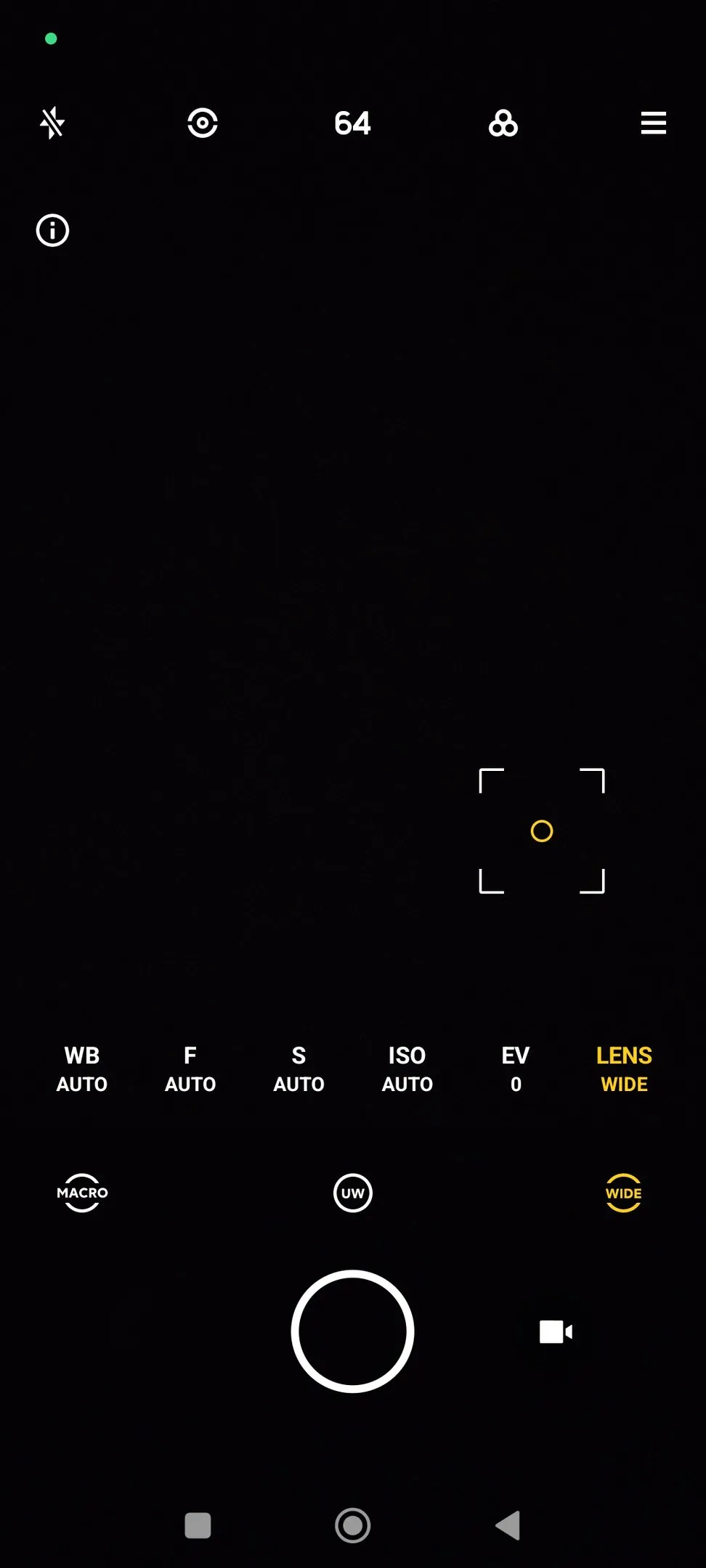
It has the option to change the various settings like the WB(White Balance), F(Focus), S(Shutter Speed), ISO (Camera sensitivity to light), EV (Exposure Value), and Lens Mode (Ultra Wide, Wide, Macro), and more.
This feature is easily available in the camera app of your phone, and you can use it to click pictures that have a professional edge to them by editing them with purpose once you master the pro mode in your Xiaomi phone.
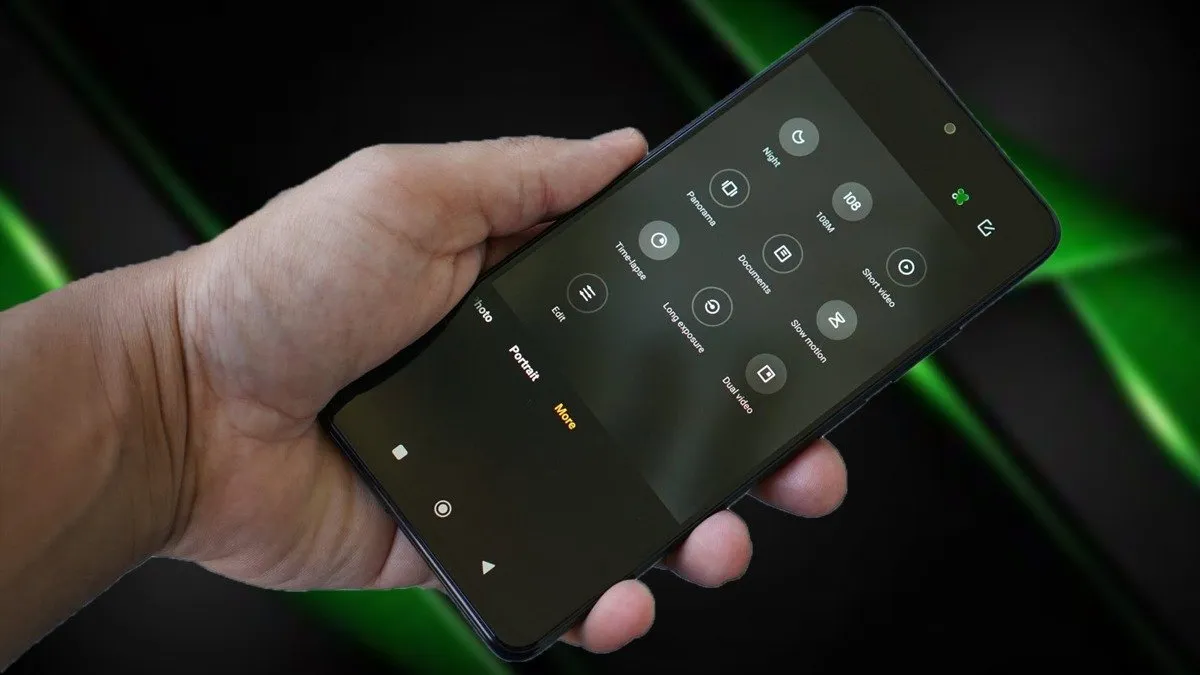
Step-by-step guide on how to access and use the pro mode in your Xiaomi phone:
Step 1: Open the Camera App on your Xiaomi Phone
Step 2: Select the “Pro” mode.
Swipe left on the different modes at the bottom of your display screen and select the “Pro” mode.
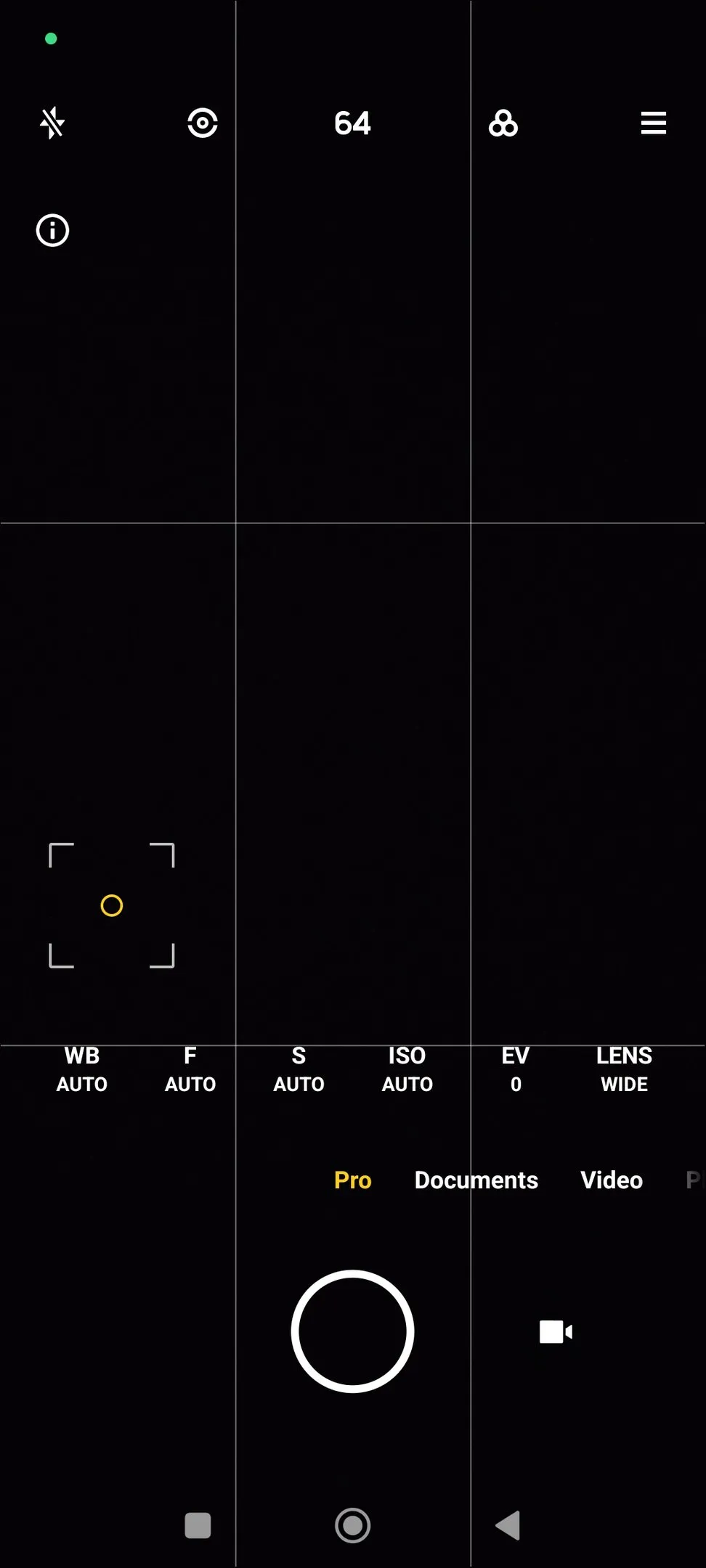
Step 3: Customise camera settings for your photos.
You will see various options on your screen that you can manually select from to change the different aspects and settings for the kind of picture you want to click.
Understanding key Pro-Mode Settings
WB(White Balance)
This feature removes any color casts from your picture, and you can choose from various presets like daylight, cloudy or leave it on the auto mode, the default setting.
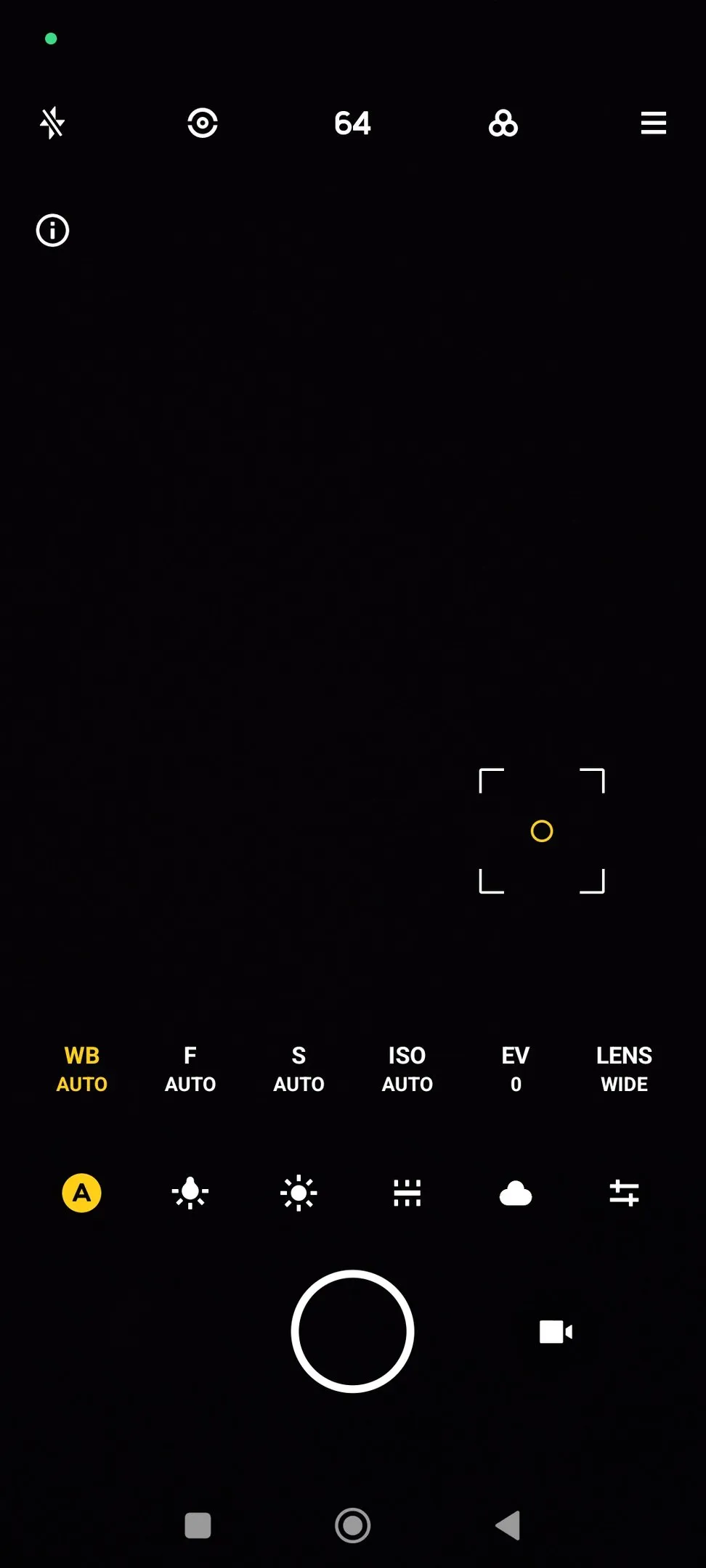
F(Focus)
This feature helps you to adjust the camera lens focus manually for any picture that you want to click. You can set the focus by sliding the bar at the bottom of the display from left to right.
S(Shutter Speed)
This feature is used to set the speed at which the shutter of your phone’s camera closes. The longer the shutter time, the greater the exposure in the picture and the brighter the image.
ISO(Camera’s sensitivity to light)
The ISO feature is used to set the camera’s sensitivity to light and can also be changed manually. You can set the ISO by sliding the bar at the bottom of the display from left to right.
EV (Exposure Verification)
The EV feature allows you to change the exposure in the image according to whether you want the image to be brighter or darker than the meter on the bottom of the screen is displaying.
Lens Mode
The lens mode in the camera app helps you select from the multiple available lenses, like WIDE (wide-angle lens), UW (ultra wide-angle lens), and MACRO (macro lens).
Additional features in the Pro Mode of Xiaomi Phone
There are some additional features in the Pro Mode of your Xiaomi Phone that you can access by tapping on the top right corner of your phone screen, which opens up a drop-down menu.
Gridlines
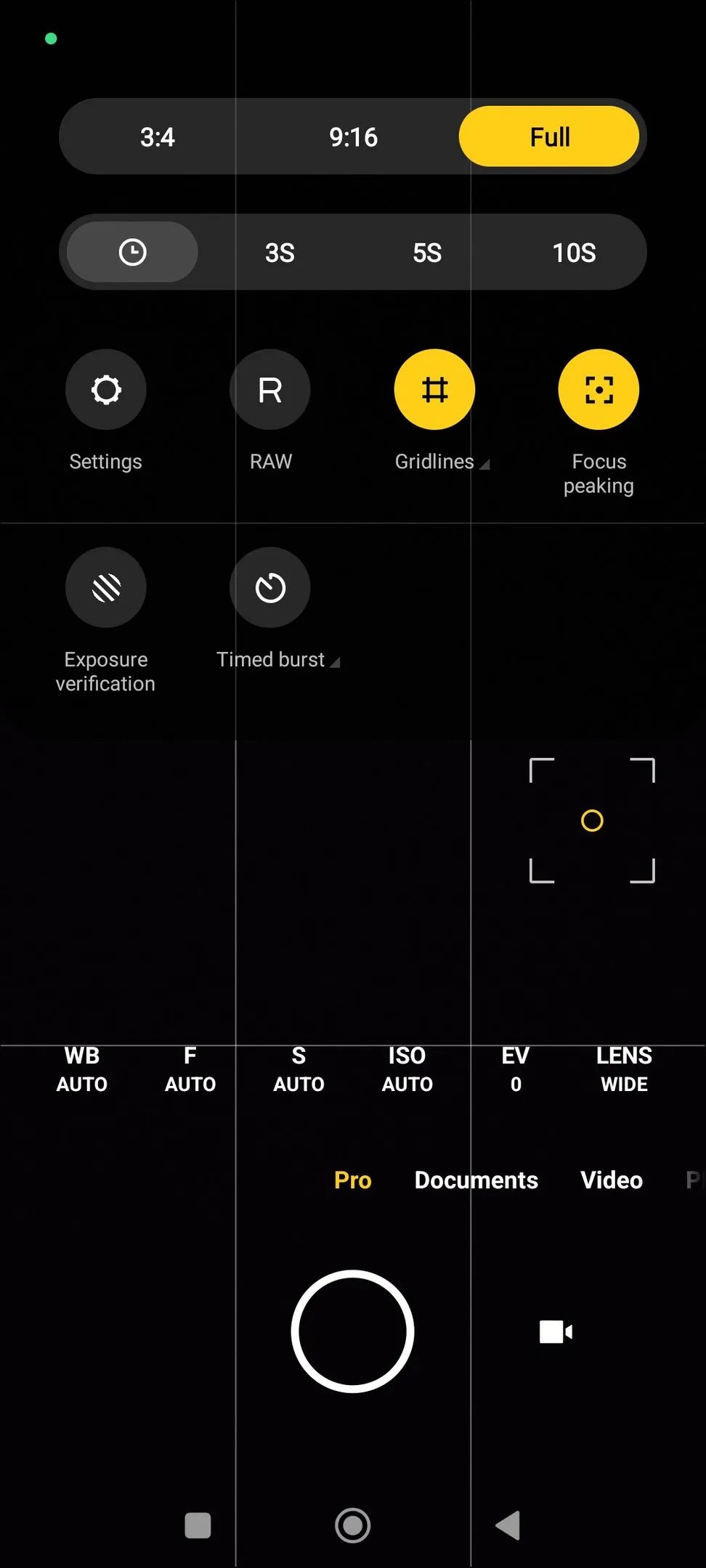
This feature displays grids that help you to manage how you want the subject to appear in the picture, to assess the proportions of the subject, and to get more proportionate pictures.
If you put your subject at the center of these intersections, you will get more visually appealing pictures. These gridlines are preview only and do not show up in the final image.
Movie frame
This feature is also most commonly referred to as the ‘Cinematic Mode’ and is found in some Xiaomi phones. This is used for capturing cinematic and
professional videos.
Focus Peaking
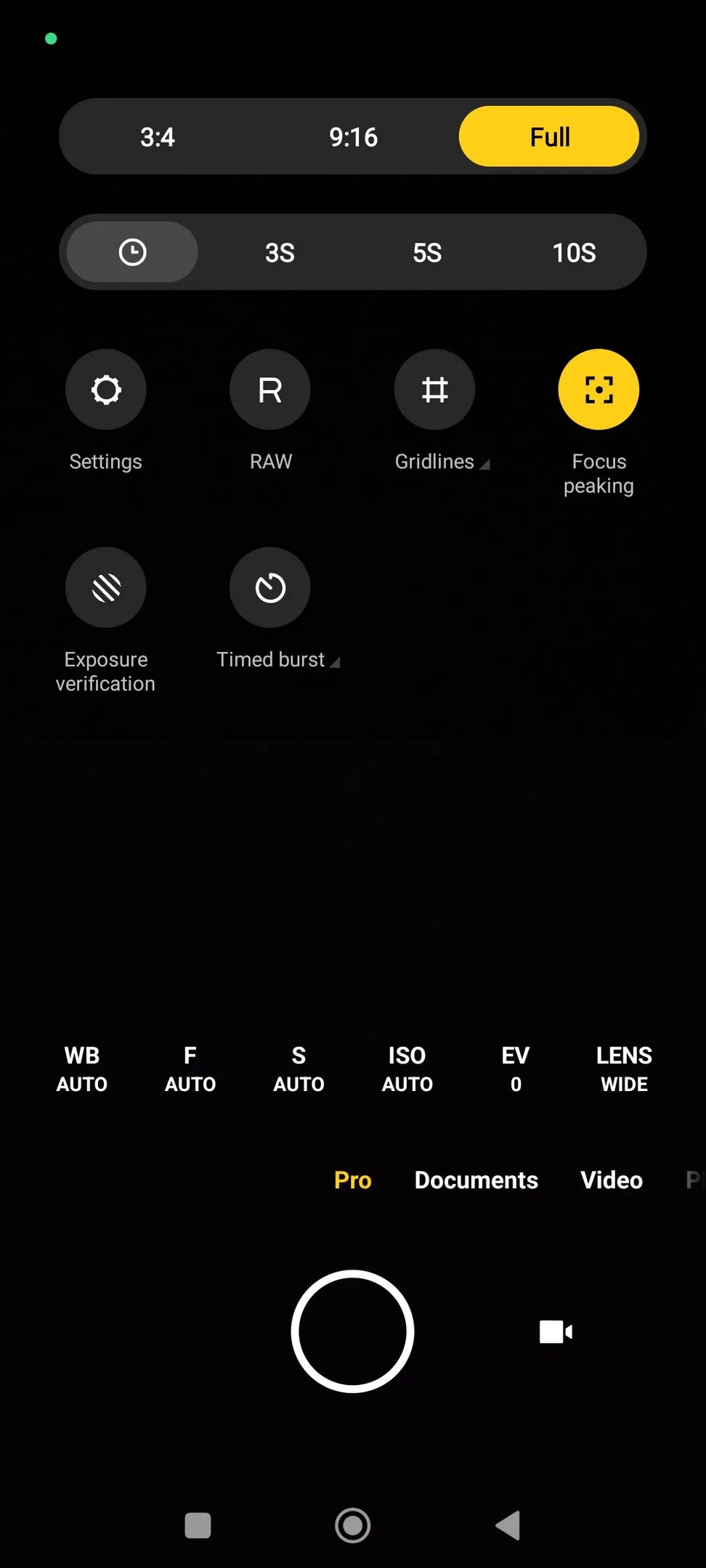
This feature is a real-time focus mode that helps you determine what area is in focus before you start to shoot by displaying red eyes on the areas in focus.
Exposure Verification
This feature helps identify which area in the picture has excess brightness by placing red shaded lines around it. You can adjust it to get the right highlights and shadow details.
Raw
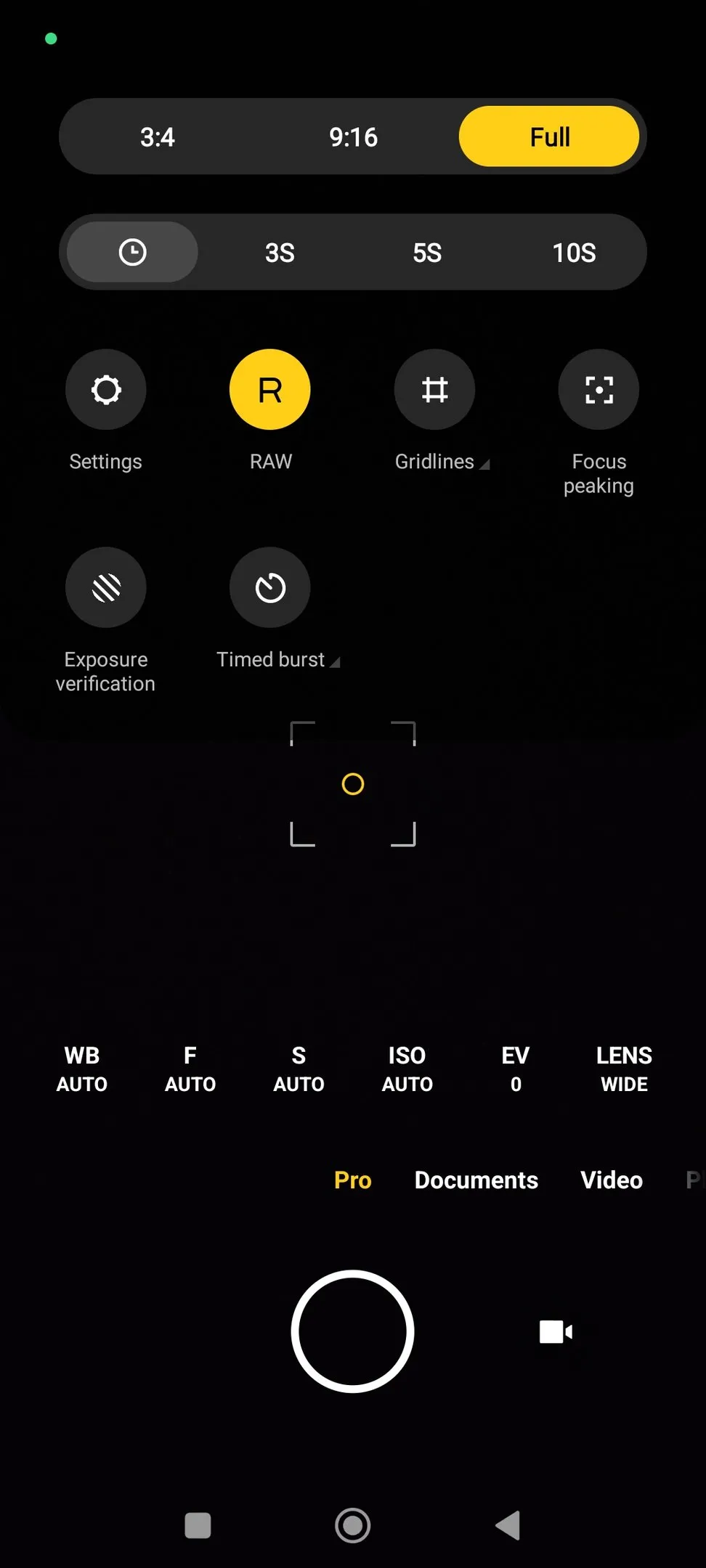
This feature saves both the files, the standard JPEG file along with the unprocessed RAW file, which gives greater flexibility for advanced levels of editing in apps.
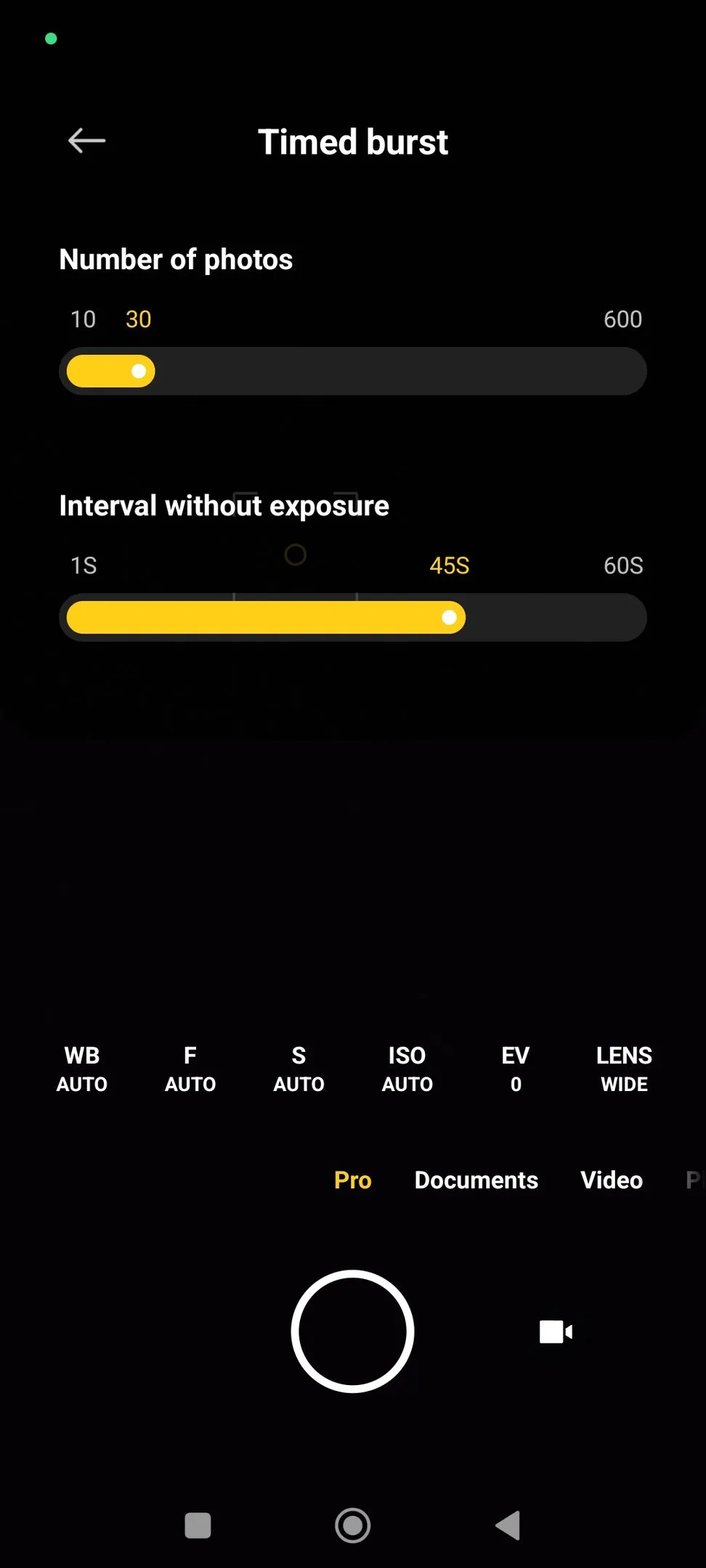
Timed Burst
This feature is an advanced feature in the Pro feature that helps capture a series of photos within a fixed time period and is one you should not miss, once you master the pro mode on your Xiaomi phone.
To use this feature, follow these steps –
Step 1: Open the Camera App on your Xiaomi Phone
Step 2: on the settings icon on the top right of the screen
Step 3: on the Time Burst icon
Step 4: the number of photos from the range of 10-600
Step 5: the exposure
Once you master the Pro Mode of your Xiaomi phone, the features it reveals are sure to help you achieve professional-level pictures by unlocking creative control for photography enthusiasts and regular everyday users alike.
Whether you aim to shoot in low light, capture a cinematic video, or click multiple shots in a set time frame, Xiaomi’s Pro Mode helps you do it all.
READ MORE: How To Quickly Identify A Song On Your Android Phone