
Check Battery Health of Your Redmi Phone: Keeping the battery of your smartphone healthy is key to an efficiently working smartphone.
If the battery of your phone is starting to drain quickly despite being fully charged just minutes ago, it is a sign that you need to check the health of its battery.
Redmi phones do not have a direct way of checking the battery health in all their phones. However, the user can still monitor the battery usage by different apps to analyze the performance of the phone battery.
To check the battery health of your Redmi phone, follow these simple steps:
Step 1: Go to ‘Settings’
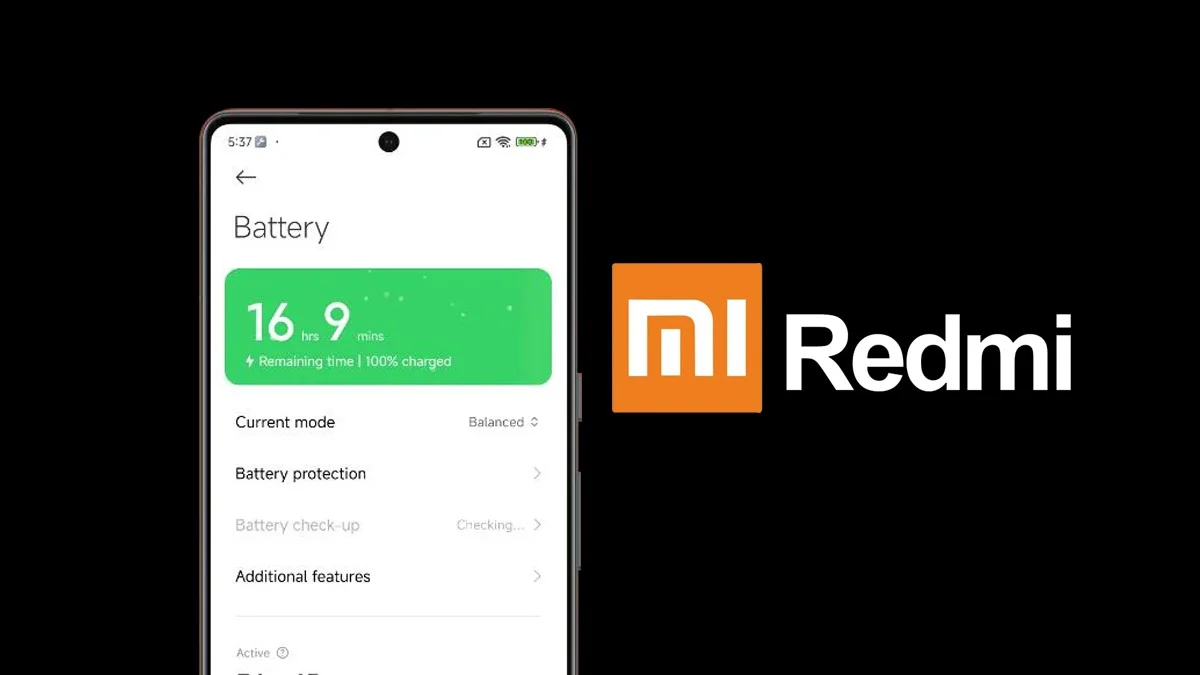
Open the ‘Settings’ on your phone and scroll down to find the ‘Battery’ option.
Step 2: Tap on ‘Battery’
Tap on ‘Battery’ and you will find statistics displaying:
- Battery usage per App
- Screen time
- Suggestions to increase the battery life.
This can help you identify which app is consuming the most battery and then make the changes accordingly by limiting access or uninstalling battery-draining apps, restricting background activity.
Using third-party Apps to check battery health of your Redmi Phone:
These third-party apps can be easily installed from the Play Store.
These Apps provide the following details-
- The estimated battery capacity
- Rate of Charge/Discharge
- Temperature
- Battery Health estimate, which is based on the charge cycles.
AccuBattery
- This App gives an actual estimate of your battery capacity in mAh, which will help the user identify how much wear and tear their phone’s battery has been through over time with usage.
- Real-time charging and discharging speed can also be monitored by it.
Battery Guru

- Battery insights are provided in this App.
- Reminders regarding charging and discharging are also offered as the App tracks the charging sessions.
- Battery Guru offers suggestions to extend the battery life of the phone.
Ampere
This App focuses on how much the phone is charging when different cables or chargers are being used. It helps the user analyze which charger is best suited for the battery of the phone.
Steps you can take to maintain and improve the battery health of your Redmi phone:
- Never let your phone discharge to 0 percent.
- Avoid overcharging your phone and unplug it as soon as it is close to 90-95 percent.
- Remove the phone cover while charging.
- Use the battery saver option when required.
ALSO READ: OpenAI To Permit Erotic Content On ChatGPT For Verified Adults